Understanding Splunk Phantom’s Join Logic
Security Splunk
Oftentimes, these playbooks are simple: run a query, or complete a single action, like an IP or URL lookup. However, playbooks can also be more dynamic and comprehensive, such as coordinating a multi-action phishing response that taps into a multitude of third-party security and IT products. As the complexity of your automation increases, there’s a need for more advanced playbook design to ensure they run effectively.
The Phantom visual playbook editor allows both developers and non-developers to construct and customize complex Phantom playbooks with drag-and-drop ease. While constructing a playbook graphically, the visual playbook editor generates all supporting code behind the scenes and in real time.
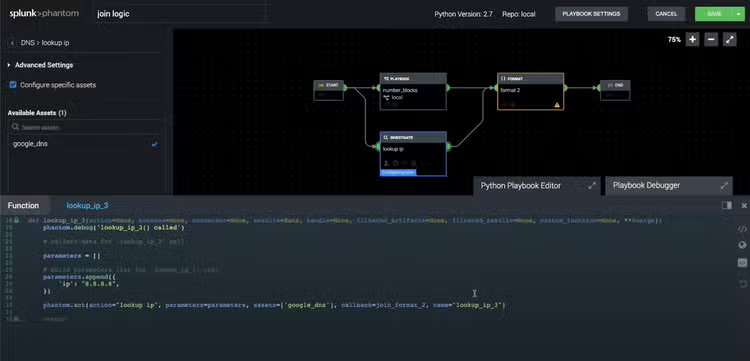
Have you ever built complex playbooks and tested them, only to find that they halted execution mid-stream? That’s probably because of your ‘join’ settings. When transitioning from more than one action block to a single block, some playbooks may stop running unexpectedly.
Pro tip: parallel single actions are the culprit. If the join setting is misconfigured, the playbook may stop or run in ways that the analyst did not intend. But we’ve got your back.
Tune into our webinar "Understanding Phantom’s Join Logic" to walk through a complex playbook build and how to integrate ‘join’ logic so your playbooks execute effectively, according to plan.
----------------------------------------------------
Thanks!
Olivia Courtney
Related Articles

Splunk Field Hashing & Masking Capabilities for Compliance

Level Up Your Cybersecurity with Risk-Based Alerting