Splunk Platform
Splunk Enterprise
Search, analysis, and visualization for actionable insights from all of your data.
Already have a Splunk account? Log in to download

Splunk Platform
Search, analysis, and visualization for actionable insights from all of your data.
Already have a Splunk account? Log in to download
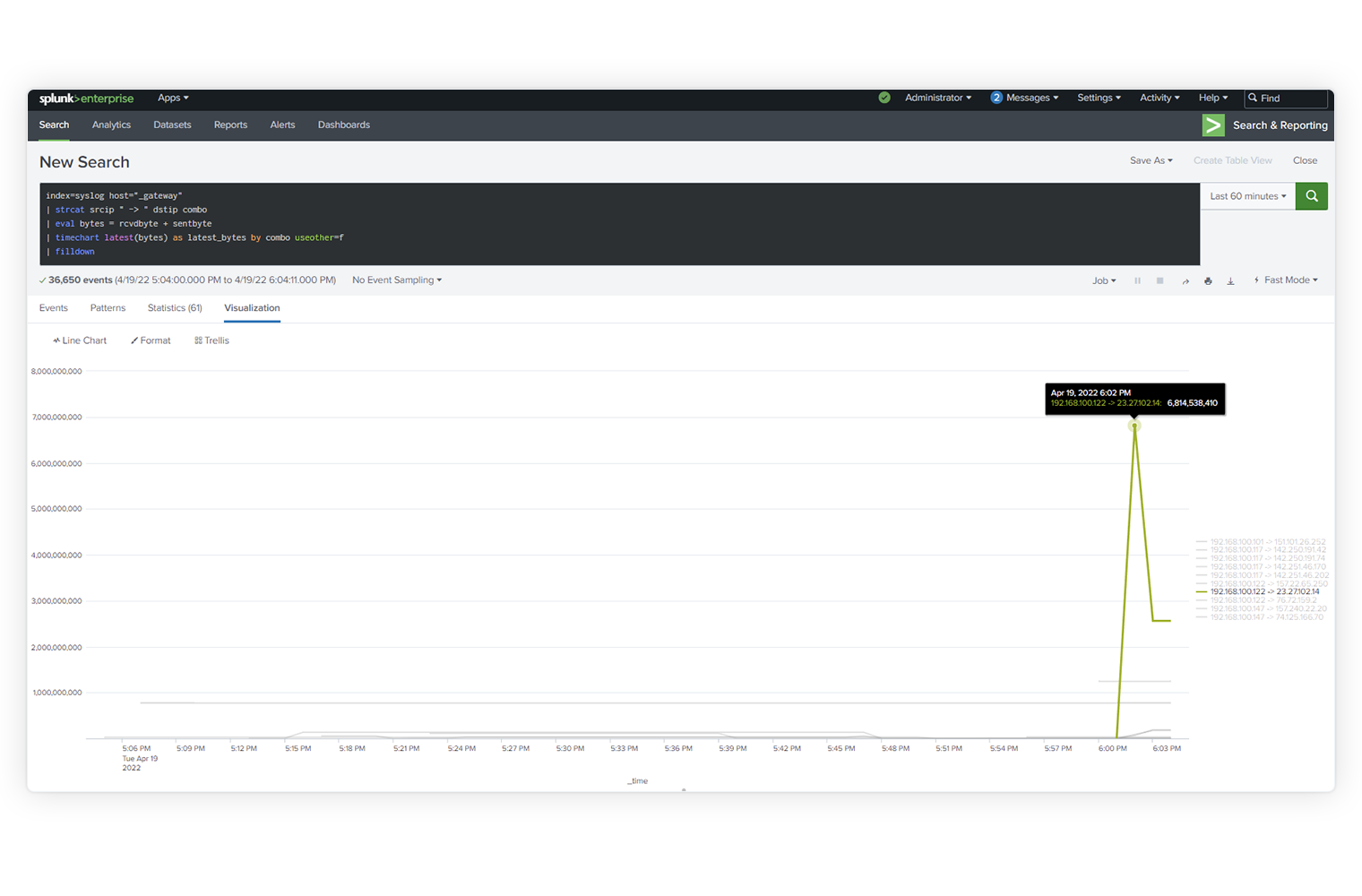
Explore data of any type and value — no matter where it lives in your data ecosystem.
Drive business resilience by monitoring, alerting, and reporting on your operations.
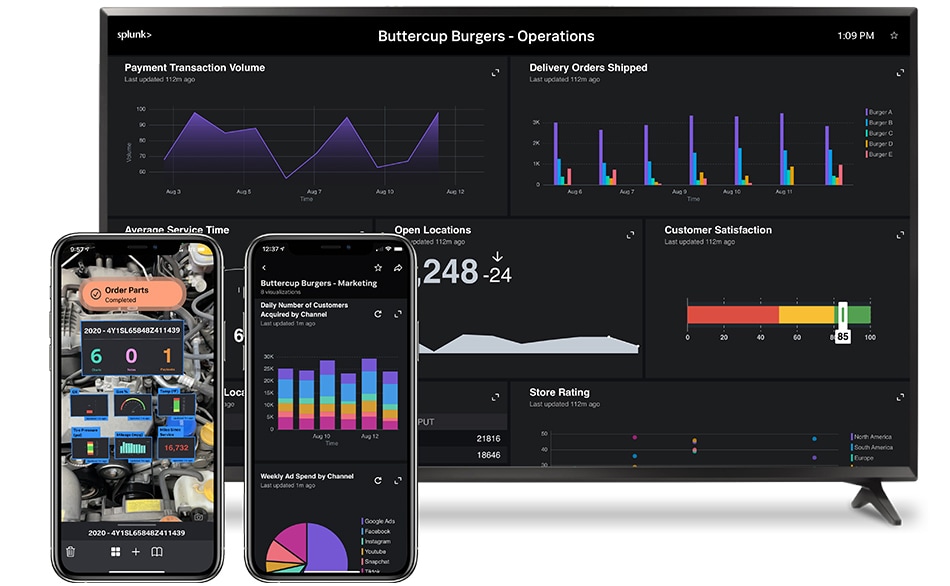
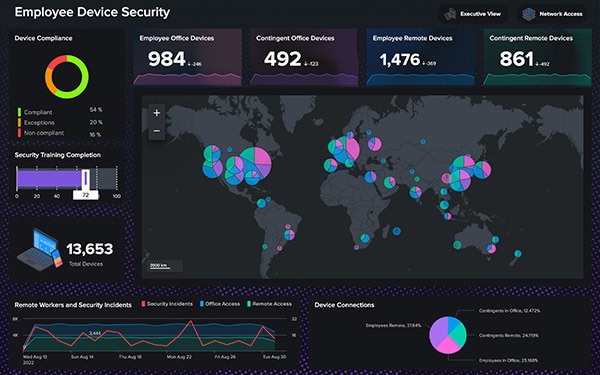
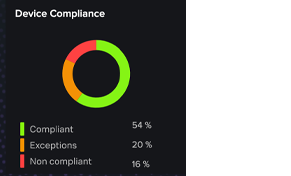
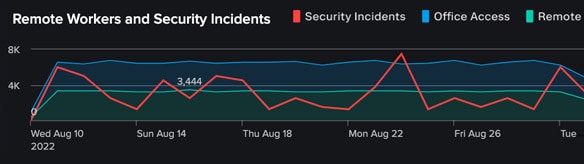
Create custom dashboards and data visualizations to unlock insights from anywhere — in your operations center, on the desktop, in the field, and on the go.
Use data from anywhere across your organization so you can make meaningful decisions fast.

Predict and prevent, don’t just react. Improve security and business outcomes by bringing machine-level intelligence to your data.

Collect, process, and distribute data to Splunk and other destinations in milliseconds with real-time stream processing.

Collect and ingest data from thousands of sources and counting, all at terabyte scale.

Interact and collaborate from anywhere with mobile, TV, and augmented reality capabilities.

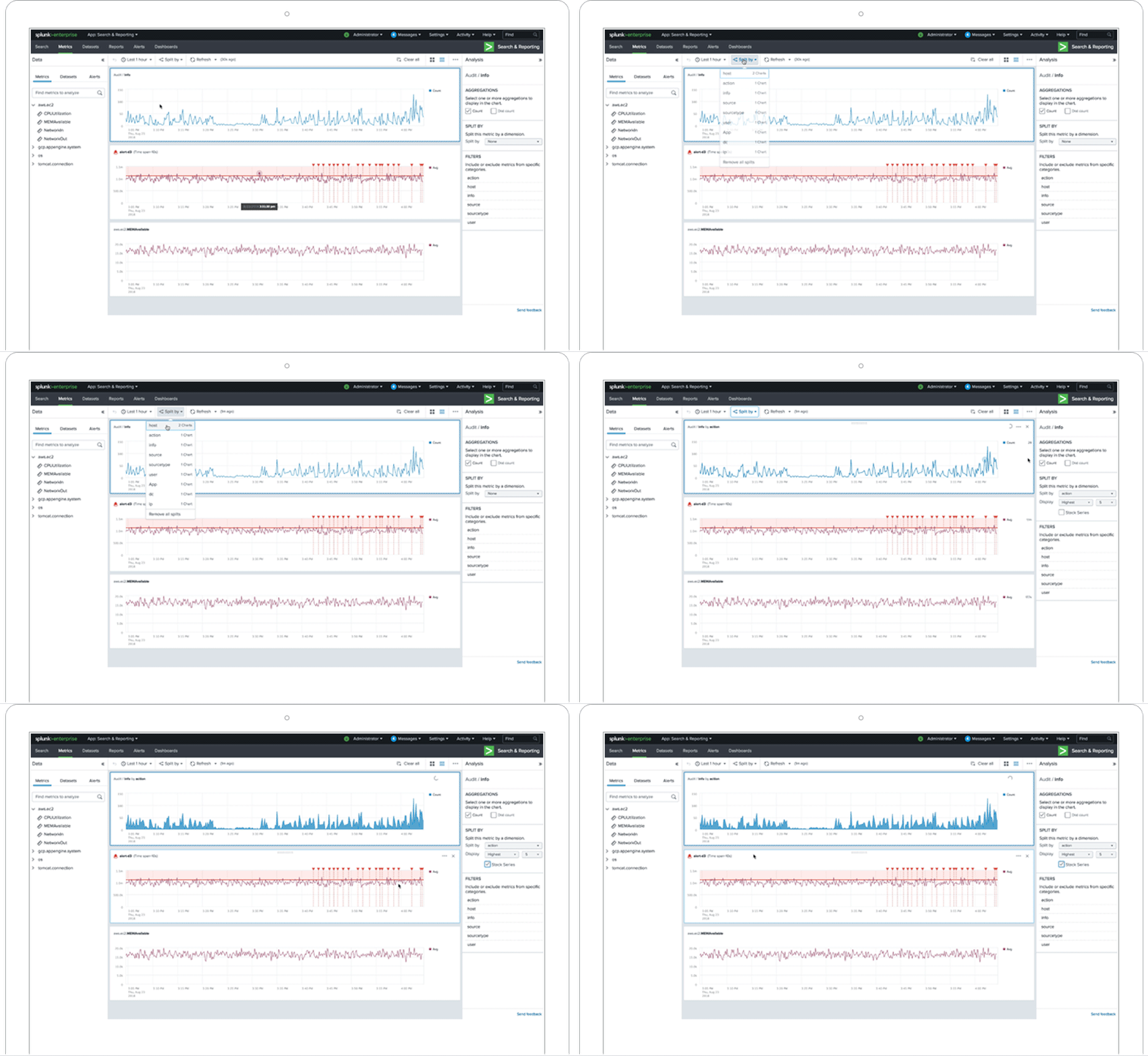
React instantly with visualization. Convert logs into metrics, boost search and monitoring performance, and streamline alerting functions.

Easily communicate even your most complex data stories using our intuitive dashboard-building experience.
Powered by Splunk AI
Splunk AI capabilities unlock more informed insights, and make human decision-making and threat response faster. Use our free machine learning apps — Splunk AI Assistant, Anomaly Detection Assistant, Deep Learning and Data Science App and the AI Toolkit. Plus, enjoy machine learning embedded throughout our products, including Splunk IT Service Intelligence (ITSI) to Splunk User Behavior Analytics (UBA) and many more.


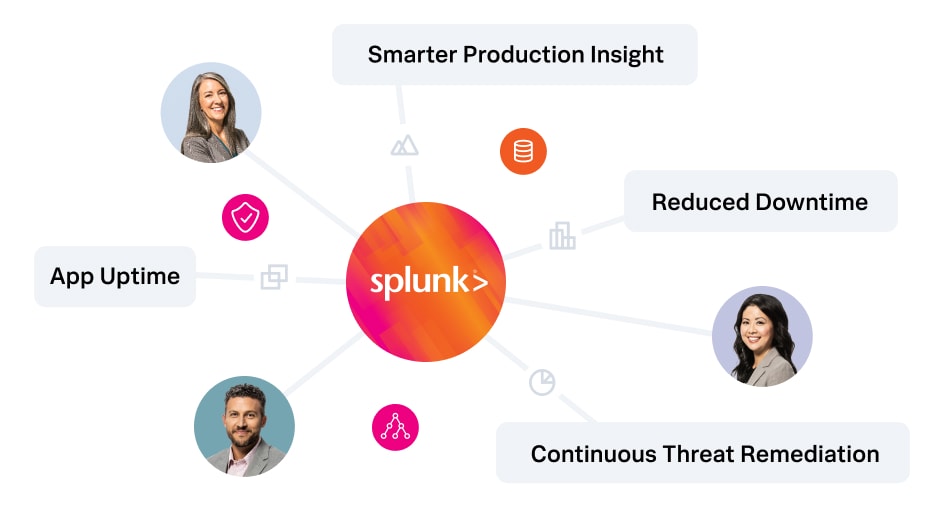
The Splunk Platform helps us monitor performance for every machine and technology so we can pinpoint the root cause of an issue, fix problems faster and help people do their jobs better.

Quickly detect, investigate, and respond to threats with a market-leading SIEM.


Deploy Splunk AI on-premises with pre-sized, pre-validated Cisco infrastructure optimized for Splunk AI workloads and single-vendor support.
© 2005 - 2026 Splunk LLC All rights reserved.