If you were impressed with Splunk 3, you'll be amazed by Splunk 4

Splunk invented IT Search as a better way to manage, secure and audit IT infrastructures. We introduced our first licensed version in 2006. Since then we've had over 350,000 downloads of our software and over 1,100 licensed customers using Splunk everyday to keep critical business systems running - among them great global companies like MySpace, Intuit, eBay, Vodafone, Swisscom, AutoDesk and more.

Our users have given us incredibly valuable input for planning this next release. How can I use Splunk to index terabytes of data per day? How can I easily and cost-effectively search through hundreds of terabytes of stored data? How can I get my bosses and colleagues to benefit from using Splunk? How can I manage a Splunk installation with thousands of Splunk servers and forwarders geographically distributed around the world?

Splunk 4 provides the answers to these needs. Read on to learn more. Or download Splunk 4 now for free.


Incredibly Fast and Scalable

You want to do more with less and you and you want to do it faster. Splunk 4 takes performance to the next level. Search 10x faster. Index 2x faster. Search billions of events in seconds on a single commodity server. Index twice the volume of data on the same hardware. No other technology for managing time-series, unstructured IT data delivers the performance of Splunk. Splunk 4 lets you run a faster more scalable Splunk with fewer resources.

Custom Dashboards and Views

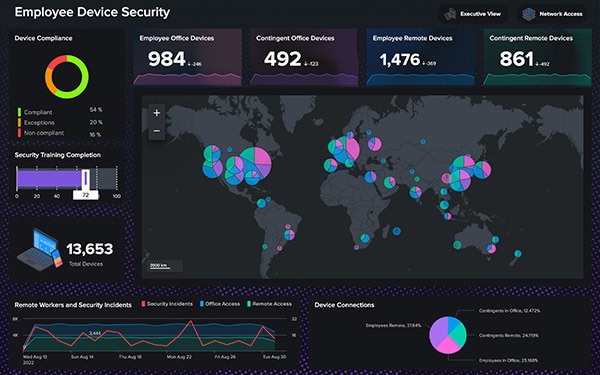
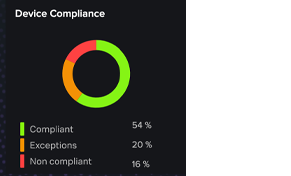
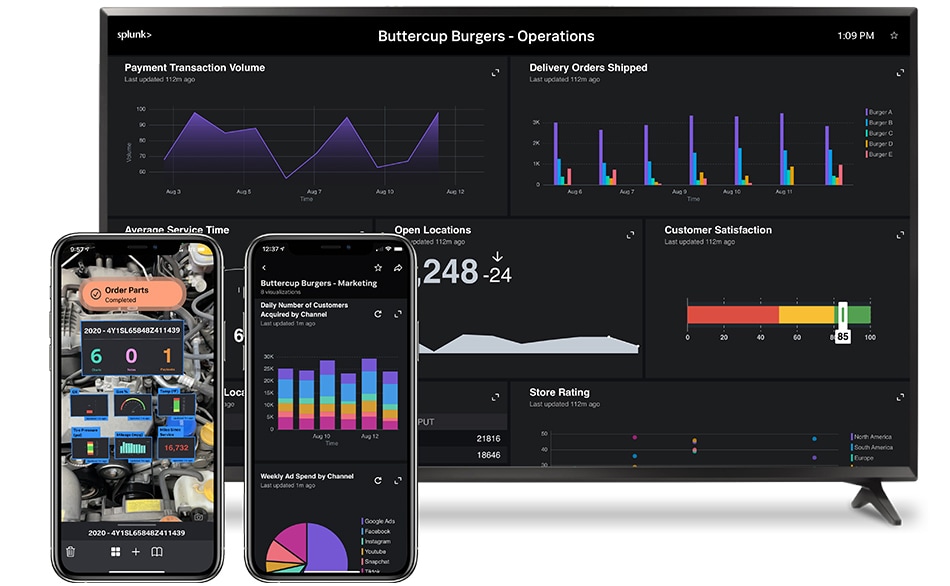
Splunk 4 extends the power of IT Search to every desktop. Create custom dashboards in minutes with Splunk 4's dashboard editor and make more sense of the huge volumes of data at your disposal. Combine pre-defined searches, charts, alerts and reports into a powerful dashboard. Or create mashups with other Web-based Apps, such as Tivoli, SAP, security consoles and more. Now management, security analysts, auditors, developers and sysadmins are all empowered to get more from your IT Data.

Easier, More Powerful Reporting

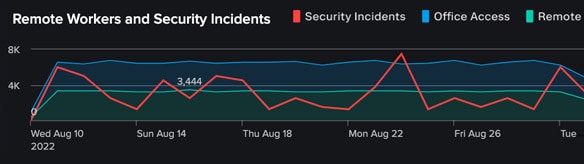
Splunk 4 makes it easy to build reports and visualize your hard to understand IT data. Use Splunk 4's new Report Builder to create robust, information-rich reports from scratch without an advanced knowledge of search commands. Visualize important trends, see highs and lows, summarize top values and report on the most and least frequent types of conditions. Run statistical analysis and summary reports over long periods (months, or even years) and over massive amounts of search results. Watch as charts are dynamically updated with search results. Save reports, integrate them into dashboards and share them with management or other colleagues in secure, read-only formats such as PDF.

Highly Responsive, More Powerful Search

We've made Splunk easier for new users, and more powerful for power users.

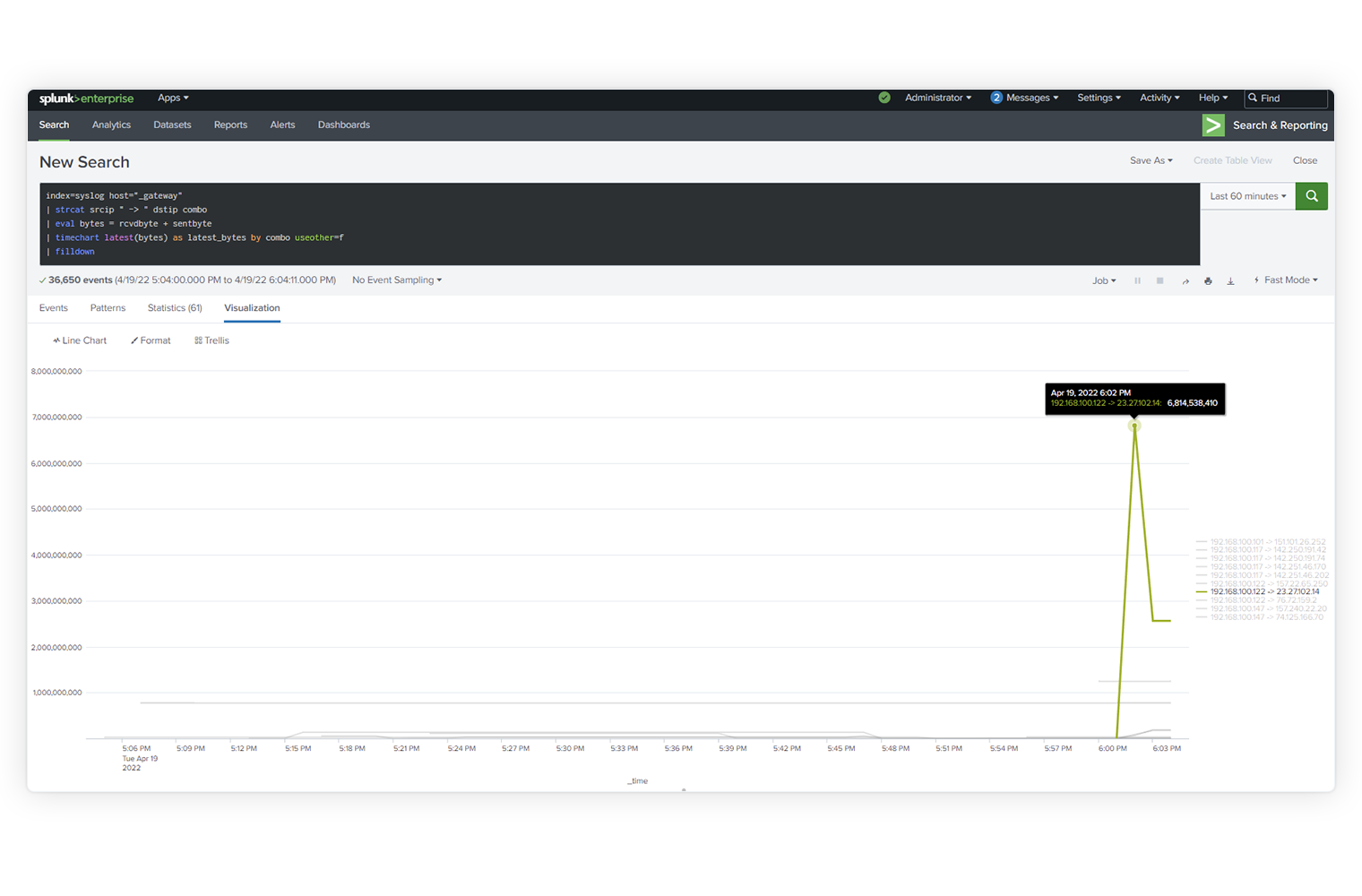
Search Assistant helps build better searches. Start typing and Search Assistant will offer typeahead suggestions based on what's in your data. You'll also see suggested searches based on your search history and contextual help so that you can leverage the full power of Splunk's search language.

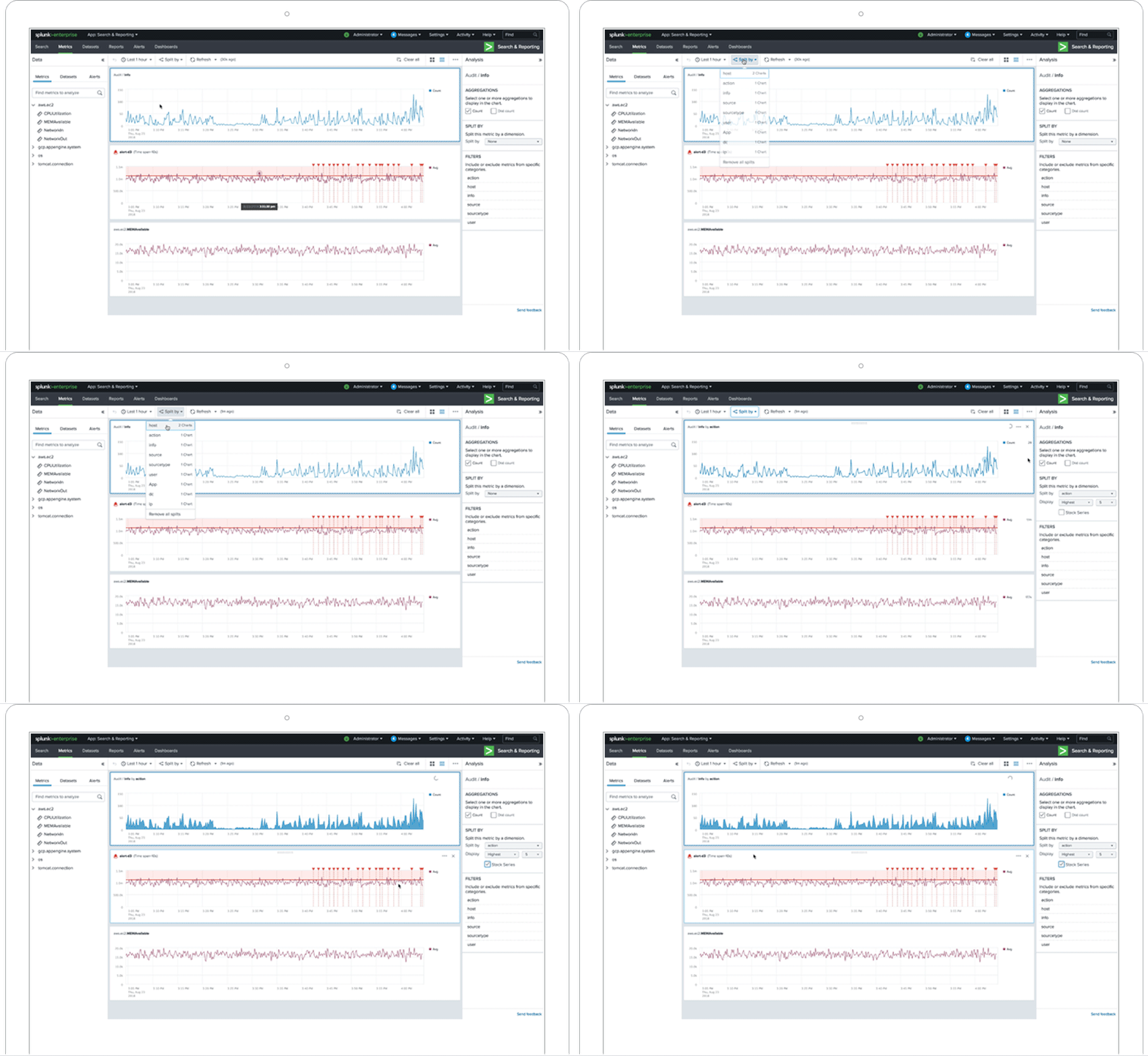
The new highly responsive search interface lets you analyze search results immediately before a search is completed, enabling faster problem investigation and resolution.

Search language extensions let you perform faster search time calculations. Dynamic field lookups simplify searches further by storing static data, search-generated results and even values from external systems.

Easier Management - Small to Massive Deployments

Splunk 4 is easier to manage with powerful new visual tools to improve how your Splunk installation is managed and administered.

Splunk Manager is designed for users and administrators alike. Administrators can now centrally manage Splunk and even delegate specific management rights to different departments and users. Users can see and manage their own saved searches, reports, event types and dashboards from one place.

Jobs Manager enables administrators to see which jobs are draining resources, assign priorities to jobs, allocate job quotas to different users and pause, finalize and resume a job.

New dashboards for monitoring your Splunk installation provide visibility into search performance, indexer performance, CPU usage metrics and more.

The Splunk Deployment Server has been significantly enhanced, improving how distributed Splunk deployments are managed, including support for managing the deployment of Apps, hierarchical management of configurations for distributed deployments, support for automatic load balancing and failover.

Opening a Whole New World of Apps

Apps let you do even more with Splunk. Choose from Apps that already exist for common use cases, such as for security, compliance and operations management. Splunk 4 makes it easy for customers, partners and the community to innovate on Splunk and build, package and deploy their own Apps. The new Splunk App Framework, provides the ability to develop and package apps through a single user interface. Deliver a user experience tailored to a specific use case or augment existing vendor technologies. Once built, apply role-based access controls and deploy Apps with a tailored installation experience. Examples of technology partners building Apps on Splunk 4 include F5, Blue Coat, Cisco and Microsoft.

Over 50+ Additional Features

Splunk 4 has 50+ new features and 1800+ enhancements to help users deliver a fast return on their investment. Here are some of the other new features helping transform the award-winning IT Search engine beyond a useful tool into the enterprise standard for IT visibility and insight.

  • New getting started experience: a new getting started tutorial makes it easy for new users of Splunk to get productive.
  • Search language extensions: more powerful search commands, knowledge extensions and the ability to conduct external lookups.
  • More powerful alerting: support more complex conditions for triggering an alert, including the ability to use search as a condition.
  • Data routing: new support for data routing through Splunk server to user defined destination via UDP or TCP, speeds integration into heterogeneous environments.
  • Enhancements for Windows: a new Windows App to manage Windows specific inputs such as registry auditing and WMI; dramatically improved performance on Windows and support for Active Directory auditing.

Splunk 4 is our fastest, most powerful release yet. Get Splunk and get your IT data working for you. Download Splunk now for free.