none




The data platform for trusted AI at scale
The Splunk Platform powers the Cisco Data Fabric architecture, helping security, IT, network, engineering, data, and AI teams turn distributed machine data into trusted cross-domain context for model training and agentic action.

Federate data
Analyze data where it lives at lower cost. Bring analytics to data across Splunk and supported external stores, and treat, route, govern, and retain telemetry based on value and use — without moving every dataset first.

Correlate at scale
Connect data in real time across security, network, application, infrastructure, and third-party domains. Combine high-fidelity machine data with Cisco telemetry to reveal what happened, why it matters, and what should happen next.

Transform data for AI
Unlock machine data and operational context for model training, AI-assisted investigations, predictive workflows, and agentic action — with access controls, traceability, explainability, guardrails, and human oversight.

Connect data in real time across domains
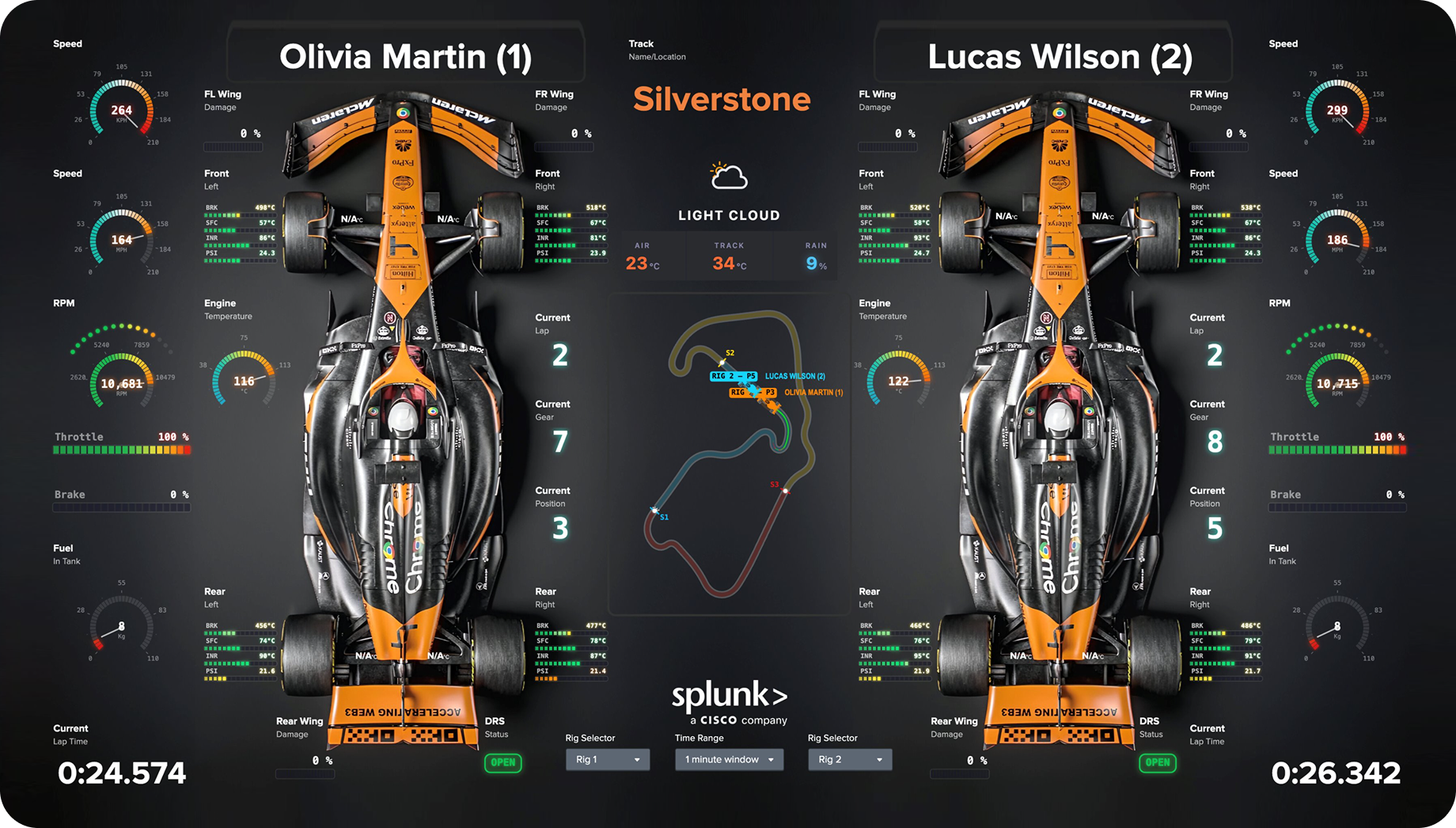
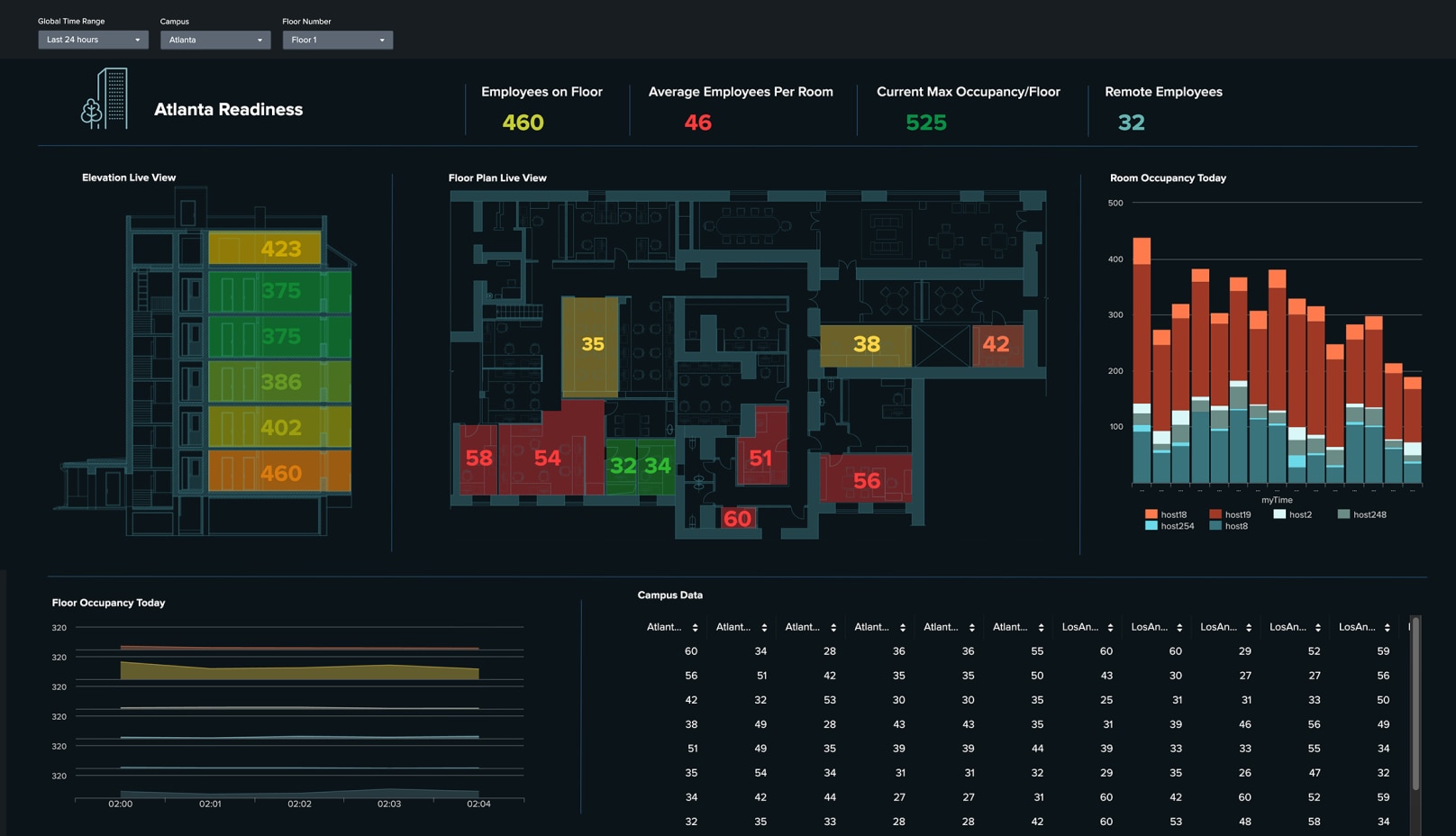
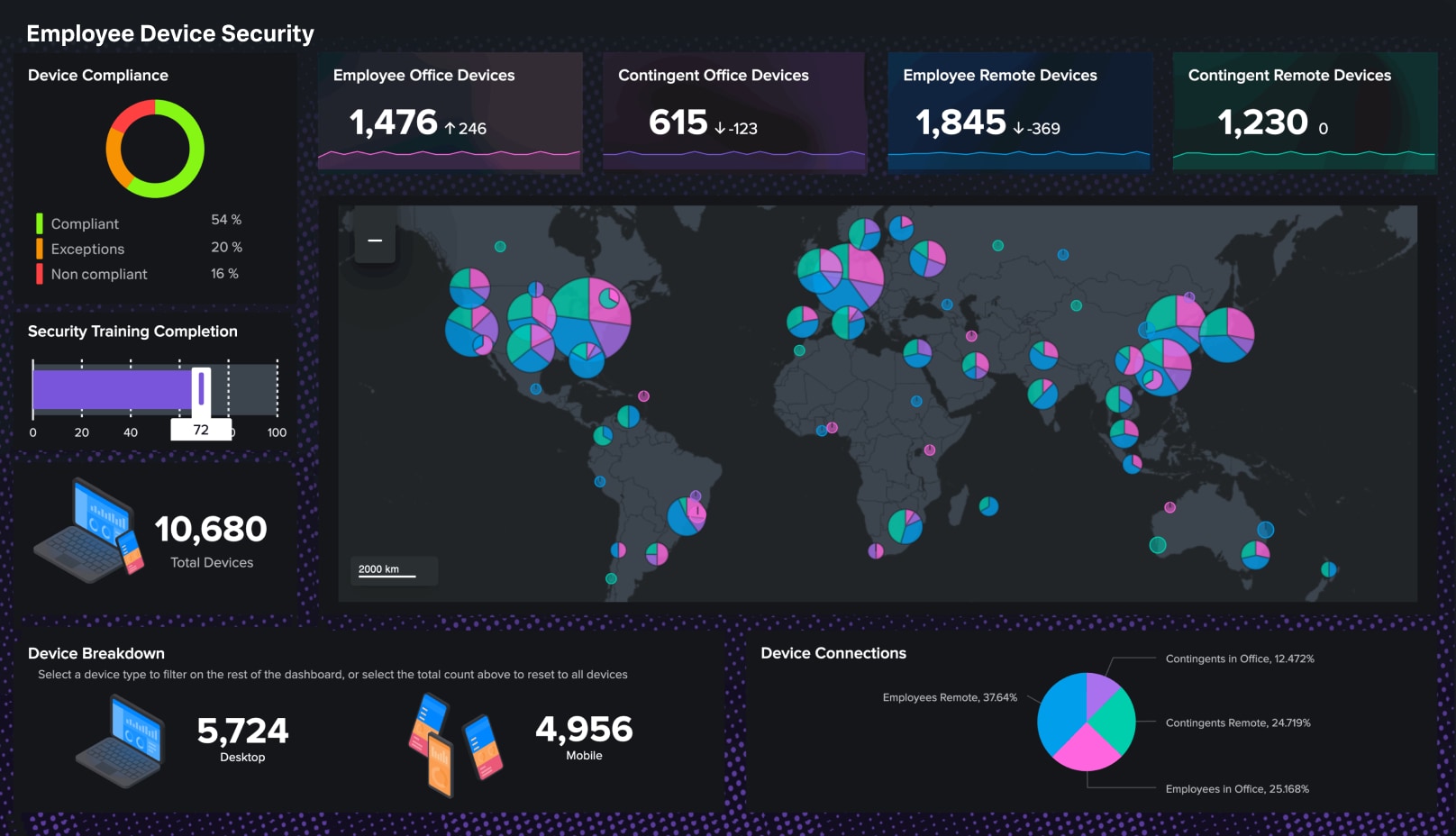
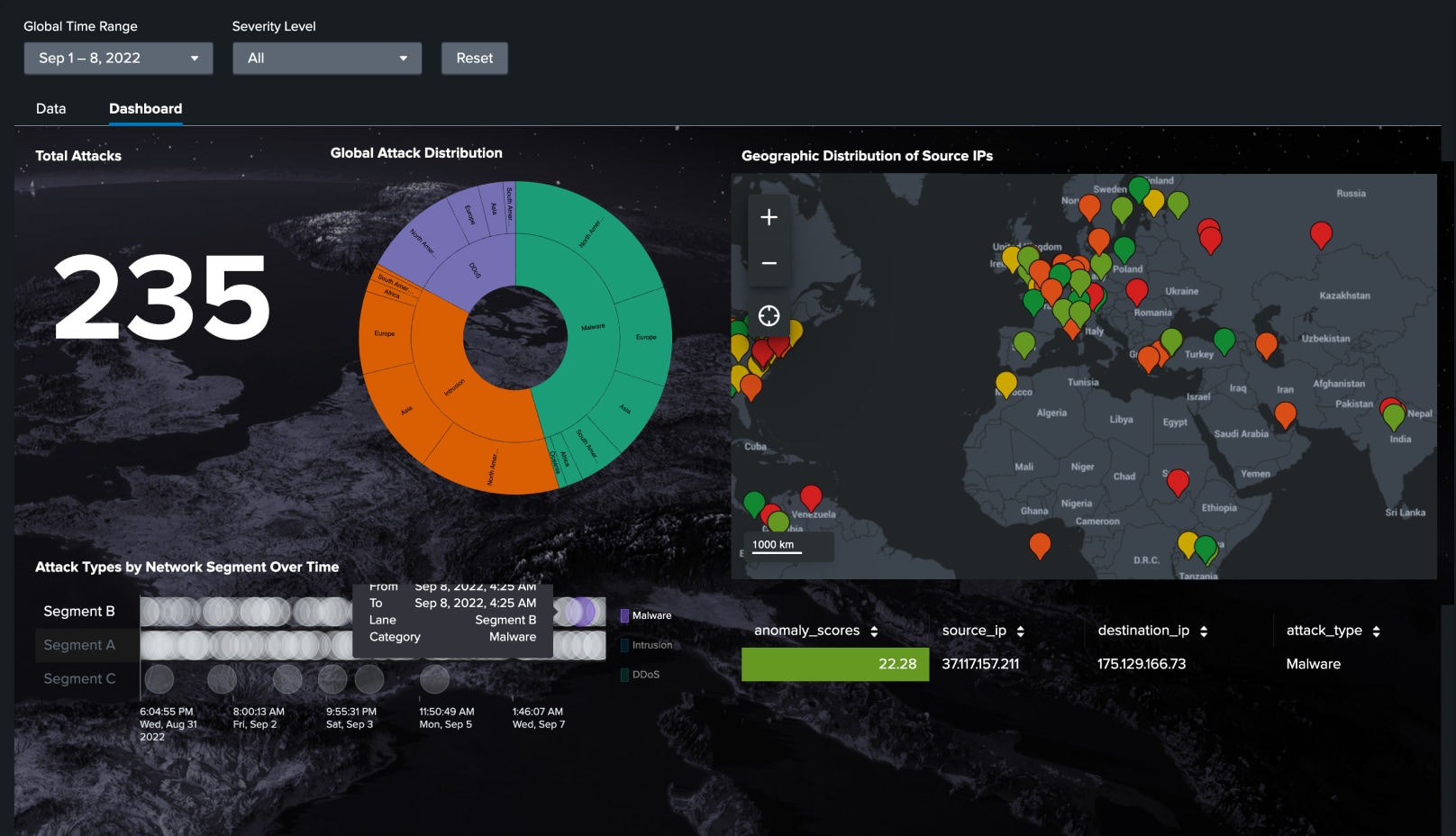
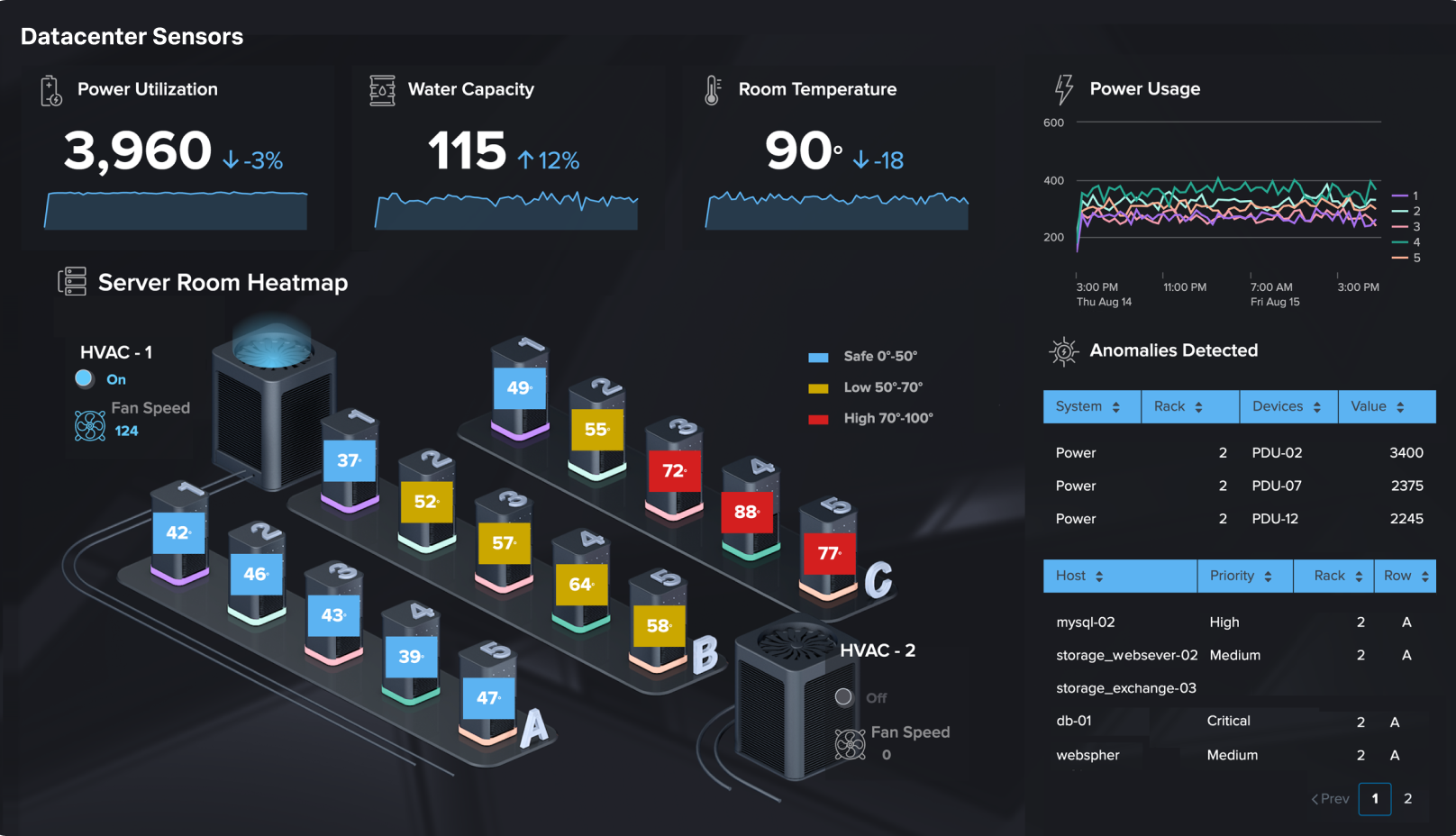
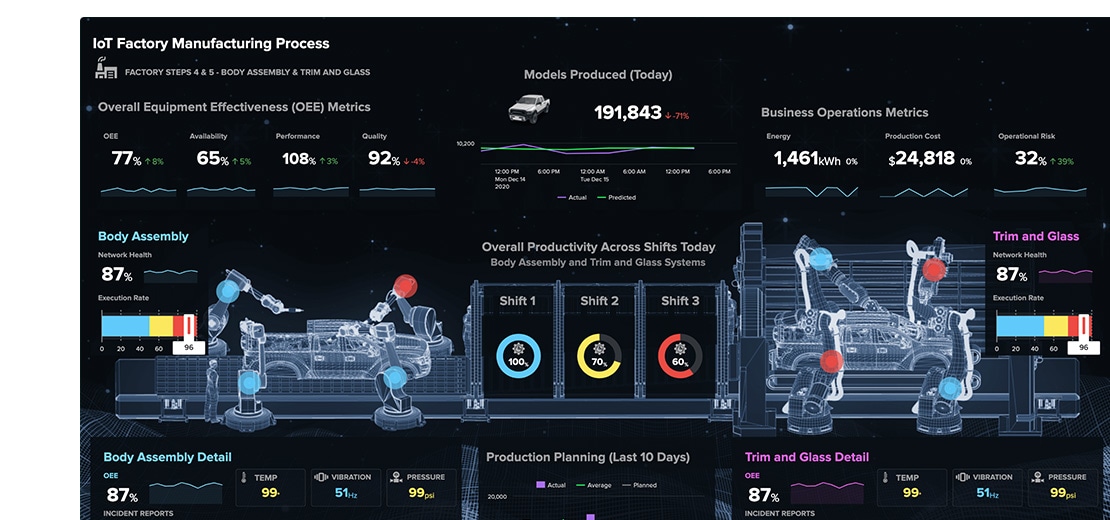
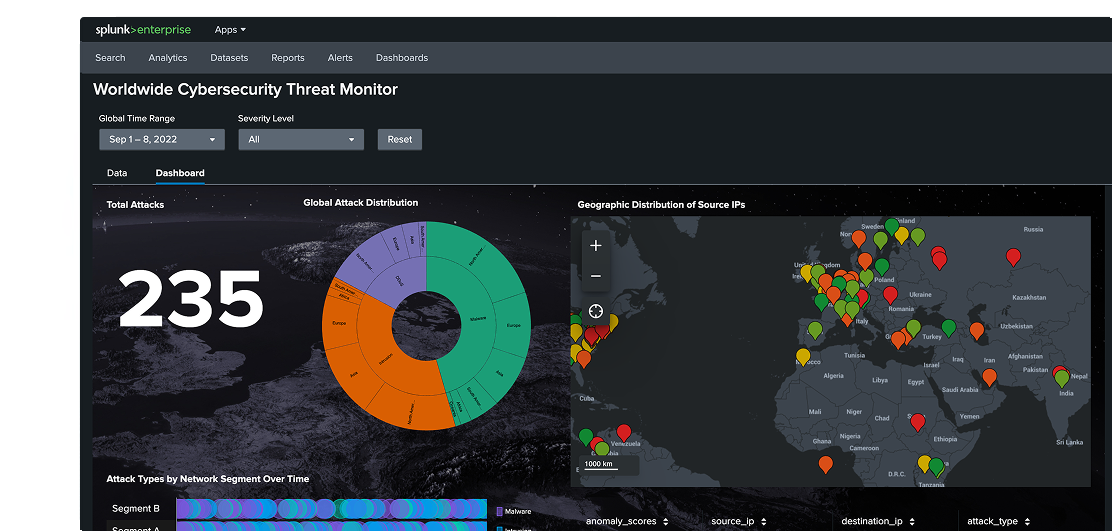
Correlate high-fidelity machine data in real time across security, network, application, infrastructure, and third-party domains. Build a trusted view of system behavior, then turn that context into clear visualizations with Dashboard Studio.

CUSTOMER STORY

Autodesk Reduces Costs by 28% with Federated Search
Federated search has been a game changer for us in cost optimization. We route only the critical logs to Splunk and keep everything else in S3 for ad hoc or audit needs.
28%
lower overall ingest costs
78%
savings from one migrated search tool

CUSTOMER STORY

Regeneron Reduces Downtime with Real-Time Correlation
Our risk for downtime is reduced because we’re able to track and address issues preemptively.”
800
downtime hours avoided
0
significant data-loss events

CUSTOMER STORY

REPAY Cuts Incident Triage Time with AI Assistant
50%
faster incident triage
30%
lower transaction latency

CUSTOMER STORY

Bosch builds a sustainable future with data-powered insights with Splunk
With Splunk’s real-time dashboards, we can make decisions faster and ensure production runs as smoothly as possible.
Interoperable and extendable ecosystem
The Splunk Platform integrates seamlessly with your existing technology, offering flexibility through 2,000+ integrations and a thriving ecosystem of experts.
Connect, customize, and innovate with Splunk
- Explore the full Splunk portfolio to unify security and observability across your enterprise.
- Extend your capabilities with thousands of integrations, community-built apps, and add-ons on Splunkbase.
- Drive innovation and influence product evolution by sharing feedback through the Voice of the Customer program and Splunk Ideas.
- Access a network of expert guidance on Splunk Community and Splunk Lantern for technical information and collaborative solutions.
Awards and Recognitions
The Splunk Platform powers leading security and observability solutions.
It's the platform driving Splunk Enterprise Security, recognized as a 11-time Leader in the Gartner® Magic Quadrant™ for SIEM, empowering thousands of customers to outpace adversaries. The Splunk Platform fuels our market-leading observability solutions, also a Gartner® Magic Quadrant™ Leader, enabling system reliability, optimized performance, and real-time insights across your entire digital ecosystem.
An Eleven-Time Leader
#1 SIEM solution in all three Use Cases

Security Analytics Platform Leader

A worldwide SIEM for enterprise leader
Related categories

Unified security
Defend against threats with precision and speed. Splunk’s unified threat detection, investigation, and response provides complete visibility, AI and automation, threat intelligence, and high-fidelity alerts.

Agentic observability
Monitor and troubleshoot across any environment, stack, and network, including your AI infrastructure. Prevent and prioritize issues based on business impact.

Cisco AI Pod for Splunk
Accelerate your AI initiatives with a pre-validated, pre-sized infrastructure solution. We integrate Cisco’s networking and compute with Splunk AI software to remove complexity, driving operational scale.