Splunk for Enterprise Security

Protect Your IT Infrastructure from Known and Unknown Threats

The nature of security threats has changed. The newest security threats are not detectable by rule and signature based systems or traditional Security Information and Event Management systems (SIEM). SIEMs uses a 'data-reduction' strategy of collection time normalization, data storage with limited search capabilities, and uses a subset of the collected data to monitor for around 200+ specific conditions (rules) that indicate the possibility of a 'known threat'.

The newest threats are often 'unknown'. These are from advanced persistent adversaries that use social engineering to get the user to bring malware into the enterprise for them--circumventing perimeter defenses. Once inside the enterprise the malware can hide its activities behind 'normal' credentialed user activities. This malware acts in the same way as a malicious insider--siphoning off large amounts of valuable company data for illegal gain.

Splunk and the 'Unknown' Threat

Splunk's powerful big-data analytics engine can accept IT risk scenario style thinking and support a security intelligence approach to discovering unknown threats. By placing large amounts of normal machine-to-machine and human-to-machine generated data into Splunk and applying analytics, users can separate normal behaviors from ones that may be malicious. These scenarios may be based on the time a user activity occurred, how long the activity took, how often a user accesses a system containing important data assets, the location from which the activity was initiated, or any combination of conditions. Splunk facilitates a 'data-inclusion' strategy. Using Splunk to perform this analysis coupled with a thorough knowledge of the modus operandi of the attacker, is the key to finding and identifying "unknown threats."

The Splunk App for Enterprise Security

The Splunk App for Enterprise Security provides a window into 'known' threat data collected from the traditional components of the security architecture. The Enterprise Security App features a metrics and domain based approach to consolidating and monitoring access, endpoint and network protection products while giving the user form searches and the ability to drill-down directly into the data. Once in the raw data, the App provides cross data-type investigation workflows and a robust incident management system to classify, prioritize, assign, and document security incidents. The App is flexible enough to allow the user to add their own real-time correlation searches to those provided and additional dashboards tailoring the App to the needs of security and business users. At any point in data exploration, the App can be used as a jumping off point for investigations of both known and unknown threats.

Unpacking the Splunk App for Enterprise Security

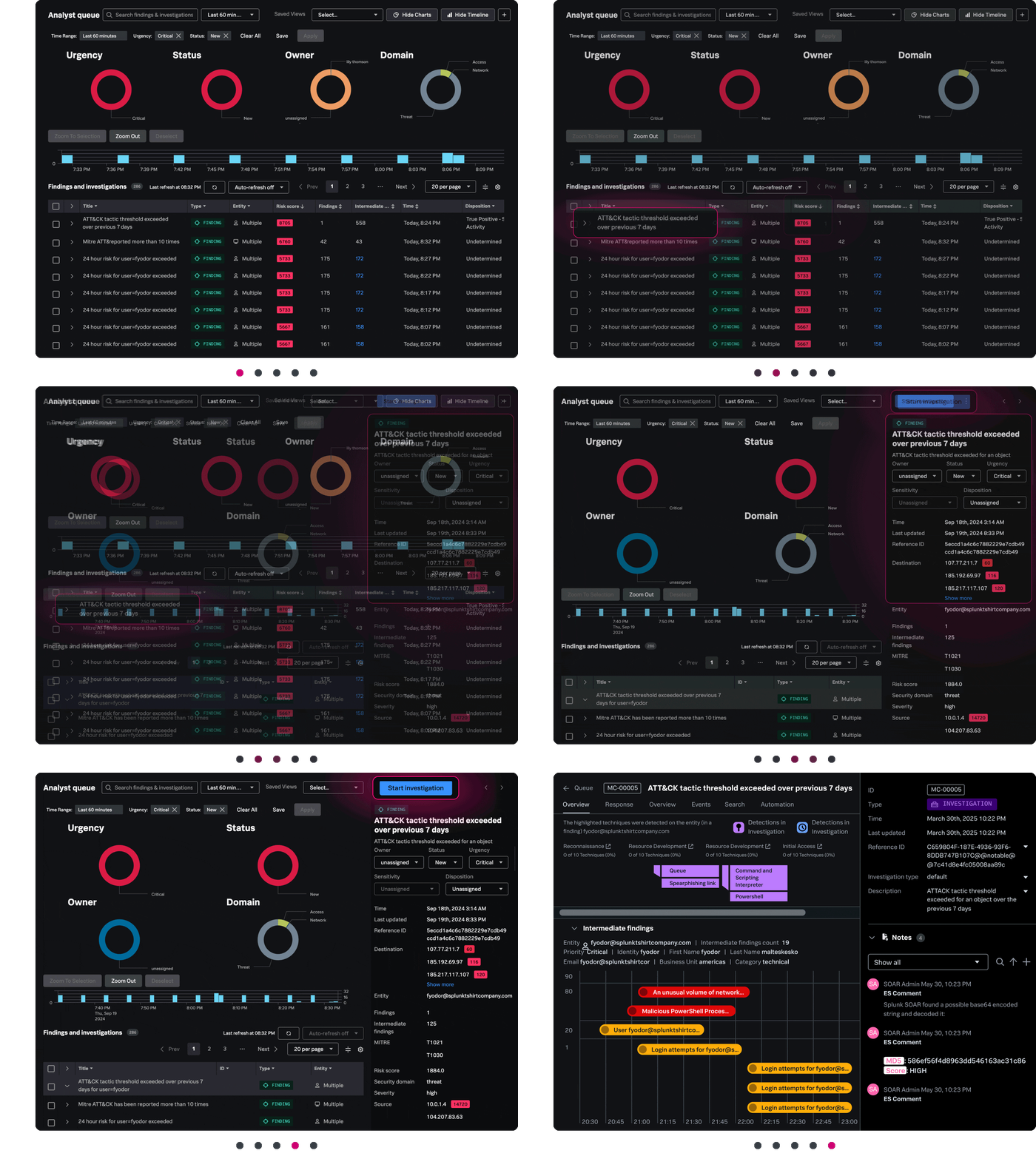
Security Posture Dashboard

The security posture dashboard provides a SOC-style view supporting situational awareness and continuous monitoring of security domain based risk. All graphics support drill-down into the incident review dashboard.

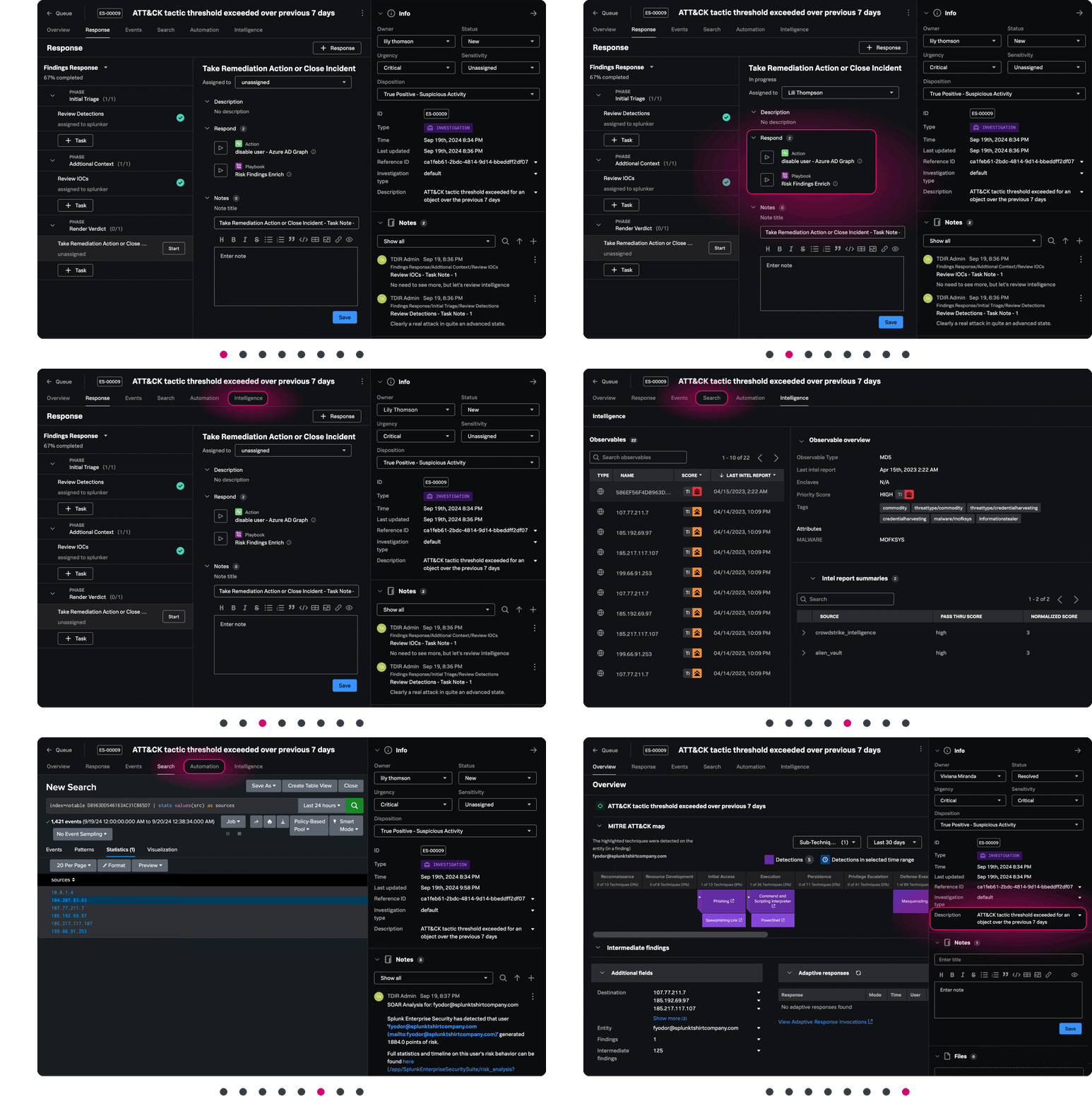
Incident Review

The Incident Review section provides the analysis workflows required to understand the priority of the incident, incident context, its type and what hosts were involved. One click and you are exploring the raw data or viewing a journal of incident activities. Pivot on any piece of data known about the host to find out additional information or see other related events.

Incident Review Workflow

Select one or more incidents and reclassify their status, urgency, owner, and add comments that act as an authoritative journal of incident remediation activities. Any incident changes made are instantly reflected in the Incident Review screen.

Incident Review Audit

Incident Audit Review monitors the incident review process and can provide information about the workload of security personnel, track metrics around certain kinds of incidents and provide a definitive record of activities and event processing often needed for audit purposes.

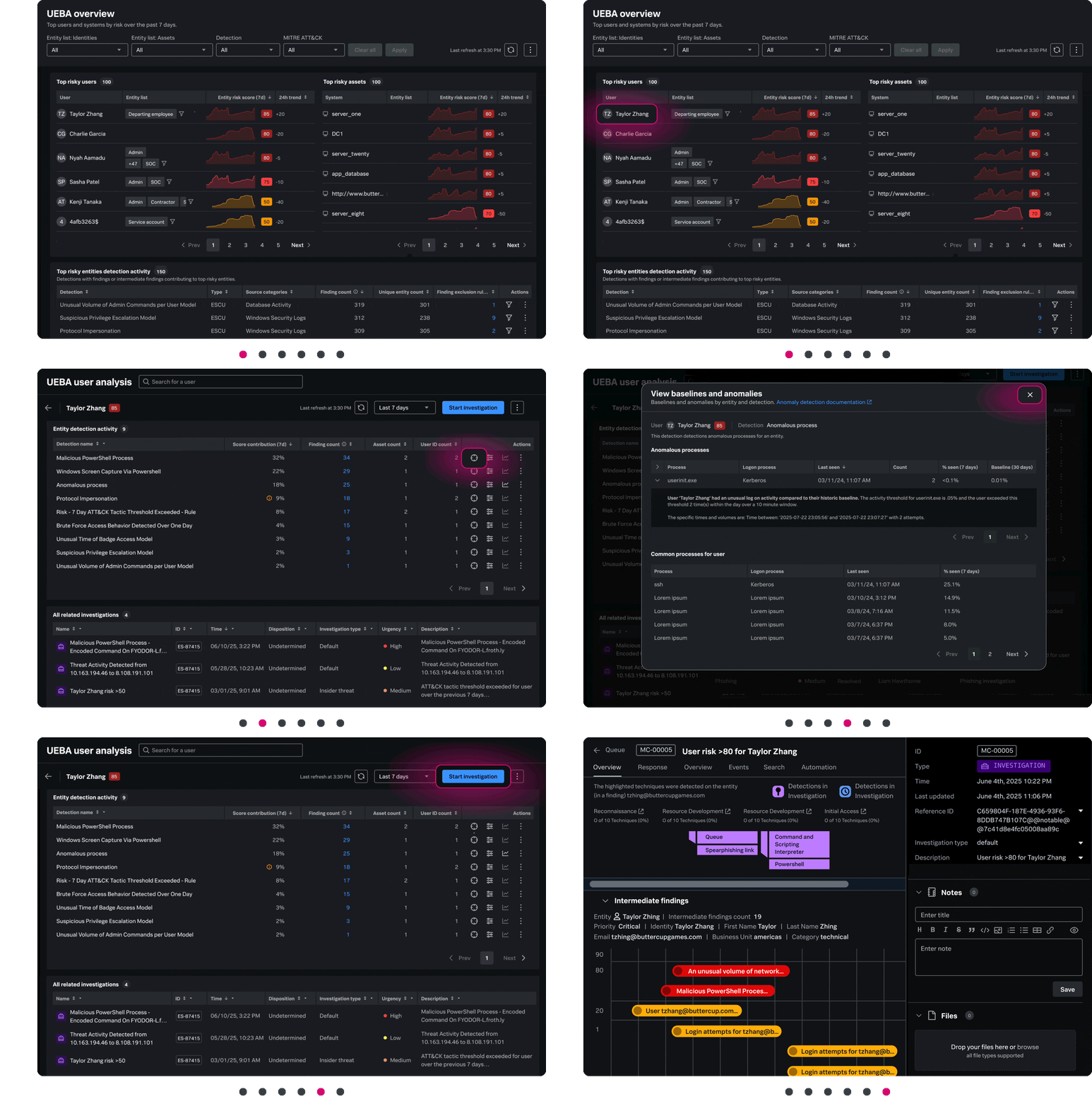
Identity Center

New in version 2.0, The Identity Center addresses the problem of multiple user identities for a single user used across multiple applications and systems. The Identity Center correlates all identities for a single user allowing the security professional to investigate a user's activities using investigation workflows throughout the App.

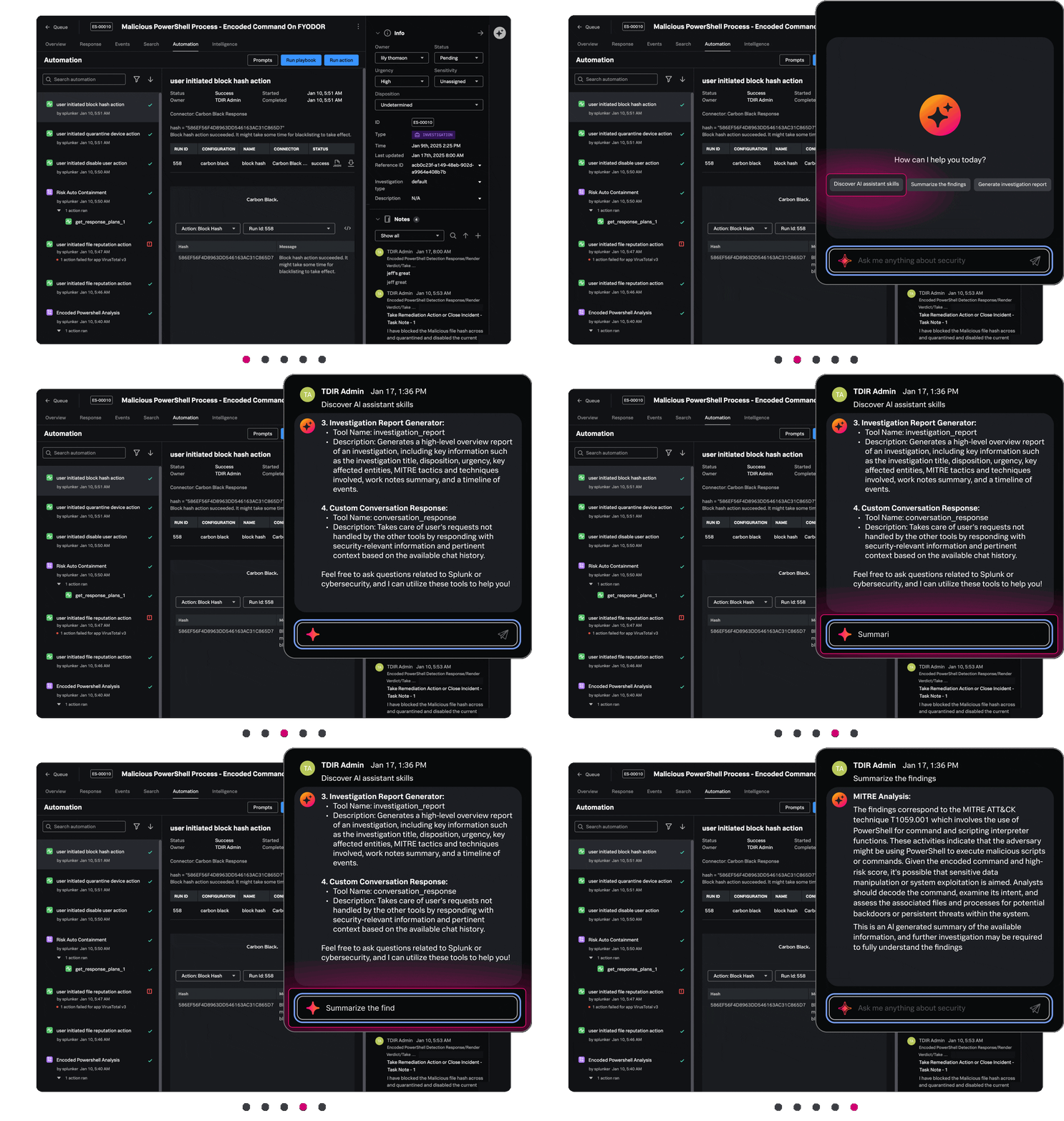
Access, Endpoint, and Network Centers

The Access, Endpoint, and Network Centers provide at-a-glance domain-based views of enterprise security posture. Any view can be changed to reflect a particular group of assets or specific business unit. As with all dashboards, graphical elements can take you to the raw log data or to specific types of incidents on the incident review page for further processing. Related Access, Endpoint, and Network search views (not shown) support diving into the data to get to root causes.