Get cloud-powered insights for petabyte-scale data analytics across the hybrid cloud.
Splunk products
Detect, investigate and respond faster with Splunk’s Unified Security and Observability Platform. Watch the demos below to see how SecOps, ITOps and engineering teams can collaborate to ensure digital systems remain secure and reliable.
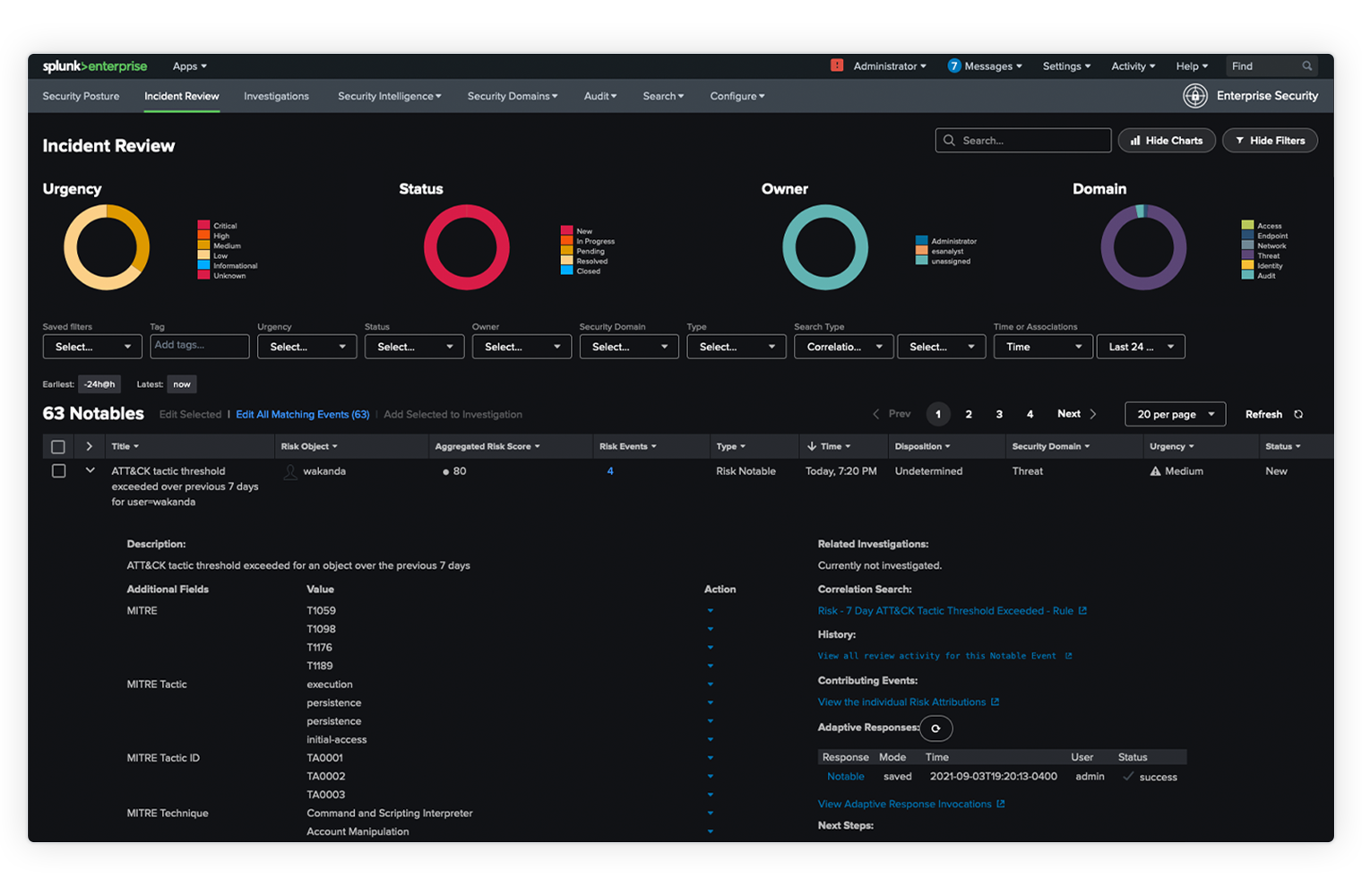
Overview
The Unified Security and Observability Platform
Go from visibility to action, fast and at scale.

Platform
Designed for the hybrid world you live in
Improve data accessibility. Access data-driven insights. Remove data silos. Splunk is a single platform designed for the way you work, with the capabilities your business demands.
3B+
Monthly searches
2,400+
Unique apps and add-ons
1,000+
Unique data integrations
Security
Data-driven security for the modern SOC
Protect your business and elevate your security operations with a best-in-class data platform, advanced analytics and automated investigations and response.
80%
reduction in alert volume
30 secs
to complete processes that once took 30 minutes
2x
improvement in alert fidelity
Observability
Build a leading observability practice
See the business impact of every performance problem, so you can spend more time innovating and less time firefighting.
95%
fewer false positives
300%
growth managed, no unplanned downtime
100%
increase in developer productivity
Splunk Universal Forwarder
Fast and secure data collection from remote sources. Collect data from various sources, including other forwarders, and send it to a Splunk deployment. Use the universal forwarder to seamlessly send data to Splunk Enterprise, Splunk Cloud or Splunk Light.

Extensibility
Expand your Splunk advantages
Artificial Intelligence

Unlock greater productivity, proactive threat prevention and faster incident response with Splunk artificial intelligence tools and embedded capabilities.
Custom Apps
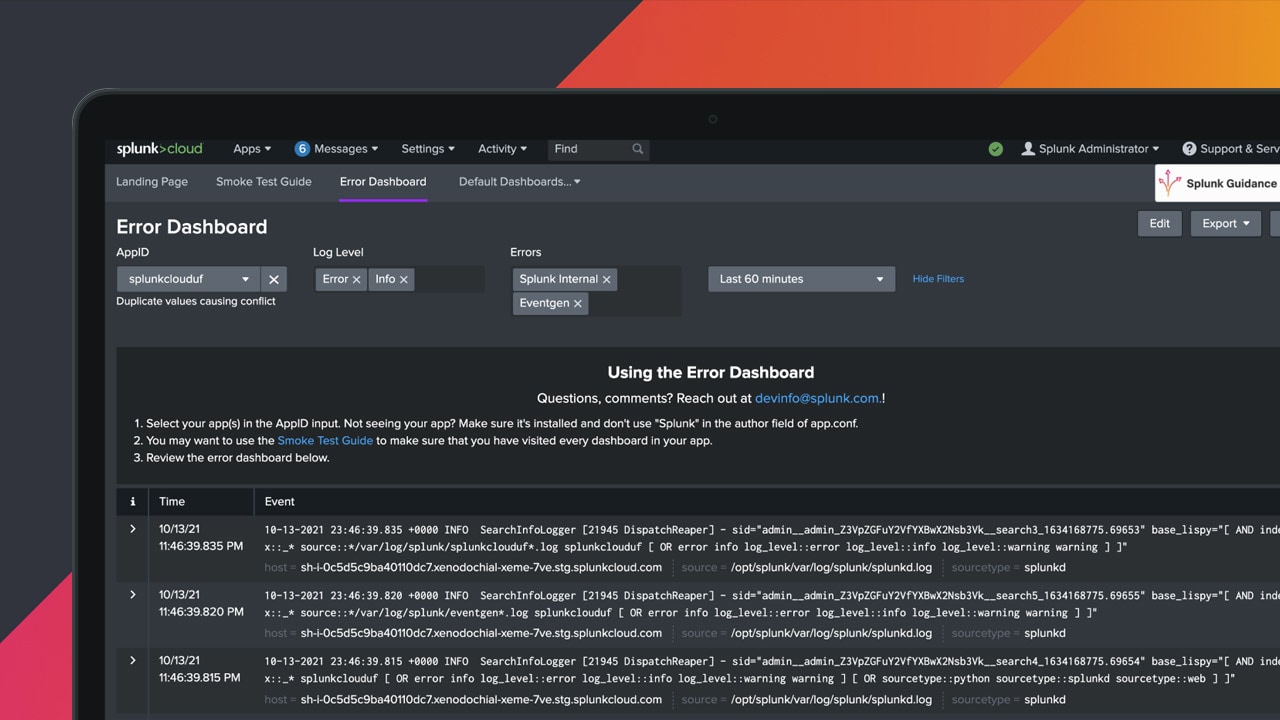
Have a specific problem you need to tackle? We’ve made it easy to build your own apps with direct access to a wide range of developer resources.
Partners
Tap into the extended expertise and deep knowledge in the Splunk partner ecosystem. From migrations and managing expanding environments to scaling technologies to meet user needs, our partners can help.
Splunkbase
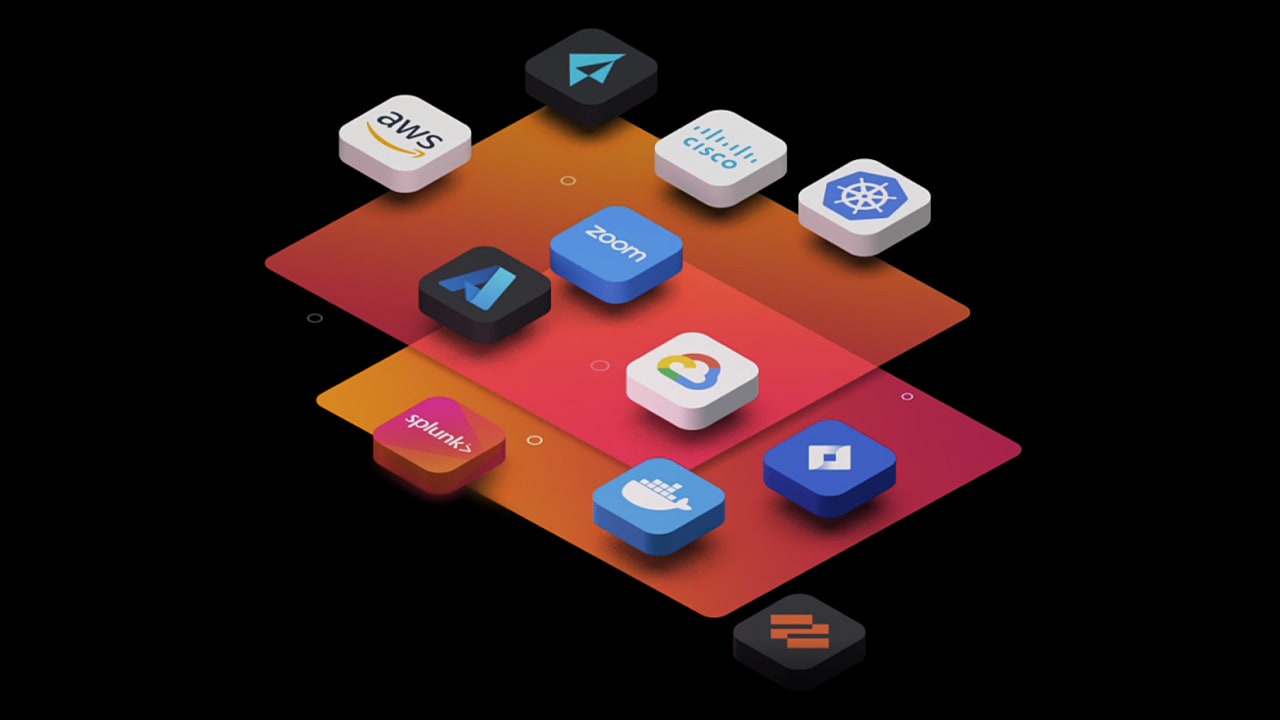
Discover 2400+ pre-built apps, add-ons and integrations from our partners and the broader Splunk community. Whatever your need, whatever the data source, you have options.
Leading organizations choose Splunk

CUSTOMER STORY

PSCU Safeguards Reliability, Security Through the Splunk Platform
In 12 months with Splunk On-Call, our mean time to acknowledge came down from four hours to 20 minutes. Now we’re three years in, and we’re under two minutes.
<2 min
MTTA, reduced from 4 hours previously
3.8B+
transactions enabled