Database Monitoring: The Complete Guide
Key Takeaways
- Effective database monitoring is essential for ensuring optimal performance, security, and reliability by tracking key metrics such as query performance, resource utilization, connection counts, and error rates.
- Modern monitoring solutions like Splunk Observability Cloud leverage automation, real-time analytics, and ML-powered anomaly detection to provide comprehensive visibility, enabling proactive issue resolution and compliance with business objectives.
- Automated instrumentation, pre-built integrations, and unified dashboards simplify onboarding across diverse environments, allowing organizations to efficiently optimize database operations at scale.
Databases are an integral part of modern IT infrastructure and power almost every modern application. After all, databases store the persistent information that applications run on.
That’s why monitoring these databases is crucial: ensuring system health and performance and forming a vital component of any observability practice.
In this comprehensive article, we’ll look at the importance of database monitoring, what “good” data performance is, and the most critical database metrics to monitor for optimized performance. Best of all, we’ll help you choose which database monitoring solutions are best for your organization.
What is database monitoring?
Database monitoring, aka database performance monitoring, is the practice of monitoring databases in real time. It is one of many forms of IT monitoring.
Since databases power every organization’s business-critical apps and services, database monitoring is a vital part of database management. Database performance issues — such as slow queries, full table scans, or too many open connections — can slow down these apps and services or make them temporarily unavailable, affecting end-user experience.
(Related reading: real-time data & DBMS: database management systems.)
Importance of monitoring databases
By tracking metrics related to usage patterns, performance, and resources, database monitoring helps teams to understand the health and behavior of their database systems. Armed with this information, teams can:
- Better troubleshoot database issues as they arise.
- Optimize overall database performance and build resilience.
- Improve application infrastructure.
- Guarantee high performance.
- Ultimately keep the applications that are backed by these databases up, running efficiently and successfully for customers.
Key benefits
Database monitoring offers organizations several benefits, particularly in these areas:
- Performance optimization: Identify slow or resource-intensive queries and improve response times. This information can help you tune queries or modify application logic to boost the database’s overall response time.
- Resource management: Detect and address potential resource shortages before they impact performance. Common issues such as memory shortages and overworked CPUs can be resolved before they compromise performance or availability.
- User access anomalies and security enhancements: Alert teams to suspicious user access patterns that might indicate security threats. An uptick in failed logins, for example, could indicate a potential brute-force cyberattack and would warrant investigation.
Challenges with database monitoring
Determining what to monitor can be overwhelming, as not all metrics provide actionable insights. (We’ve got you covered with the foundational metrics to track — keep reading.)
Additionally, monitoring tools can impact system performance. So, when selecting the right tools, look for solutions with minimal impact and measure the effect before full implementation.
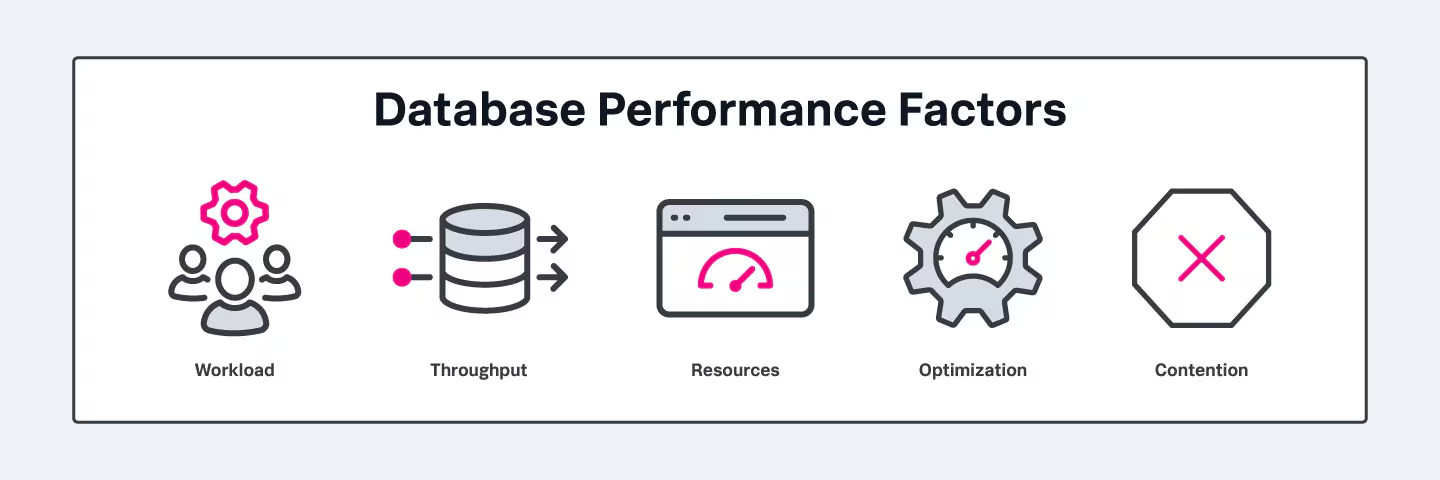
Database performance: 5 key factors
Database performance is measured primarily by response time for both reads and writes. Many factors influence database performance, but the following five are particularly impactful:
Workload
Workload refers to the total volume of requests made by users and applications of a database. It can include:
- Various types of queries
- Batch jobs
- Online transactions
- System commands
- All other demands placed on the system at a given time
Workloads fluctuate dramatically over time, even from one second to the next. Occasionally, you can predict workload — for example, a heavier demand during seasonal shopping or end-of-month payroll processing and lighter demand after business hours — but more often, workload is unpredictable.
Throughput
Throughput describes the volume of work done by the database over time, typically measured as the number of queries executed per second, per minute, or per hour.
If a database’s throughput is lower than the number of incoming queries, it can overload the server and result in increased query response times, which in turn slow down a website or application. Throughput issues can indicate a need to optimize queries or upgrade the server.
Resources
Resources are hardware and software that the database uses, including CPU, memory, disk storage, and caches.
The resources available to the database drastically impact all other database performance factors.
Optimization
Optimization refers to any strategies used to increase the speed and efficiency with which information is retrieved from the database. Optimization practices include:
- Deleting unused tables.
- Ensuring proper indexing.
- Using appropriate data types.
- Additional database tuning techniques
Optimization is an ongoing process that requires continuous monitoring, analysis, and improvement.
Contention
Contention occurs when two or more workload processes are trying to access the same data at the same time.
In a SQL database, for example, contention results when multiple transactions try to update the same row simultaneously. If one transaction attempts to act on data that’s in the process of being changed by another, the database has to prohibit access, or “lock” the data ,until the change is complete — it’s the only way to ensure the accuracy and consistency of that data. As contention increases, as is likely during periods of high demand, throughput decreases.
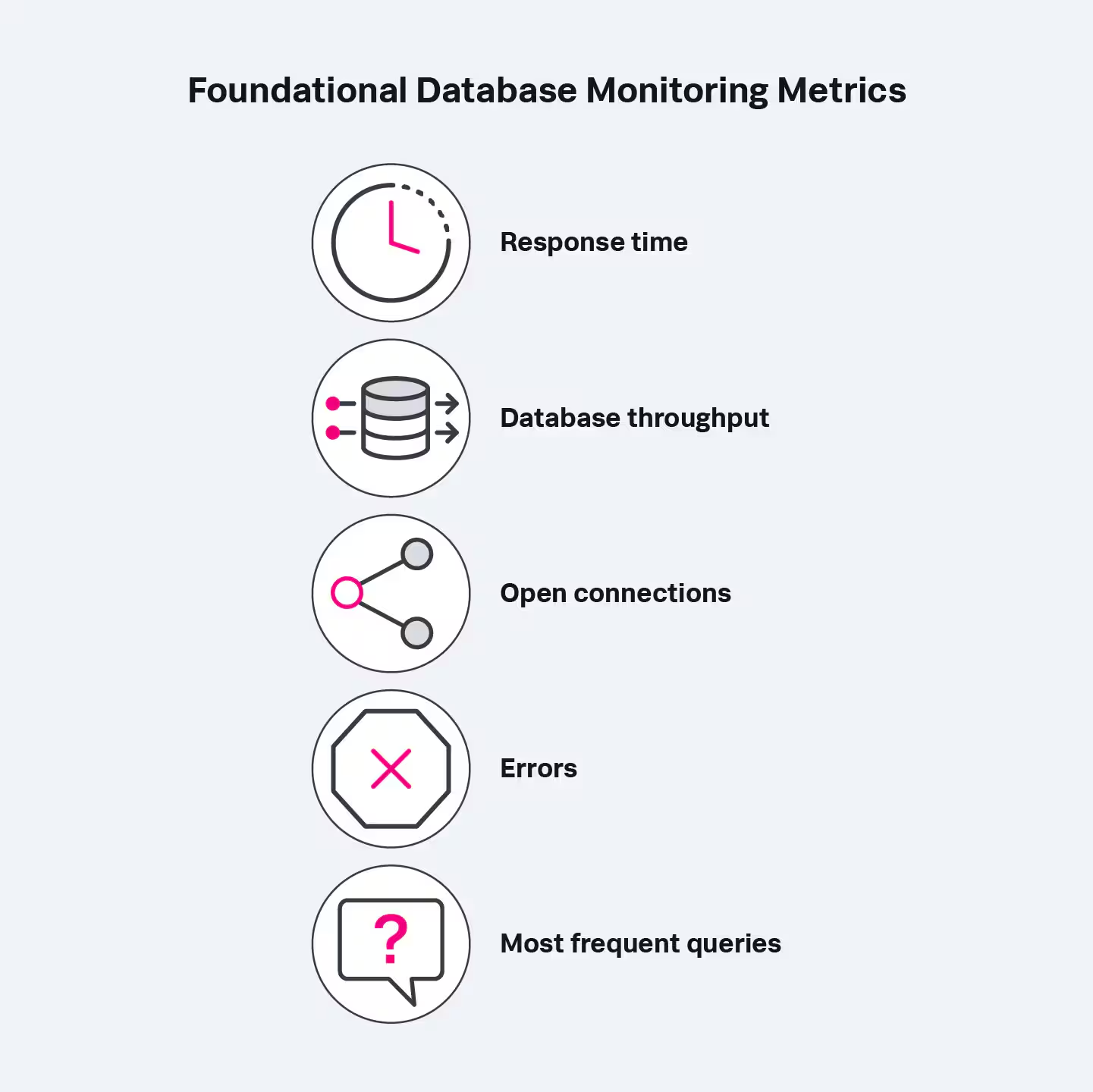
Essential metrics to monitor in databases
Metrics help to indicate the health and performance of a database. Tracking all of them, though, would be both overwhelming and unnecessary. Fortunately, you can get a good understanding of your database’s behavior by monitoring the basics.
While there’s no one-size-fits-all approach on which metrics to monitor, here are the fundamental metrics for databases.
Response time
Response time measures the average response time per query for your database server.
Database monitoring solutions usually represent this as a single number — 5.4 milliseconds, for example. Most tools will give you the average response time for all queries to your database server or database instance, break the response time down by query type (select, insert, delete, update), and display these in graph form.
Monitoring response time is crucial for identifying session wait times, enabling teams to proactively address performance issues and determine their root causes.
Database throughput
Throughput denotes the volume of work performed by your database server over a unit of time. It’s commonly measured as the number of queries executed per second.
Monitoring throughput shows how quickly your server is processing incoming queries. Low throughput can overload your server and increase the response time for each query, bogging down your application or service.
Shard distribution and load
Databases often fragment data across multiple shards, which can help balance data across different regions or availability zones. It’s important to monitor the utilization of shards to ensure they are balanced and being used efficiently.
Open connections
Database connections enable communication between clients and the database, allowing applications to:
- Send queries
- Access database data sources
- Receive responses.
Monitoring the number of open connections allows you to many connections properly, before database performance is compromised.
Errors
Each time a query fails, the database returns an error. Errors can cause whatever depends on the database to malfunction or become entirely unavailable.
Monitoring for errors means you can identify and resolve them faster. Database monitoring solutions track the number of queries returning each error — so you can see the most frequently occurring errors and determine how to resolve them.
Most frequent queries
Tracking the top 10 queries your database server receives, along with their frequency and latency, enables optimizations for an easy performance boost.
Choosing the right tool: Must-have features in modern database monitoring solutions
Database monitoring, like monitoring the rest of your system architecture, can be comprehensive to provide visibility across the database system. It’s also customizable and can be configured and implemented to suit your organizational needs.
Database monitoring solutions should include offer visibility into:
- Performance: Real-time data on CPU load, RAM usage, disk space, and query efficiency. Implementations that provide application performance monitoring (APM) give real-time visibility into database performance, health, and user experience by linking activity in user-facing parts of the application with backend database queries.
- Availability: Database server availability monitoring can be accomplished with implementations focused on infrastructure monitoring. These tools ensure that the infrastructure powering your databases is accessible and operational at all times.
- Logs: Analysis into patterns, anomalies, and events for deep troubleshooting.
(Related reading: database types.)
Open-source tooling vs. commercial solutions
Open-source options offer low cost solutions, but customization requires a lot of specialized skills and talent — which may require more development work or long-term maintenance.
In contrast, commercial tools come with more robust features and support. In addition to managing the solution, providers will offer ample training and customer service and generally help you integrate their tool with your existing stack.
OpenTelemetry native
Have you thought about monitoring over the long-term? You may want to future-proof your environment. Monitoring practices that implement OpenTelemetry ensure your solution works for the long run. Importantly, OTel offers a vendor-agnostic, streamlined, and standardized way to collect, process, and export telemetry data (metrics, logs, etc.).
Starting with OpenTelemetry means your monitoring implementation can be as flexible as your business, and as needs or requirements change, your observability practice can easily change right along with them.
Splunk for Database Monitoring
Go beyond monitoring your database infrastructure. Splunk provides insight into slow database queries, a common culprit of wider service availability issues.
With Database Query Performance, you can monitor the impact of your database queries on service availability directly in Splunk APM. Quickly identify long-running, unoptimized, or heavy queries and mitigate issues — without instrumenting your databases.
- Explore Splunk Application Performance Monitoring (APM) >
- Learn how to use Splunk APM for databases, including MySQL, Db2, Redis, Oracle, Microsoft SQL Server, and more >
- Try it yourself! Get a free trial of Splunk APM >
In addition to APM, Splunk DB Connect and other Splunkbase Apps connect a variety of databases to Splunk Enterprise and Splunk Cloud Platform. Watch to learn more.
Additional factors to consider
Consider these questions to refine your choice:
- What components—network, server, application—need monitoring?
- What data must be collected and correlated?
- Do you aim to observe patterns or receive alerts for critical issues?
- How much will it cost?
- What environments will you need to monitor? On-premises, cloud, or both?
- Is it OpenTelemetry-native for future flexibility?
As you implement a database monitoring solution, iteration is key to ensuring you get the most helpful and accurate data to keep your systems performing optimally. As with any tool or solution, fine-tuning the data you collect, process, and export as you go is important to building robust database monitoring.
Best practices for database monitoring Best Practices
You can maximize your database monitoring efforts by following a few best practices, including:
Monitor availability and resource consumption
Regularly check that databases are online, during both business and non-business hours. Most monitoring tools will do this automatically and alert teams to an outage.
Track slow queries
Improving slow queries is one of the easiest ways to boost application performance. Track both:
- The time needed for a query to complete
- The resource usage for queries
Start with the most frequently executed queries, as they will have the biggest impact on database performance.
Measure throughput
Establish a baseline by taking readings at intervals over several weeks. These baseline measurements help set alert thresholds so teams can be notified when there’s an unexpected variation.
Monitor logs
Database logs contain a wealth of information, so it’s important to collect all of them, including:
- Slow query logs
- Scheduled task logs
- Routine maintenance logs
Log information will help you identify and resolve the cause of errors and failures, identify performance trends, predict potential issues, and even uncover malicious activity.
Database monitoring: a critical IT practice
By implementing effective database monitoring, organizations can ensure application availability and performance, safeguarding user experience and business operations.
Related Articles

What is Automated Incident Response? Benefits, Processes, and Challenges Explained

Infrastructure Security Explained: Threats and Protection Strategies

What Is Splunk? The Complete Overview of What Splunk Does

Advanced Persistent Threats (APTs): What They Are and How to Defend Against Them

Deep Packet Inspection (DPI) Explained: OSI Layers, Real-World Applications & Ethical Considerations

The Guide to Network Forensics: Importance, Tools, and Use Cases

Data Centers Explained: Types, Features, and Choosing the Right Model

IT Event Analytics: The Complete Guide to Driving Efficiency, Security, and Insight from Your Event Data