QoS Explained: Quality of Service in Networks
Your network isn’t carrying ordinary data anymore. It’s responsible for delivering high-speed video, real-time commands, and billions of sensor updates, all without missing a beat. That’s a tall order when every millisecond matters and the smallest delay can destroy the user experience.
The demands on modern networks are accelerating. As we transition from 5G to 6G, quality of service becomes essential. Networks must support ultra-low latency, massive IoT connectivity, and compute-heavy applications like augmented reality and autonomous systems.
To handle this move, QoS must evolve. It needs to be smarter. It must respond faster. It must be more secure, and it should be deeply integrated into every layer of the network.
In this article, we’ll explore what QoS means, and the technologies, challenges, and strategies that will shape its future.
What is quality of service?
At its core, quality of service is a traffic management strategy used in networking and telecommunications to make sure the right data gets the right priority, at the right time. It’s the reason your Zoom call doesn’t break up every time someone in the office starts a large file download.
QoS ensures important data gets priority. For example, real-time applications like voice calls, video conferencing, or live streaming are handled first because they need quick and smooth delivery.
Less urgent tasks, such as software updates or background syncs, are processed later. This keeps latency low, jitter under control, and packet loss to a minimum where it matters most.
In networks with QoS enabled, performance parameters can be defined at the start of a session, traffic is monitored in real-time, and resources can be dynamically adjusted as conditions change.
For IT teams managing shared infrastructure, QoS is less of a luxury and more of a necessity. It ensures that critical services perform consistently, even under load, and brings predictability to otherwise chaotic network environments.
When does QoS matter most?
Not every packet on your network needs the same treatment. Some traffic is time-sensitive, mission-critical, or too fragile to compete with background noise. That’s where QoS shows its value. It helps networks stay reliable, even when usage is high or bandwidth is tight.
Here are some of the most common situations where QoS makes a real difference.
- VoIP and video conferencing: Real-time audio and video are sensitive to delay and jitter. QoS gives them priority to avoid choppy calls and broken conversations.
- Interactive applications: Tools like virtual desktops or cloud-based design software rely on responsiveness. Lag kills productivity, so QoS keeps these apps running smoothly.
- Online transactions: E-commerce platforms and payment systems need fast, uninterrupted communication. QoS helps avoid session timeouts and failed checkouts.
- IoT and smart sensors: In factories or smart cities, even slight delays in sensor data can lead to costly errors. QoS moves this data to the front of the line.
- Mobile and wireless networks: Bandwidth is limited in these environments. QoS makes sure high-priority traffic gets through first.
- Streaming and training media: Live video or online training must load smoothly. QoS prevents buffering when networks are congested.
How QoS works behind the scenes
Every bit of traffic on your network isn’t created equal. QoS decides which ones move first and how.
- It starts with application identification, recognizing each service by its unique traffic pattern. This helps apply the right policies based on actual usage needs.
- Next comes traffic classification. Real-time video? High priority. Background file sync? Not so much. Once classified, packets are marked with tags like DSCP (Differentiated Services Code Point) or CoS (Class of Service) that tell the network how they should be treated.
- From there, policing and shaping come into play. Packets that exceed limits might be dropped or slowed down to avoid clogging the pipes.
- Marked packets enter priority queues, where queuing algorithms like WFQ (Weighted Fair Queuing) decide the order in which they’re processed. Meanwhile, bandwidth allocation sets how much capacity each class of traffic can use.
- To prevent a meltdown during peak load, congestion management kicks in, forwarding what matters most and dropping lower-priority packets. Congestion avoidance techniques, like RED (Random Early Detection), even anticipate trouble and act early.
- Some traffic is also routed differently through route selection, based on the level of reliability needed. Finally, everything is transmitted through the egress interface, in the order defined by all the above.
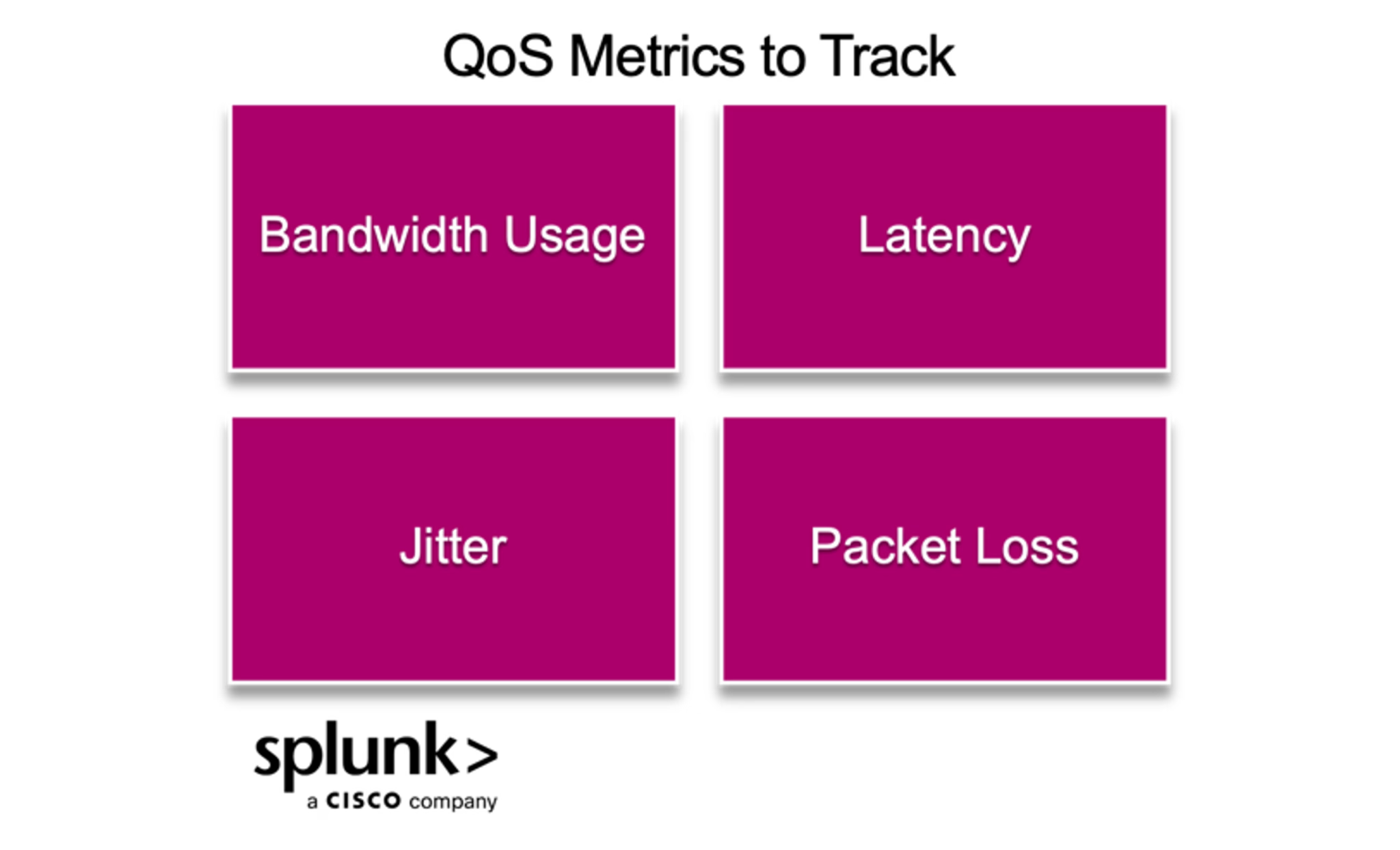
How QoS is measured: key metrics to track
You can’t improve what you don’t measure, and QoS is no exception. These metrics give you a clear, real-time view of how well traffic is flowing and where the pressure points are. When performance slips, these are the first numbers to check.
Bandwidth usage
Tracks total available bandwidth and how it’s divided across services or apps. Helps identify underused or overloaded paths.
Latency
Measures the time it takes for data to move from sender to receiver. High latency means slower response and lag.
Jitter
Monitors inconsistency in packet delivery times. Large variations cause disruption in real-time services like video and voice.
Packet loss
Captures the percentage of data packets that never reach their destination. Even small losses can impact app stability and user experience.
How QoS supports ITOps, NetOps, DevOps, and ITSM teams
Service teams do more than fix outages. For example, they keep digital services reliable, fast, and scalable. QoS plays an important role across these functions by helping prioritize the traffic that matters most.
- For ITOps, QoS supports uptime and SLA goals by reducing latency, jitter, and packet loss. When services like VoIP or remote desktops need stable performance, ITOps can rely on QoS to keep things steady under load.
- NetOps teams use QoS to manage traffic across routers, firewalls, and WAN links. It helps them enforce policy-based routing, allocate bandwidth, and keep high-priority apps functioning even during congestion.
- DevOps teams benefit from QoS when deploying performance-sensitive applications. It helps production workloads maintain consistency, especially in hybrid or cloud-native environments where real-time behavior matters.
- In ITSM workflows, QoS improves service reliability and response time. With metrics like delay and packet loss tracked in real time, they can act before users notice a problem.
From smoother rollouts to better user experience, QoS is a shared advantage across all service-focused teams.
What you need to implement QoS in the real world
Implementing QoS starts with one key decision. That is “where in your stack you’ll control traffic?”. For most startups and modern applications, the answer lies in the network edge, usually at your firewall or gateway.
- Next-generation firewalls (NGFWs) are a smart place to begin. They sit at the boundary of your infrastructure and already inspect traffic. Many come with built-in QoS features. Look for firewalls that support application-aware traffic shaping, policy-based prioritization, and deep packet inspection. Vendors like Cisco, Fortinet, and Check Point offer QoS-ready solutions.
- In cloud or hybrid environments, QoS capabilities might live in your SD-WAN, Kubernetes ingress controllers, or virtual routers. Tools like AWS QoS policies, Azure Network Watcher, or service mesh frameworks (like Istio) help you manage traffic across services and clouds.
- Once deployed, the real work begins. Use classification tools like ACLs or NBAR to identify traffic types. Apply marking with CoS or ToS to label packets for downstream routers. Use shaping to smooth out traffic bursts and queuing tools like LLQ or CBWFQ to prioritize latency-sensitive services. And when needed, apply policing to limit bandwidth-hogging flows.
- Finally, monitor your performance. Tools like NetFlow, NBAR, and QoS-aware network monitoring platforms can verify if policies are working. Fine-tune based on bandwidth usage, latency, or jitter until user experience matches your service level goals.
QoS in Cloud-native and hybrid architectures
Modern applications often operate across a mix of environments. These include public clouds, on-premises data centers, container-based platforms, and edge networks. Each layer introduces different traffic flows and latency demands. As a result, managing quality of service becomes more complex and dynamic.
In cloud-native systems, traffic control is not limited to traditional hardware. Instead, it relies on software-defined strategies. These can include adaptive throttling, circuit breakers, and service-level prioritization that respond to changing workloads in real time.
Hybrid networks bring an added challenge. QoS tags such as DSCP are often removed or ignored when traffic crosses the public internet. To maintain control, many teams build application-level QoS rules. These may include queue prioritization in message brokers, setting latency targets in APIs, or routing through relay nodes that are optimized for speed and reliability.
Visibility is critical in these environments. Tools like OpenTelemetry and eBPF collect real-time telemetry and packet-level data. This helps teams detect bottlenecks early. In more advanced cases, AI-driven monitoring tools predict traffic congestion and recommend updates before users are affected.
Effective QoS in modern systems is not about static rules. It is about adapting policies continuously based on workload behavior, network conditions, and service importance.
How to secure QoS against cyber threats
You can configure your QoS policies perfectly, but they’re only as strong as the environment they operate in. If attackers enter your network, spoof traffic priorities, or hijack routes, they can override those rules silently. Here are the types of cyber attacks that most commonly disrupt QoS.
- DoS and DDoS attacks: These attacks overwhelm the network with traffic by consuming all available bandwidth. Leads to high latency, dropped packets, and total service breakdown.
- QoS starvation attacks: Attackers send an ongoing stream of high-priority packets to consume resources. This prevents other traffic from being processed.
- QoS evasion attacks: These involve tampering with packet headers or exploiting protocol weaknesses. The attacker’s low-priority traffic is disguised as high-priority, pushing legitimate traffic aside in the queue.
- BGP hijacking and routing manipulation: These attacks redirect your traffic through inefficient or malicious routes. Even with QoS rules in place, latency and jitter increase because the traffic is now flowing through paths outside your control.
Strengthening your QoS defenses
It’s not enough to monitor traffic performance. You need to protect the QoS systems themselves. The best strategies harden your infrastructure against abuse. Here’s how to make your QoS defenses stronger:
- Use encrypted channels and role-based access to manage QoS configurations. This prevents attackers from modifying rules or injecting malicious priorities.
- Disable unused services, patch firmware, and enforce strong admin passwords.
- Block known bad IPs, detect spoofed DSCP or CoS tags, and apply ACLs to prevent untrusted traffic from entering the network at all.
- Just because traffic is marked high priority doesn’t mean it should be unlimited. Use shaping and policing to cap abuse while keeping critical apps performant.
- Go beyond port numbers and surface-level headers. DPI helps you validate traffic types and flag anomalies even when attackers try to mask malicious payloads.
- Use telemetry tools like NetFlow, eBPF, or OpenTelemetry to detect unusual moves in traffic priority. If someone is gaming your QoS settings, you want to catch it fast.
- Run test scenarios that simulate starvation, DDoS, or tag manipulation. This helps you fine-tune defenses before they’re tested by a real attack.
Common QoS challenges and how to overcome them
QoS is key to providing smooth and reliable service. In real-world networks that goal is harder to reach. You might be working with a legacy system. You might be running a modern SDN. You might even have a mix of both. In every case, certain problems keep coming back. These issues can reduce performance and impact consistency.
Congestion is such a widespread challenge. When too many packets compete for the same link, delays and packet loss follow. Traffic shaping, load balancing, and proper queue management can smooth things out before performance dips.
Inconsistent prioritization causes headaches. Without clear traffic classes, critical services like VoIP or video can get stuck behind bulk transfers. QoS classification policies and service tags help set the right rules upfront.
Packet loss disrupts real-time services. When the network drops data packets, applications like video calls, online games, or financial transactions suffer from lag, frozen screens, or failed operations. This usually happens during congestion or when queues overflow. Retransmitting lost data can help, but it adds delay. A better approach is to use packet scheduling and forward error correction. These techniques reduce loss before it happens and protect delivery quality for sensitive traffic.
Too much monitoring strains performance. Measuring every flow in real time isn’t practical. Tools like control plane monitoring, adaptive sampling, and flow estimation help reduce load while maintaining accuracy.
Routing paths don’t always match QoS needs. Legacy protocols often stick to the shortest paths, ignoring congestion. AI-based routing and SDN-aware strategies choose better paths based on real conditions.
Policy enforcement often breaks down across mixed systems. When different devices follow separate rule sets, it becomes nearly impossible to apply consistent QoS policies. This fragmentation leads to unpredictable performance and service gaps. Centralized control tools like PolicyCop solve this by standardizing rule enforcement across both legacy infrastructure and SDN environments.
To wrap up
QoS isn’t only about faster traffic. It’s about making sure the right traffic gets through, even when your network is under pressure. As cyber threats get more advanced and environments get more complex, it’s not enough to set policies and hope for the best. You need real-time visibility, smart enforcement, and a security-first mindset.
When done right, QoS becomes more than a performance tool. It becomes a foundation for trust, stability, and user experience.
Related Articles

How to Use LLMs for Log File Analysis: Examples, Workflows, and Best Practices

Beyond Deepfakes: Why Digital Provenance is Critical Now

The Best IT/Tech Conferences & Events of 2026

The Best Artificial Intelligence Conferences & Events of 2026

The Best Blockchain & Crypto Conferences in 2026

Log Analytics: How To Turn Log Data into Actionable Insights

The Best Security Conferences & Events 2026

Top Ransomware Attack Types in 2026 and How to Defend