Cloud Monitoring: What It Is & How It Works
One of the primary goals of any IT team is to ensure seamless operation and consistent uptime. This is typically achieved via monitoring — whether on-premises, in an application, or across a network. If your application is hosted on cloud, cloud monitoring allows teams to respond quickly to a given issue or even understand potential problems before they arise.
For today’s complex distributed systems, one of the more common monitoring methods comes in the form of cloud monitoring.
Today, we’re diving into all things cloud monitoring, including types of monitoring, the best tools to use, and the benefits of a strong monitoring posture. Read on to learn it all!
What is cloud monitoring?
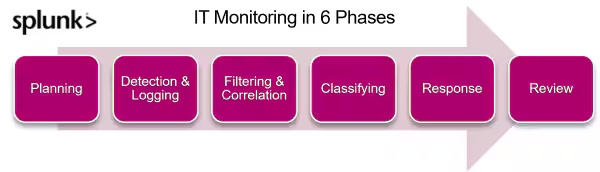
In IT, monitoring is the process of reviewing, observing, and managing the workflow within an IT infrastructure. Cloud monitoring, then, evaluates the performance of cloud-based infrastructures, including websites, servers, applications, and other cloud resources. Using modern monitoring technologies, here’s what should be evaluated:
- Resource levels
- Server response times
- Speed to identify threats and vulnerabilities in the system
Monitoring includes tools that, when automated, check uptime, speed, and errors when users interact with applications. By doing so, you can ensure everything functions seamlessly and identify potential problems or security risks.
Benefits of cloud monitoring
Why is it important to monitor cloud apps and systems? Plenty of reasons, including:
- Performance visibility. You will get real-time insights into cloud performance to identify and resolve performance issues. This is where you can fix things before they escalate into major issues for users, including your customers and your emplotees.
- Better security. With monitoring, you can detect and mitigate security threats to ensure a safe environment for your application.
- Scalability. It’ll also help you scale the resources as needed and handle increased demand.
- Operational efficiency. Monitoring improves an organization's operational efficiency by identifying underutilized resources and automating monitoring tasks, ultimately reducing manual effort.
- User experience. It ensures that any of your cloud-based applications run smoothly and meet SLOs (service level objectives) to improve the user experience.
- Cost optimization. Monitoring tools identify unused resources to reduce extra costs.
(Related reading: monitoring vs. observability vs. telemetry.)
Types of cloud monitoring
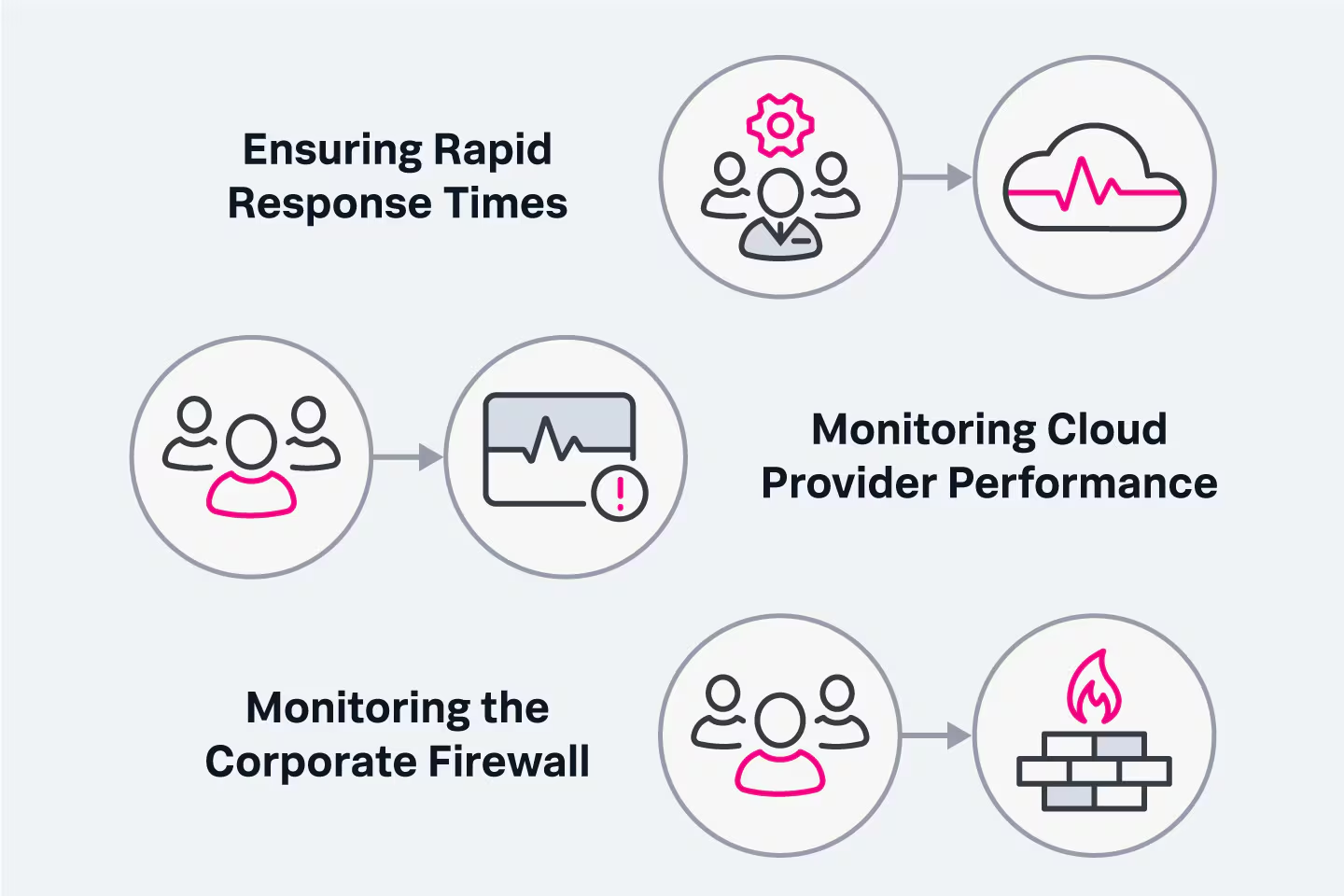
Cloud monitoring can be done manually or through automated tools, whatever the method, it’s all about one thing — providing organizations real-time insights into their cloud tools and applications. Here are some of the types of monitoring to know.
Database monitoring
Since applications rely on databases to retrieve and save data, most problems occur here. That’s where database monitoring is required. It tracks the usage, performance, and query details, all so that your organization can make sure your databases function optimally.
You should prioritize database monitoring because it helps optimize database performance (and all the knock-on effects of that), improves efficiencies, and ensures data integrity.
(Related reading: how DBMS, database management systems, work.)
Website monitoring
Website and digital experience monitoring analyzes the availability, performance, and user experience of cloud-based websites. When users interact with your website, it’ll monitor the following website metrics:
- Website uptime
- Page response times
- Page load speeds
You can monitor your website using tools Splunk to ensure that the right people are alerted when there are downtime or performance issues — so that you can take immediate action. Doing so will help you ensure your online presence is accessible and delivers a positive user experience.
(Learn more about web analytics.)
Virtual network monitoring
Virtual network monitoring oversees and analyzes your networks' performance, availability, and security within a cloud infrastructure. It keeps track of the following metrics:
- Network traffic
- Latency
- Bandwidth utilization
- Network security events
Monitoring your virtual network helps to spot connectivity issues, troubleshoot them, and ensure smooth performance without security threats.
(Learn all about networking monitoring.)
Cloud server monitoring
Cloud server monitoring analyzes CPU usage, memory utilization, disk space, and server response times. Monitoring cloud servers enables you to:
- Optimize resource allocation.
- Identify and resolve server-related issues.
- Make sure applications operate smoothly.
End-user experience monitoring
End-user experience monitoring evaluates the performance and usability of cloud-based applications from the end-user perspective. This monitoring focuses on:
- Response times
- Transaction success rates
- User interactions with the application
When you monitor end-user experience, you gain insights into how users interact with the application. Through this tracking, you will know how to meet their expectations and deliver a positive user and customer experience.
Synthetic monitoring
Synthetic monitoring utilizes scripted and automated tests to simulate the interaction of users with cloud-based services, apps, or websites. It focuses on:
- Performance
- Availability of your service
- Functionality
By implementing synthetic monitoring, you can detect issues before real users get affected. This will ensure that you meet your service level objectives by ensuring optimal performance. This approach will also help you to maintain a seamless user experience by preventing downtime.
(Related reading: Splunk Synthetic Monitoring.)
Unified monitoring
Unified monitoring consolidates and centralizes the monitoring of various cloud resources and services. It uses a single tool to monitor multiple aspects of the cloud infrastructure, such as servers, databases, networks, and applications.
You have a holistic view of the cloud environment to identify correlations between different components and detect issues efficiently. It will also help you improve visibility and cloud management.
Monitoring in public, private & hybrid clouds
Cloud monitoring can be done in public, private, and hybrid clouds. Here's a brief overview of monitoring in each type of cloud:
Monitoring the public cloud
The public cloud is owned by a third party like Azure or AWS or smaller names. It’s accessible to any company that purchases this service. In public monitoring, you only pay for resources you’ve used, so it’s a cost-effective option — but you’ll have less control over your application’s data because everyone shares the same resources.
Although this option is cost-effective, 70% of people find public cloud monitoring more difficult than private.
Monitoring the private cloud
A private cloud is more secure because it’s controlled by a single organization that owns it, and it’s more accurate and detailed than public cloud monitoring can be. It provides on-demand reporting and monitors system performance to secure the system and its login history.
Private cloud monitoring gives you a deeper look into the following metrics:
- Uptime or availability
- CPU utilization
- Memory utilization
- Requests per minute
- Disk utilization
- Resource levels
- Server response times
- Speed of data transfer
- Cluster health
Hybrid cloud monitoring
A hybrid cloud combines the functionalities of both private and public monitoring, enabling you to:
- Track the performance of all cloud workloads side-by-side.
- Trace individual requests as they move across the hybrid cloud.
- Gain visibility into infrastructure, services, applications and connectivity.
You can transfer data between private and public environments—making the hybrid cloud the better option. Since it’s the most-preferred cloud monitoring, the market is expected to reach $128.01 billion by 2025.
Selecting cloud monitoring tools
Cloud monitoring tools help manage, monitor, and assess the performance of cloud-based infrastructure, services, and applications. With the correct monitoring tool, you can ensure your cloud environment runs without issues.
The best monitoring tools provide a complete overview of the cloud environment, and they support efforts around improving decision-making, increasing operational efficiencies, and reducing costs.
Though there are a variety of popular tools, like our own Splunk Obervability suite, the open-source Prometheus, or Google Cloud Monitoring for your Google Cloud services. When choosing a monitoring solution, you’ll want to consider important factors like
- Scalability
- Digital environment complexity (can you actually see across your entire distributed networks?)
- Data accessibility and portability
- Cross-platform integration
- Vendor or ecosystem lock-in
- Futureproofing
Splunk Observability
At Splunk, our unified observability and security platform provides full-fidelity visibility into every cloud and service across your entire tech stack, with real-time metrics monitoring and alerts.
We’re highly customizable and can help with use cases that go far beyond mere monitoring.
Learn more about Splunk Infrastructure Monitoring.
Best practices for cloud monitoring
When you start with cloud monitoring, handling everything is difficult because you shift your focus from performing tasks to measuring the application's performance. We’ve compiled some key practices to help you ace it:
- Determine which metrics are most important to your organization and choose tools based on core metrics. Prioritize the most important metrics to ensure the most important issues are addressed first.
- Use a single monitoring platform to monitor multiple aspects of the cloud infrastructure, such as servers, databases, networks, and applications.
- Consolidate data from multiple sources to get a complete view of the cloud environment and identify correlations between different components.
- Monitor cloud service usage fees to optimize cloud costs and identify any potential cost savings.
- Train your team members on best monitoring practices and understand your monitoring tool's ins and outs.
- Regularly review your monitoring strategy to identify areas where you can improve efficiency, reduce costs, or align with your business goals.
- Ensure that all teams involved in cloud operations collaborate and share information to optimize cloud performance.
Cloud monitoring creates safe, seamless systems
Cloud monitoring makes your software systems seamless, safeguards them, and alerts you on the real-time issue. It also optimizes resource allocation to provide smooth operation and positive user experiences. So, consider shifting from manual to cloud monitoring and secure your software.
Related Articles

Snort Rules 101: Examples & Use Cases for Snort Network Defense

Information vs. Operational Technology: IT vs. OT Explained

What Is Lateral Movement?

What’s Chaos Monkey? Its Role in Modern Testing

IT Strategic Planning: A How-To Guide

Data Quality & Data Quality Management (DQM)

Security Compliance Auditor Role: Skills and Responsibilities

Access Points: A Complete Introduction