Splunk's Blog Posts
The world’s leading organizations trust Splunk to help keep their digital systems secure and reliable. Our software solutions and services help to prevent major issues, absorb shocks and accelerate transformation. Learn what Splunk does and why customers choose Splunk.
Display Mode
Paginated
Filter
Author
Author URL
Limit
6

Splunking Heroku
I love Heroku. I’ve been using it for some time because it is just so simple to deploy applications. However, I’ve never really looked too deeply into the logs produced by my apps via the command line. Queue Splunk. In this post we’ll look at how you can start Splunking data from apps deployed in Heroku, and some recipes to visualise it using the SPL.
Search Command> stats, eventstats and streamstats
Advance past “super grep” searching & learn; Web log example of 5 events shows how stats, eventstats & streamstats commands work & ways they differ step-by-step.

Splunk Coalesce Command
Logging standards & labels for machine data/logs are inconsistent in mixed environments. Splunk Coalesce command solves the issue by normalizing field names.

Comparing week-over-week results
Comparing week to week data is no longer a pain in Splunk. A new search command does that all for you and makes tracking this data easier.

Decoding IIS Logs
Everyone (just about) knows that there is a table of status codes that HTTP/1.1 defines. However, IIS gives you two more status codes in the log files. The HTTP/1.1 status is stored in sc_status (and it is automagically decoded for you in Splunk 6). There is also an extended code called sc_substatus and a Win32 error code. How can you really decode these, especially since the sc_win32_status seems to have really large numbers?
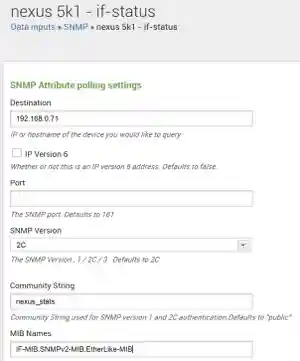
Adventures with SNMP and Cisco Nexus (Part 1)
What to do to get data switches to Splunk by using the SNMP modular input.