What's New in Splunk AR
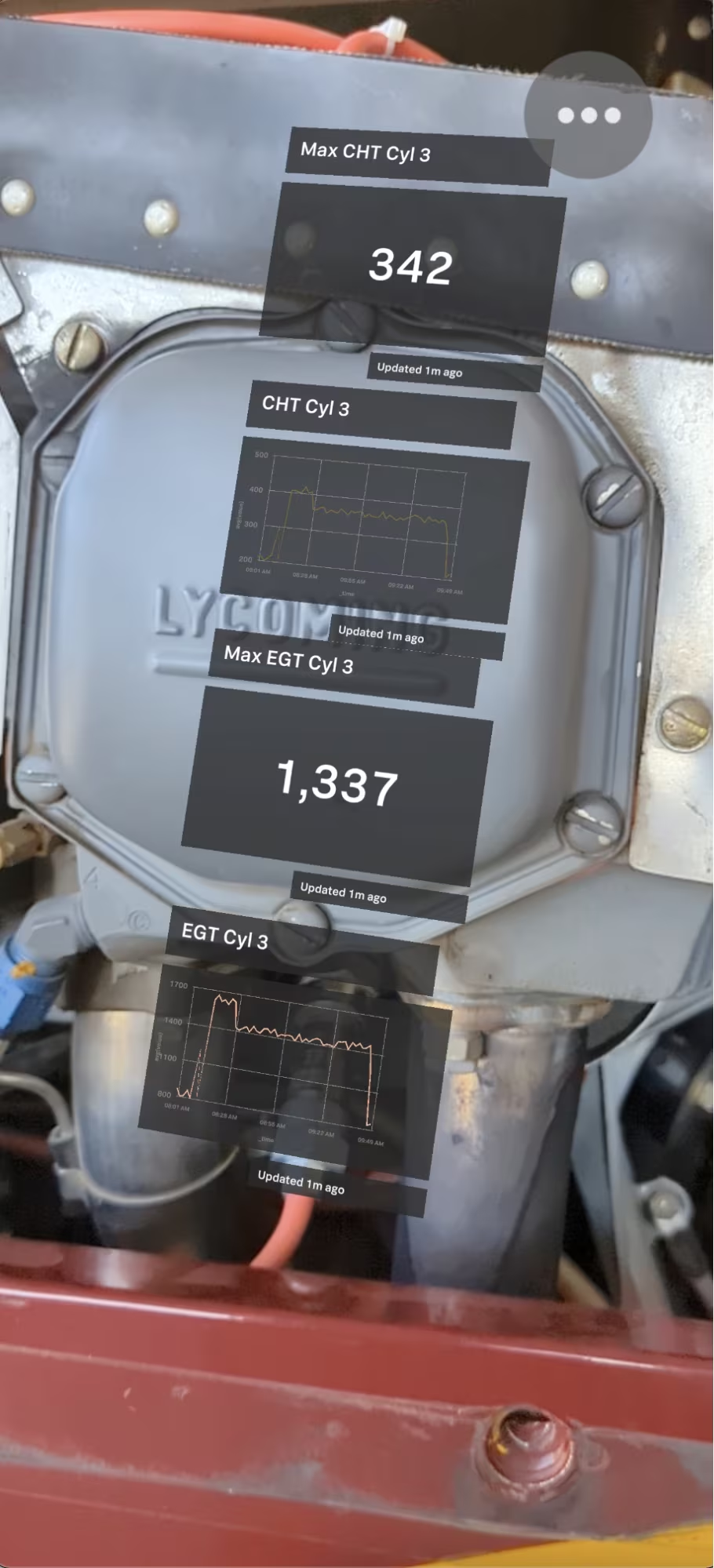
Splunk AR enables your workforce to access live data while working on field assets. This enables quicker troubleshooting on the job, and allows technicians to repair issues on the first try, saving companies valuable time and money. This year at .conf22, we announced a powerful new set of features for Splunk AR, along with we also announced the launch of Splunk AR for Android Private Preview. We’re also announcing that the Splunk Edge Hub and Splunk AR now have a joint Splunkbase app. Let’s dive in!
Splunk AR for iOS
Object Detection
Imagine walking up to a machine using Splunk AR, and the app just recognizes it in a second. Well, now it’s here! In our latest version of the iOS app, we have launched object detection, which allows custom objects to be imported and used as the object anchor for an AR asset. This recognition method provides another way to enable codeless scanning for your assets in your deployment.
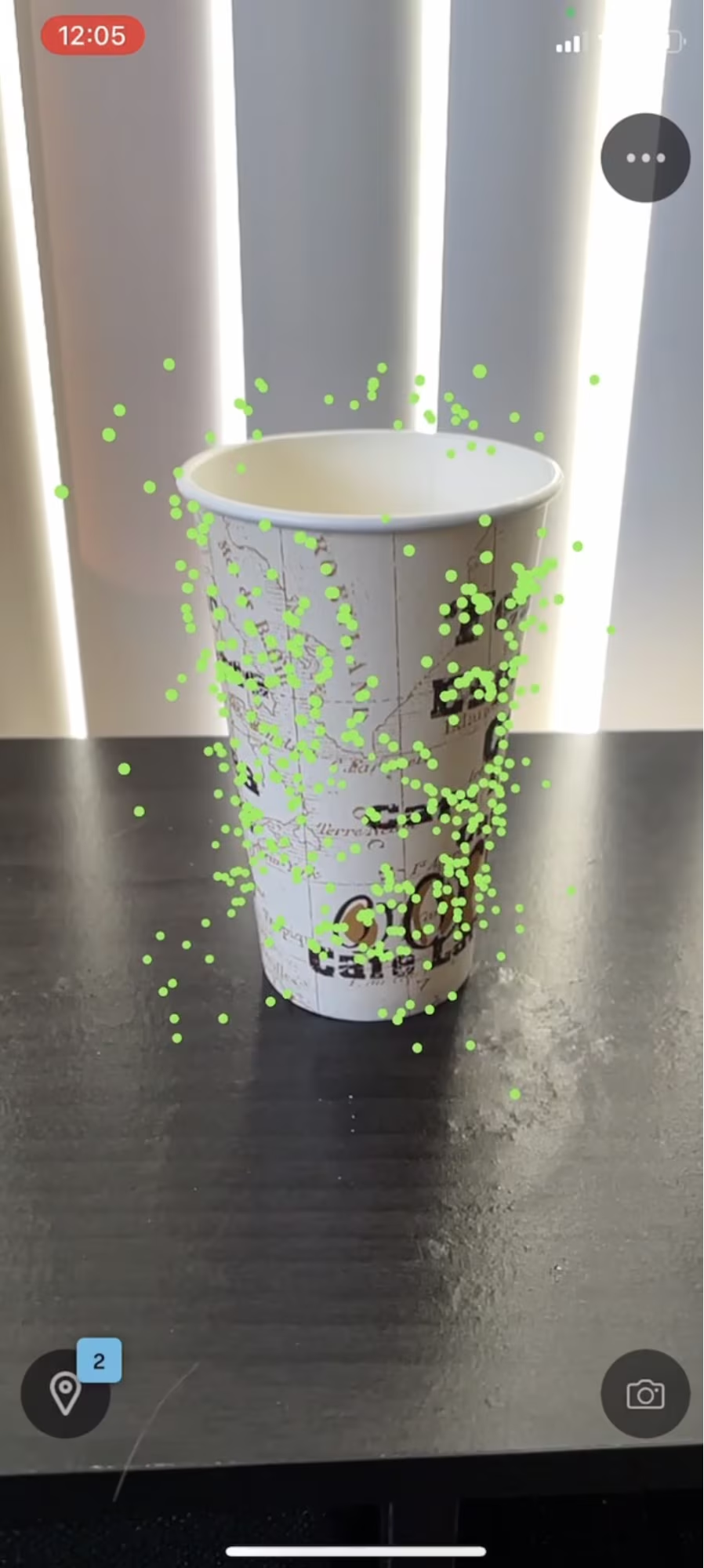
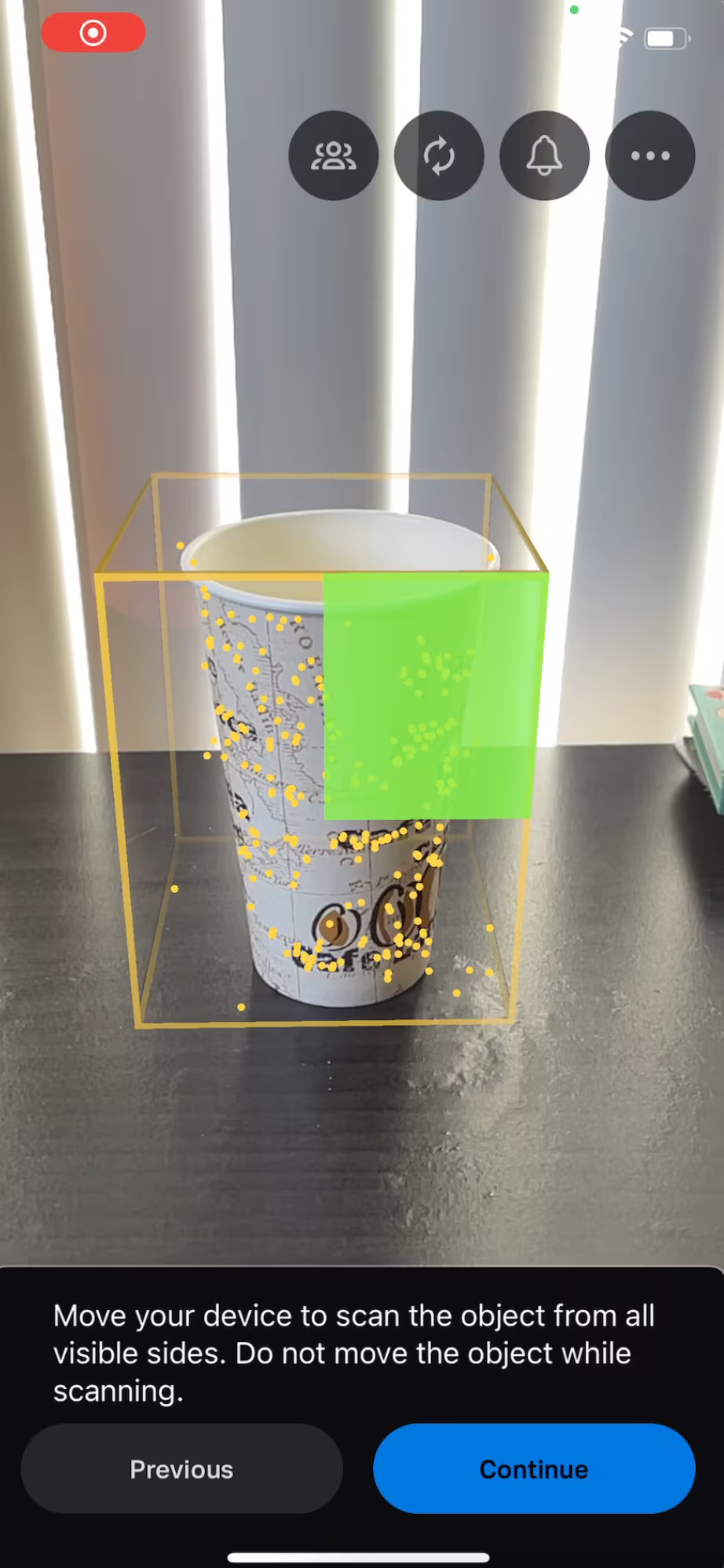
We’ve created a simple process to guide you through object detection setup. To start, you’ll need to create a new deployment from your Splunk instance with the “Object” detection method. During the setup, you’ll be asked to use your phone to scan in the target object, name it, assign it to a deployment/asset, and then do a quick verification scan to ensure that it works.
Object detection is a constantly-evolving technology, and we’d love any feedback you have on the type of scans you're performing or how we can improve this feature!
Splunk AR for Android Private Preview
One of the most common requests we’ve gotten since launching Splunk AR is to bring it to the Android platform. After unveiling this project at .conf22, Splunk AR for Android is currently in private beta testing. If you’re interested in trying it out, please visit this link where you can learn how to download, setup, and use Splunk Android for AR. You’ll also be kept up to date on the latest developments there as well.
If you’re interested in joining the beta, please sign up here! We plan to do monthly releases of our Private Preview app and will eventually GA in the future.
Splunk App for Edge Hub and AR
Splunk AR and Splunk Edge Hub are merging our Splunkbase apps! In support of our long-term vision, our teams decided that it made strategic sense to merge the apps since our customers and use cases heavily overlap. We have updated the app's logo and branding, and otherwise there are no major impacts or actions needed by customers. In this app, admins can quickly manage both Edge Hub and Splunk AR deployments. In the future, we plan to have tightly integrated features that make the experience of getting data and seeing data even easier!
Next Steps
Interested in trying out some of the features you just read about? Check out our documentation to see how to get started, and download the Splunk AR app via the following links:
Get connected to the Splunk AR team by joining us in the Splunk Community Slack! We hang out in the #mobile and #splunksecuregateway channels and are always happy to help.
If you have a feature you’d like to see in the future for Splunk AR, submit your ideas in Splunk Ideas to help us prioritize it on our roadmap.
Last but not least, don’t forget to keep an eye out for more Connected Experiences blogs and review the past ones here.
This article was co-authored by Sammy Lee, Product Manager for AR.
----------------------------------------------------
Thanks!
Jesse Chor
Related Articles

Announcing the General Availability of Splunk POD: Unlock the Power of Your Data with Ease

Introducing the New Workload Dashboard: Enhanced Visibility, Faster Troubleshooting, and Deeper Insights

Leading the Agentic AI Era: The Splunk Platform at Cisco Live APJ

Dashboard Studio: Token Eval and Conditional Panel Visibility

Introducing Resource Metrics: Elevate Your Insights with the New Workload Dashboard

Powering AI Innovation with Splunk: Meet the Cisco Data Fabric

Remote Upgrader for Windows Is Here: Simplifying Fleet-Wide Forwarder Upgrades

Dashboard Studio: Spec-TAB-ular Updates
