Introducing Splunk Attack Range v4.0
The Splunk Threat Research Team is happy to release v4.0 of Splunk Attack Range.
Splunk Attack Range is an open source project that allows security teams to spin up a detection development environment to emulate adversary behavior and use the generated telemetry data to build detections in Splunk. This blog highlights the new features introduced in version 4.0 to provide a better user experience.
What Is Splunk Attack Range?
What’s New?
SnapAttack CapAttack Integration
CapAttack is a PowerShell capture agent that allows for the packaging of an attack into a standard format. It collects system logs, system information, keystrokes, PCAP, and video during the attack. A CapAttack capture allows for attack data to be easily reviewed with all the context of what was happening on the system at the time. It currently works on modern Windows environments and some Linux distros. When you execute the Splunk Attack Range simulate command, the system automatically initiates a CapAttack capture session before launching the Atomic Red Team framework. Upon completion, the system seamlessly uploads the entire CapAttack capture data to SnapAttack (if enabled in attack_range.yml). This integrated workflow allows for efficient attack simulation, data collection, and analysis in a single streamlined process. Additionally, users have granular control over the capture process through the cap_attack command, which enables manual starting and stopping of CapAttack capture sessions.
GCP Support
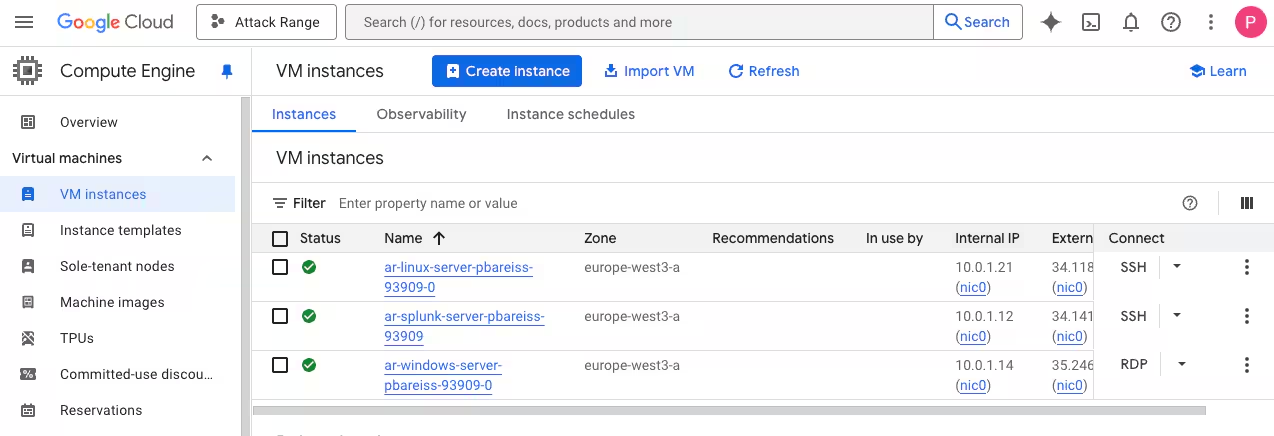
Splunk Attack Range has expanded its capabilities with the addition of Google Cloud Platform (GCP) support in its latest release. This enhancement allows security teams to create instrumented cloud environments in GCP alongside the previously supported AWS and Azure platforms. The GCP implementation in Splunk Attack Range allows security teams to deploy and configure Google Cloud resources through the same streamlined interface used for AWS and Azure.
Automated Splunk Apps Update Through CI/CD
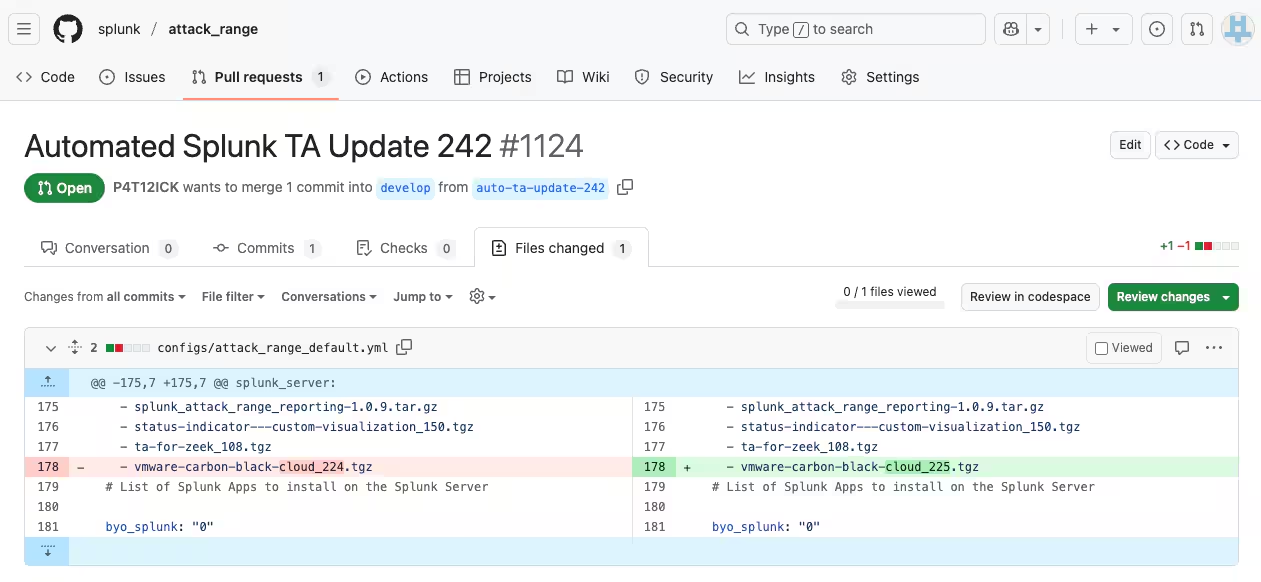
The latest Splunk Attack Range release introduces automated Splunk Apps updates through CI/CD, ensuring detection engineers always work with the most current version of the different Splunk Apps. This feature automatically updates all integrated Splunk Apps within the Splunk Attack Range environment and eliminates manual update processes. Security teams can now focus on detection development rather than app management, with the system continuously pulling the latest app versions.
Improved Caldera Integration
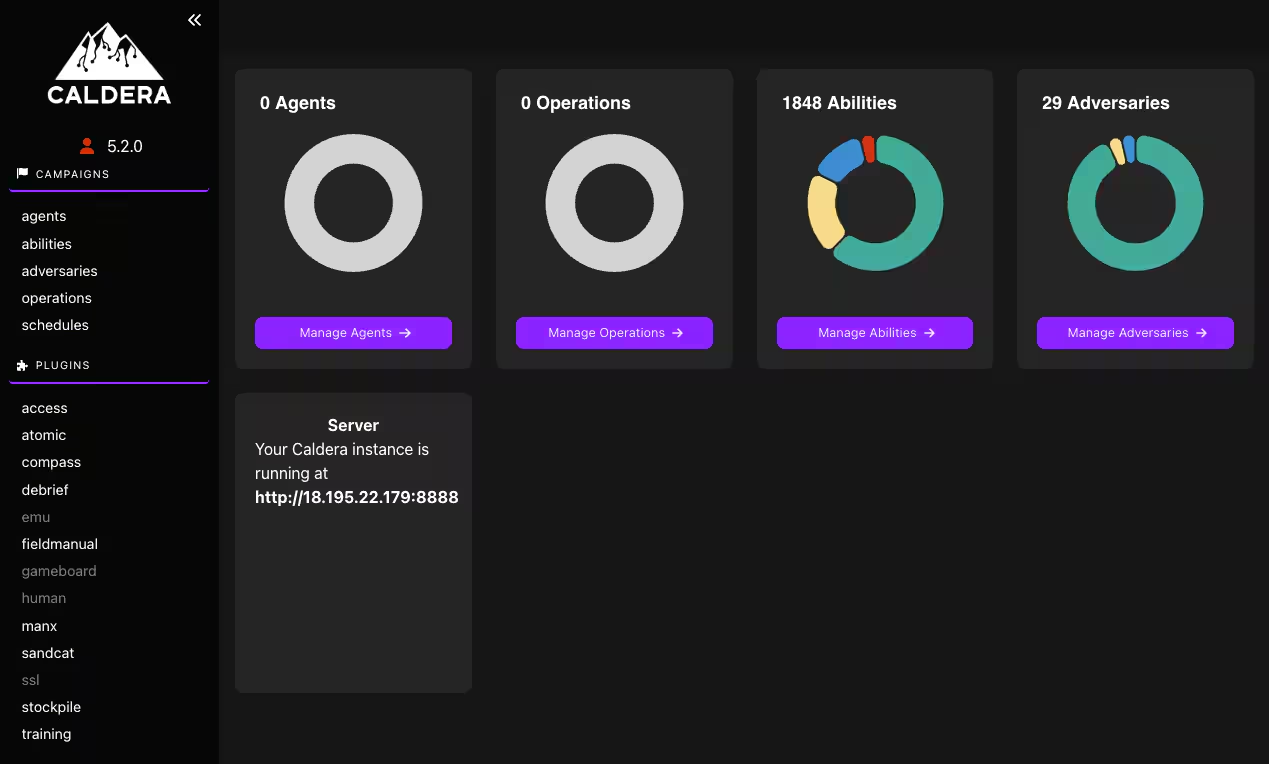
The latest Splunk Attack Range update significantly enhances Caldera integration, addressing previous implementation challenges that users faced. The improved integration streamlines the deployment and configuration of MITRE's Caldera adversary emulation platform within the Splunk Attack Range environment, making it more accessible and reliable. Security teams can now more easily execute complex attack chains and adversary behaviors through Caldera's interface, which runs on port 8888. This enhancement allows for more sophisticated attack simulations aligned with the MITRE ATT&CK framework, enabling more realistic testing scenarios and better validation of detection capabilities.
Version-Tagged Docker Containers
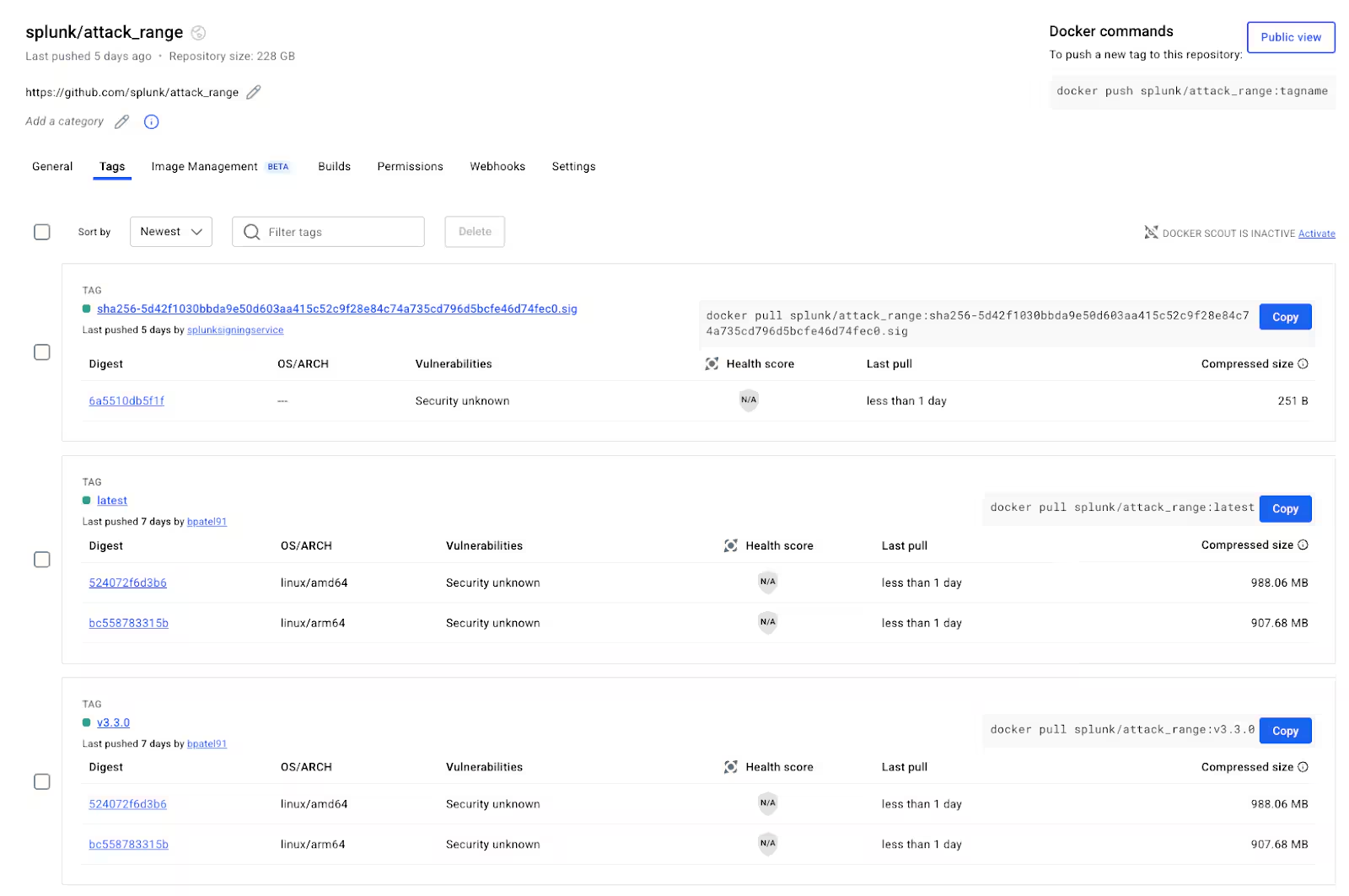
The latest Splunk Attack Range release introduces version-tagged Docker containers on DockerHub, a significant improvement over the previous approach that only offered "latest" tags. This enhancement allows security teams to select specific versions of Splunk Attack Range components, ensuring greater stability and reproducibility in testing environments. Users can now reference exact container versions in their deployments, making it easier to maintain consistent environments across different testing cycles and preventing unexpected changes when containers are updated. This versioning approach also facilitates easier rollbacks to previous configurations if needed, addressing a popular request from the Splunk Attack Range community.
Deprecate Splunk Attack Range Local
After careful consideration, we have decided to deprecate the local deployment in Splunk Attack Range due to ongoing challenges with VirtualBox and Vagrant. We will concentrate our development efforts on the cloud providers AWS, Azure, and GCP. For local cyber range needs, we recommend using Ludus along with the Attack Range environment it offers.
Get Started with Splunk Attack Range
Ready to get started with Splunk Attack Range? Visit our GitHub repository to explore the project and set up your environment today. The repository contains detailed documentation, step-by-step installation guides, and examples to help you quickly deploy Attack Range and start developing splunk detections. Join our community of cybersecurity professionals and contribute to the project by sharing your feedback, reporting issues, or submitting pull requests.
Related Articles

Predicting Cyber Fraud Through Real-World Events: Insights from Domain Registration Trends

When Your Fraud Detection Tool Doubles as a Wellness Check: The Unexpected Intersection of Security and HR

Splunk Security Content for Threat Detection & Response: November Recap

Security Staff Picks To Read This Month, Handpicked by Splunk Experts

Behind the Walls: Techniques and Tactics in Castle RAT Client Malware

AI for Humans: A Beginner’s Field Guide

Splunk Security Content for Threat Detection & Response: November 2025 Update

Operation Defend the North: What High-Pressure Cyber Exercises Teach Us About Resilience and How OneCisco Elevates It
