Refined User Experience, New Executive Visibility, and Enhanced Cloud Monitoring with Splunk Enterprise Security 7.0
Just like that, another year has gone by full of remote work, virtual conferences, and lengthy Zoom calls. And, although we were not able to see our fellow Splunkers in person at .conf21 that didn’t stop us from previewing the latest enhancements to Splunk Enterprise Security. And now, it gives us great pleasure to announce that Enterprise Security 7.0 is available!
This latest release is designed to help improve threat detection with advanced security analytics, give executives visibility into the health of the SOC, and showcases an all new user experience.
In Enterprise Security 7.0 we have continued to enhance our Risk Based Alerting (RBA) capabilities to provide a simple and elegant way to detect and respond to advanced threats. RBA helps organizations greatly reduce alert fatigue, and enables security teams to drive faster Mean-Time-to Detect (MTTD) and Mean-Time-to Respond (MTTR). This increased fidelity has resulted in reductions in false positive rates up to 30% and reduces alert volumes by up to 80%. Check out this .conf21 session to see it in action.
Okay, So What’s New with Enterprise Security 7.0?
With Enterprise Security 7.0 we continue to improve upon existing capabilities, while launching new features essential to the modern SOC.
Executive Summary Dashboard
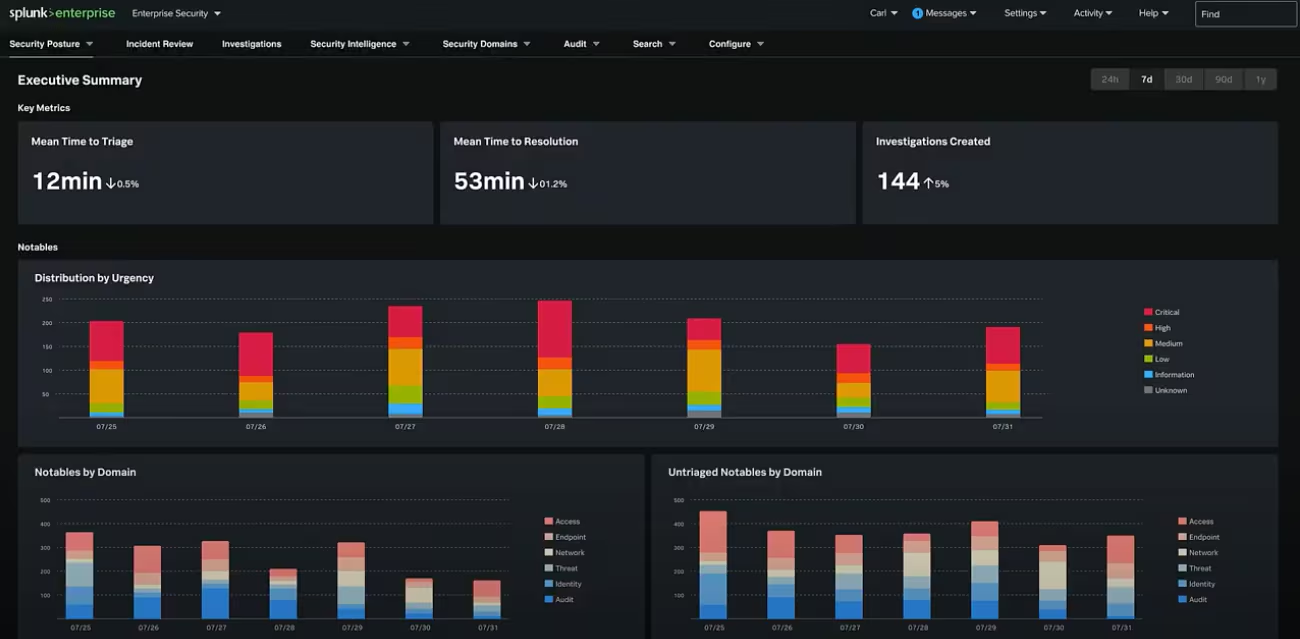
Enterprise Security provides organizations with a tremendous amount of info on how your security program is running. The new Executive Summary Dashboard surfaces key performance indicators that provide insights on the overall health of the SOC and facilitate reporting to CISOs and other senior leaders.
The Executive Summary Dashboard allows you to quickly access the following key insights:
- Mean Time to Triage
- Mean Time to Resolution
- Investigations Created
- Risk Based Alerting Trends
- And More!
Security Operations Dashboard
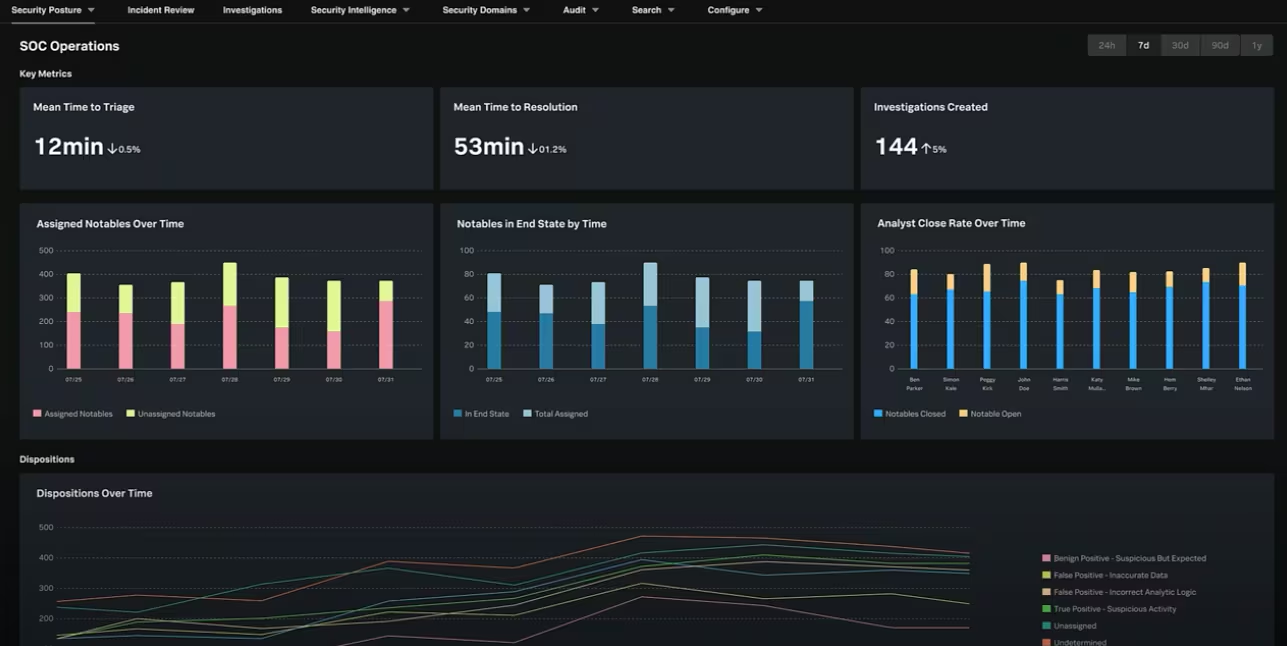
Similar to the Executive Summary Dashboard, the Security Operations Dashboard shares key insights but provides deeper analysis capabilities designed for SOC managers and team leads. These deeper insights allow for analysis of assigned notables and analyst workflows, and notable dispositions.
Check out this demo from .conf21 for a brief overview of the Executive Summary and Security Operations dashboards.
Cloud Security Monitoring Dashboards
Cloud complexity is on the rise and it is consistently challenging to get visibility into your environments, because many security teams are using numerous siloed security products that are not integrated. 75% of cloud infrastructure users are multicloud today, and two years from now 87% are expected to use multiple cloud service providers.
Cloud environments introduce new attack surfaces, such as new data streams, workloads, applications, and more to manage and secure. This increases risk and vulnerabilities. Enterprise Security 7.0 adds five brand new dashboards focused on data from Cloud native data sources to bring visibility across your hybrid environment with cloud security monitoring. These new dashboards are:
- AWS Security Groups
- AWS IAM Activity
- AWS Network ACLs
- AWS Access Analyzer
- Microsoft 365
Automated Real-Time Content Updates
The Enterprise Security Content Updates app is included with Enterprise Security 7.0. and will proactively notify you when a new update to the Content Updates App is available. Now, you get the latest security content from the Splunk Threat Research Team, as soon as it is available.
Modernized User Experience
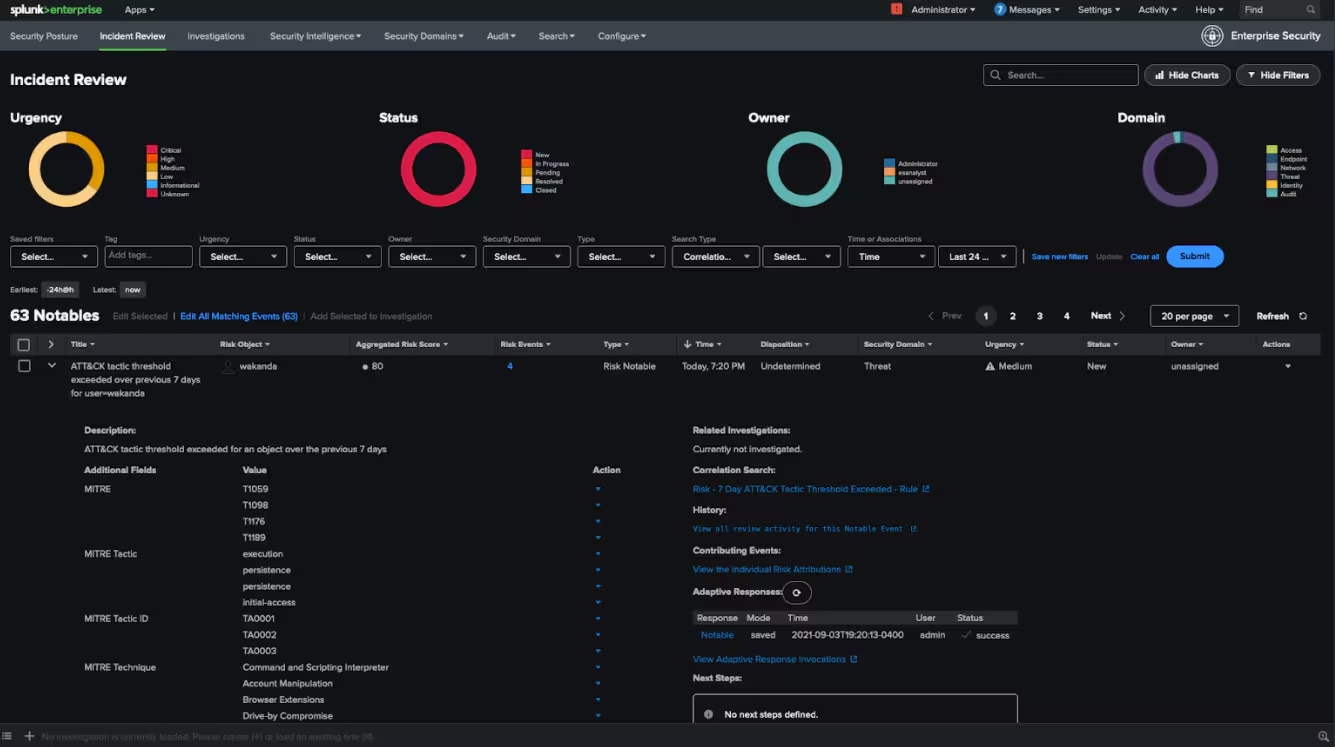
Enterprise Security has undergone a large change to the user experience, bringing it in line with other Splunk security products, adopting modern development frameworks and best practices. Also, Splunk Enterprise Security UI now allows you to switch between light and dark modes (Cloud Only), so you can choose what works best for you.
Get Started or Upgrade Today!
Splunk Enterprise Security 7.0 updates are available today in both Cloud and On-Prem environments. So no matter how you Splunk, you now have access to Splunk Enterprise Security 7.0.
To learn more about Splunk Enterprise Security 7.0, check out the recent .conf21 ES 7.0 overview presentation. We also invite you to check out the Splunk Security Analytics Virtual Event to see all the latest and greatest from Splunk for Security!
Thank you, and happy Splunking!
Related Articles
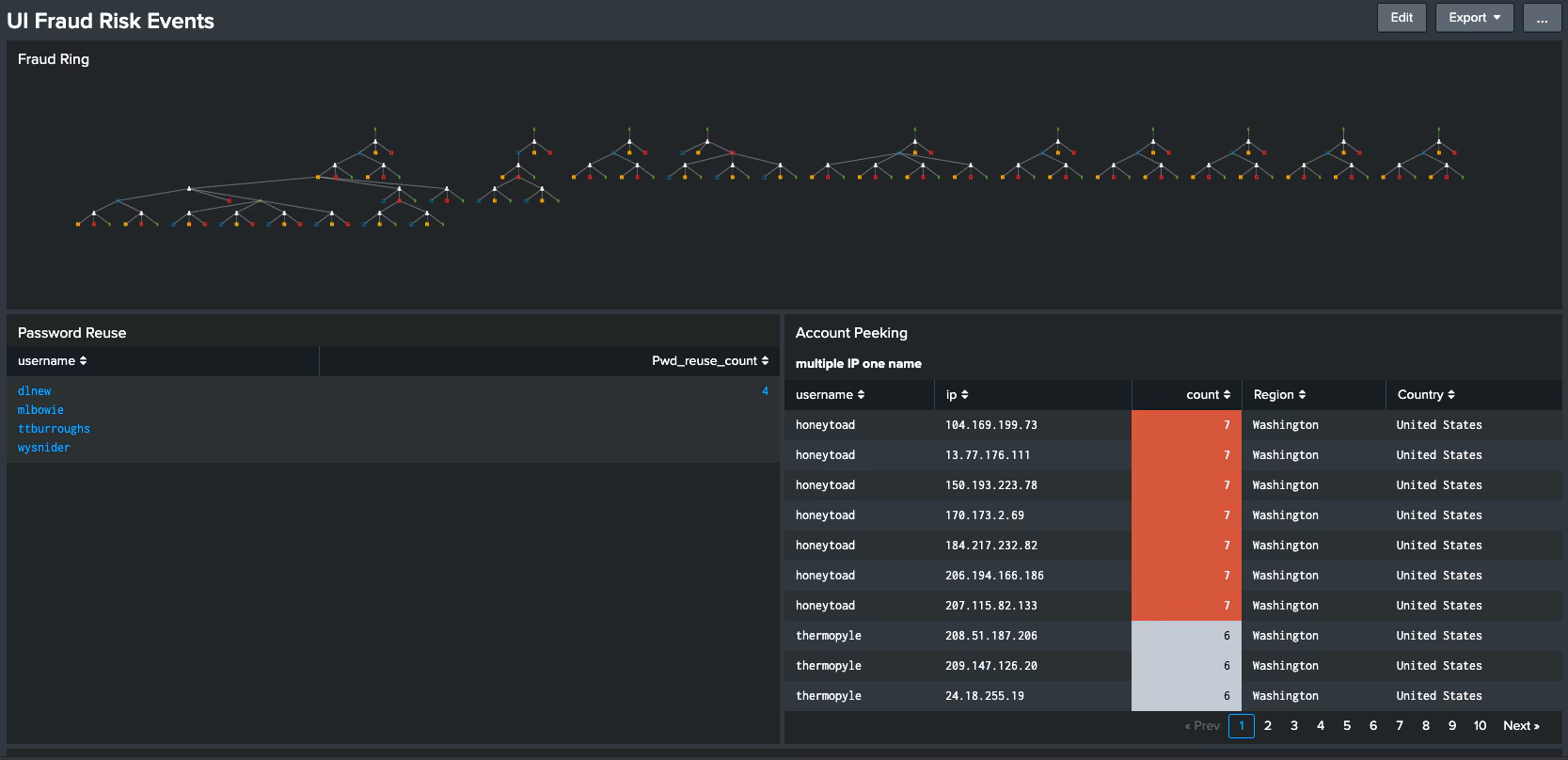
Yes, Virginia, There is a -Santa Claus- Way to Detect Unemployment Fraud

A Golden SAML Journey: SolarWinds Continued

Automation Made Easy: What’s New with Splunk Phantom
Splunk’s Response to the SolarWinds Cyberattacks

Detecting Supernova Malware: SolarWinds Continued

Staff Picks for Splunk Security Reading December 2020
Using Splunk to Detect Sunburst Backdoor

CI/CD Detection Engineering: Failing, Part 3