What the WEF... Choosing Windows Event Forwarding or Splunk Universal Forwarder
Forwarding Windows events and machine data into Splunk is essential for organisations to meet their IT operations and security business objectives. But this post is not about the "why" you send your Windows data to Splunk, it’s about the "how."
Today, I'm covering two methods of data collection:
- Windows Event Forwarding (WEF)
- Splunk Universal Forwarder (UF)
Why would you choose one over the other?
Too Long; Didn’t Read (TL;DR)
If you want to analyze Windows events only, then WEF is satisfactory. However, if you’re interested in analyzing non-event data including wire data, rolling application logs, database activity, orchestrate the execution of shell scripts on-demand, or have more granular control over event filtering, read on to learn about Splunk’s Universal Forwarder.
The Basics
Before we get into the details, let’s go over the basics.
What is Windows Event Forwarding? Windows Event Forwarding is Microsoft’s native (agentless) event forwarding capability. It allows administrators to send events to a central server in which Splunk can ingest.
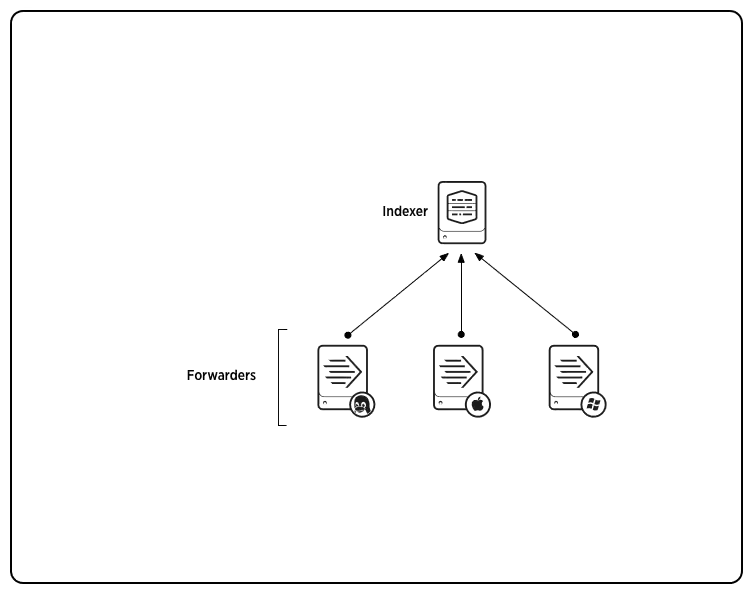
Splunk’s UF on the other hand is a highly configurable and scalable machine-data forwarder. So what do I mean by a machine-data forwarder? Well the Splunk UF can collect and forward any type of machine data, such as flat file, Windows events, registry, perfmon, scripted inputs—including PowerShell and batch—Windows Management Instrumentation data, network packet captures and more.
We'll go into the outcomes you can get a little further on in this post.
Requirements
Now that we have gone over the basics, ask yourself—"What are the business objectives I would like to meet that machine data can provide?".
Here are some questions I ask myself and my customers:
- Is the data I am collecting from my endpoints going to be enough to detect tomorrow's threat?
- Can I use the machine data that I am collecting to improve end-user experience?
- How flexible is my collection capability when it comes to ad-hoc reporting?
- If my needs change, how quickly can I respond and implement new policies?
- How granular can I be without adding complexity?
These are just some of the questions you may ask yourself when choosing WEF versus Splunk’s UF.
What Can They Both Do?
So what are the capabilities of both WEF and Splunk’s UF?
- Forward Windows events
- Send data over an encrypted channel
- Simple filtering of events
- Simple bandwidth control
What Can WEF Do That Splunk Can’t?
Hmm... Actually, Splunk can do everything WEF can do and much more.

What Can the Splunk UF Do That WEF Can’t?
Rather than rattle off features, let’s document some of the requirements that I consistently hear from my customers. (This is by no means all of them).
- Data Throttling – I need to be able to granularly customise the rate at which data is sent over the network; the Splunk UF allows you to specify the kilobyte per second rate that data is forwarded to Splunk.
- Customisation – I would like to be flexible in how I monitor without the need to create separate Group Policy Objects (GPO’s) and complexity; with Splunk’s Deployment Server you can easily group assets by hostname, IP and Operating System.
- Fine-grain control – I need to monitor registry keys on my endpoints without creating too much noise. The Splunk UF allows you to monitor specific registry keys without the need to enable object access auditing (noisy in Windows).
- Extensibility – I would like to run a PowerShell script across my endpoints to perform tasks such as query patch levels or query installed applications. The Splunk UF allows you to run scripted inputs using PowerShell and ingest the output into Splunk.
- Scripting – I would like the ability to get the output of executables such as autoruns or accesschk.exe (post coming later on this). With a simple batch script, you can run an executable and ingest the output.
- Endpoint – I would like to monitor a flat file log on my endpoint such as SCCM logs, group policy logs, outlook advanced logging or Windows firewall logs. The Splunk UF allows you to monitor any non-binary file on your hosts.
- Granulailty – I would like to filter events with a lot more granularity. Using Splunk’s UF, you can filter events using a whitelist, blacklist or Regular Expression. Think about the ability to whitelist processes that are run from particular service accounts.
- Real-time – I need to collect historic and real-time events. Using WEF alone, you cannot ingest events from the past. It will only start forwarding events from the time that the event forwarding subscription was started, but Splunk’s UF allows you to collect all the logs that exist on the host.
- Network Sniffing – I would like to be able to enable network packet capture on specific hosts (think post compromise). The Splunk UF can be deployed with a free app called Splunk Stream that allows you to collect a range of network metadata from "the wire" of any host in your environment.
I could go on and on, but then I would probably get RSI from all of the typing. :)
Hopefully, this post has been informative and helps to show you that the ultimate machine data forwarder is the Splunk Universal Forwarder.
----------------------------------------------------
Thanks!
Domenico “Mickey” Perre