Splunking F1: Part Two

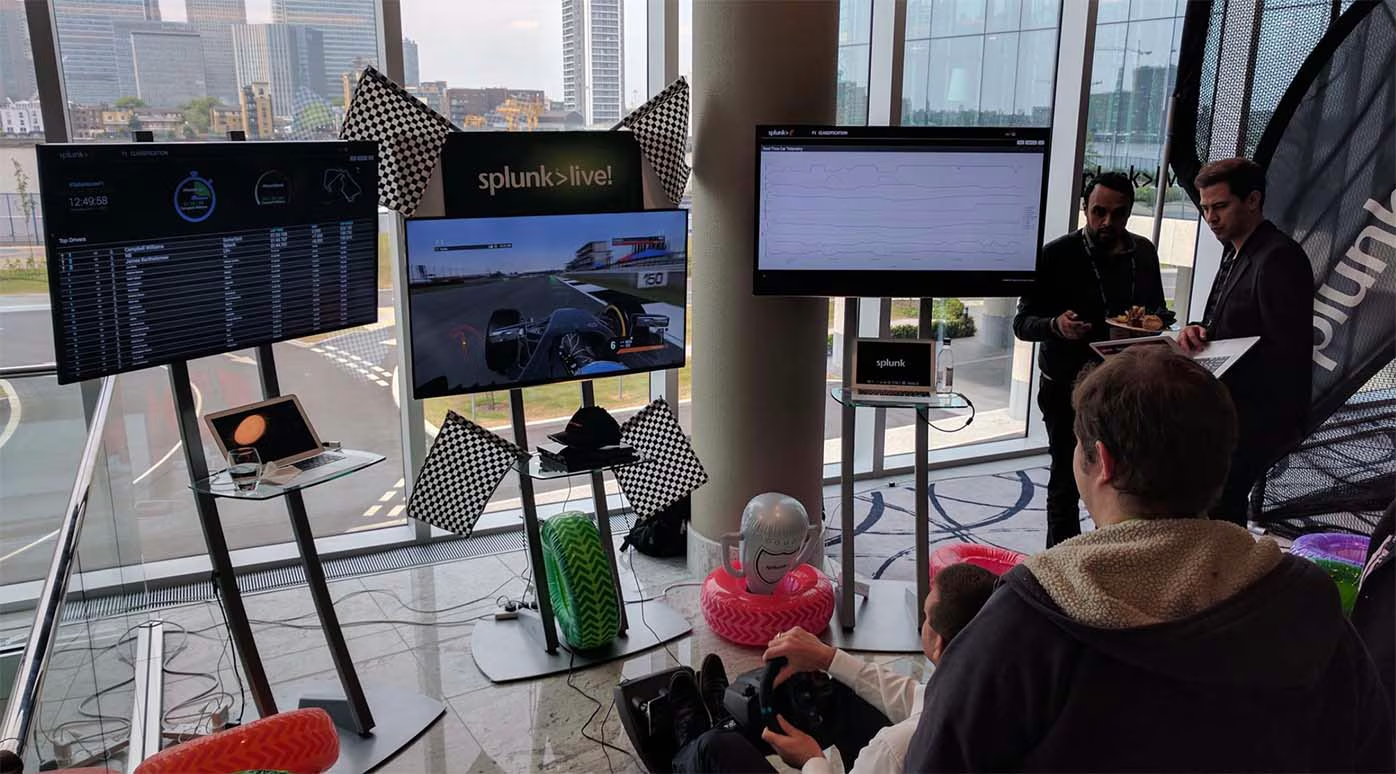
Do you remember when your maths teacher told you it’s not the final answer that’s important, it’s your working out that really counts? Well, during this year’s SplunkLive! London event, we had a tie for first place on our F1 racing simulator; two identical lap times to within one thousandth of a second - amazing! Both James and Joe wanted to win the first prize – tickets to the British Grand Prix, so we decided to investigate their driving styles by examining the car telemetry data streamed to Splunk during their respective sessions. Much like an outage or security investigation, with the data in Splunk, we were able to unwind the events to find out how we arrived at the end result. In this case, the result was the fastest lap time. In other scenarios, it could be how security defences were breached, or why a server went down, the process is the same.

One element missing from the F1 data listed in part one of this post, was information concerning the actual driver. To supplement this, we built a simple form in Splunk to capture driver name and demographic data, storing the information in the Splunk KV Store. The final piece; the leaderboard dashboard, correlates the driver information with the telemetry data collected during the race to determine fastest completed lap, of the first 3 laps per contestant.

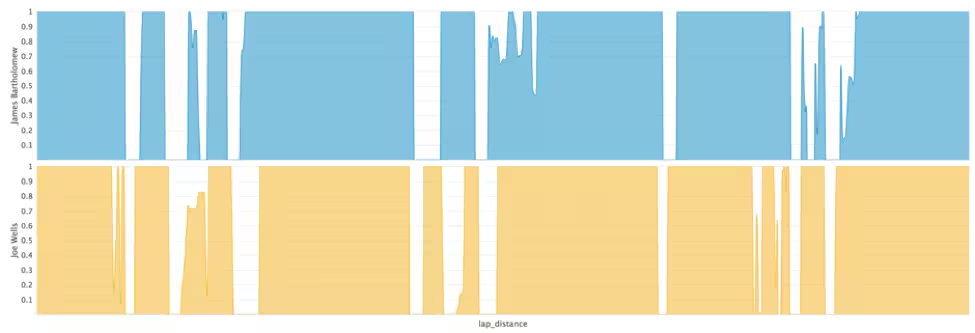
The table below shows the average throttle, brake and steering application from the driver, ranging from 0 (no application) to 1 (full application).

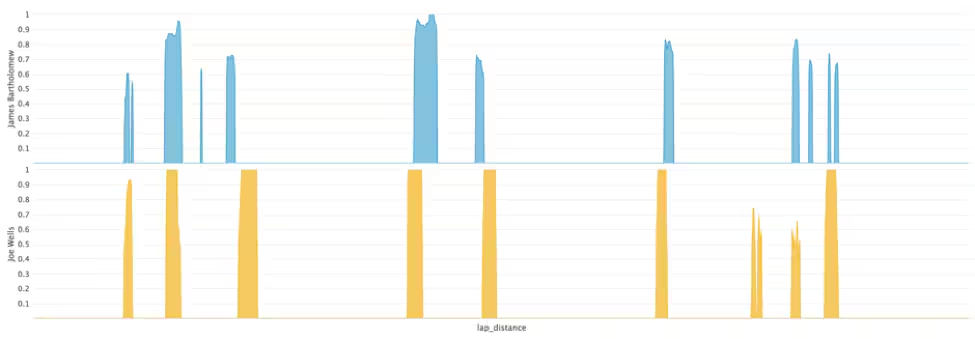
Session Summary Stats From the above summary table, we can see that James was on the throttle longer and on the brakes less of the time, indicating that he accelerated and braked harder than Joe – key for a fast lap time. James also used less steering angle, indicating a smoother driver, again key for being fast. So how was Joe able to match James’s lap time?

Throttle Application

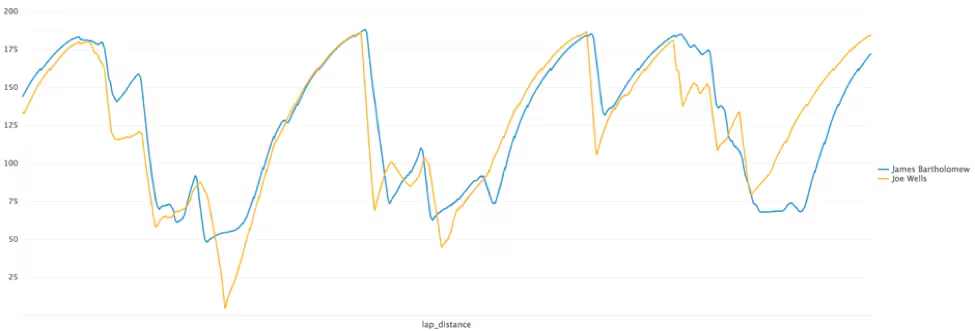
Brake Application The answer isn’t obvious when looking at the driver inputs alone. However, the speed of the car does give a clear indication. The speed chart from the two drivers reveals that James had a terrible last corner as the pressure of the big prize got to him! Joe kept a clear head and applied the power beautifully through ‘Club Corner’, a very fast right hander which requires the driver to balance the car on the edge of adhesion. This allows him to recover the time that he had lost to James in the earlier part of the lap.
Speed (mph)

For those who missed out on the excitement, the competition is sure to make another appearance at a Splunk event near you! We are also exploring additional features to add to the app, such as the use of the Machine Learning Toolkit to predict behaviours based on player demographic, driving style, and to correlate the data with real-world IOT data sources.

Not and F1 fan? Let us know what other sports you think we could Splunk. Who knows, it could be our next event competition!
SplunkLive London F1 simulator

----------------------------------------------------
Thanks!
Haider Al-Seaidy

Related Articles
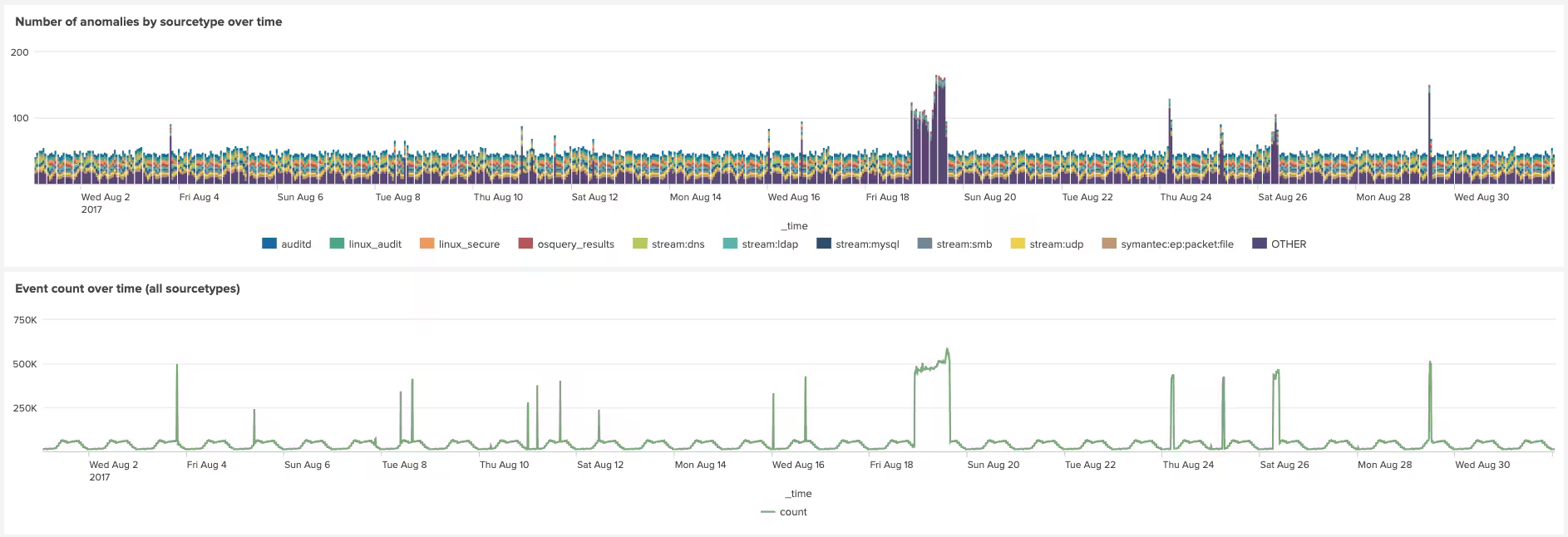
Cyclical Statistical Forecasts and Anomalies - Part 6

Platform
5 Minute Read

Cyclical Statistical Forecasts and Anomalies - Part 6

Identifying anomalies in data is the top use for machine learning in Splunk. Here we will take you through a simple method for how you can detect anomalies on your data using SPL.
Splunk Operator 1.1.0 Released: Monitoring Console Strikes Back!

Platform
2 Minute Read

Splunk Operator 1.1.0 Released: Monitoring Console Strikes Back!

We’ve taken another big step in our efforts to bring Splunk Enterprise for self-managed customers into a Cloud-native deployment platform with Kubernetes.
Splunk Embarks on AWS Graviton Journey with Amazon EC2 Im4gn and Is4gen Instances

Platform
1 Minute Read

Splunk Embarks on AWS Graviton Journey with Amazon EC2 Im4gn and Is4gen Instances

We're excited to announce that Splunk Cloud Platform is moving to next generation AWS Graviton2 processor hardware to help enable enhanced performance for customers who choose AWS as a provider.
Announcing the General Availability of Data Manager
Platform
2 Minute Read

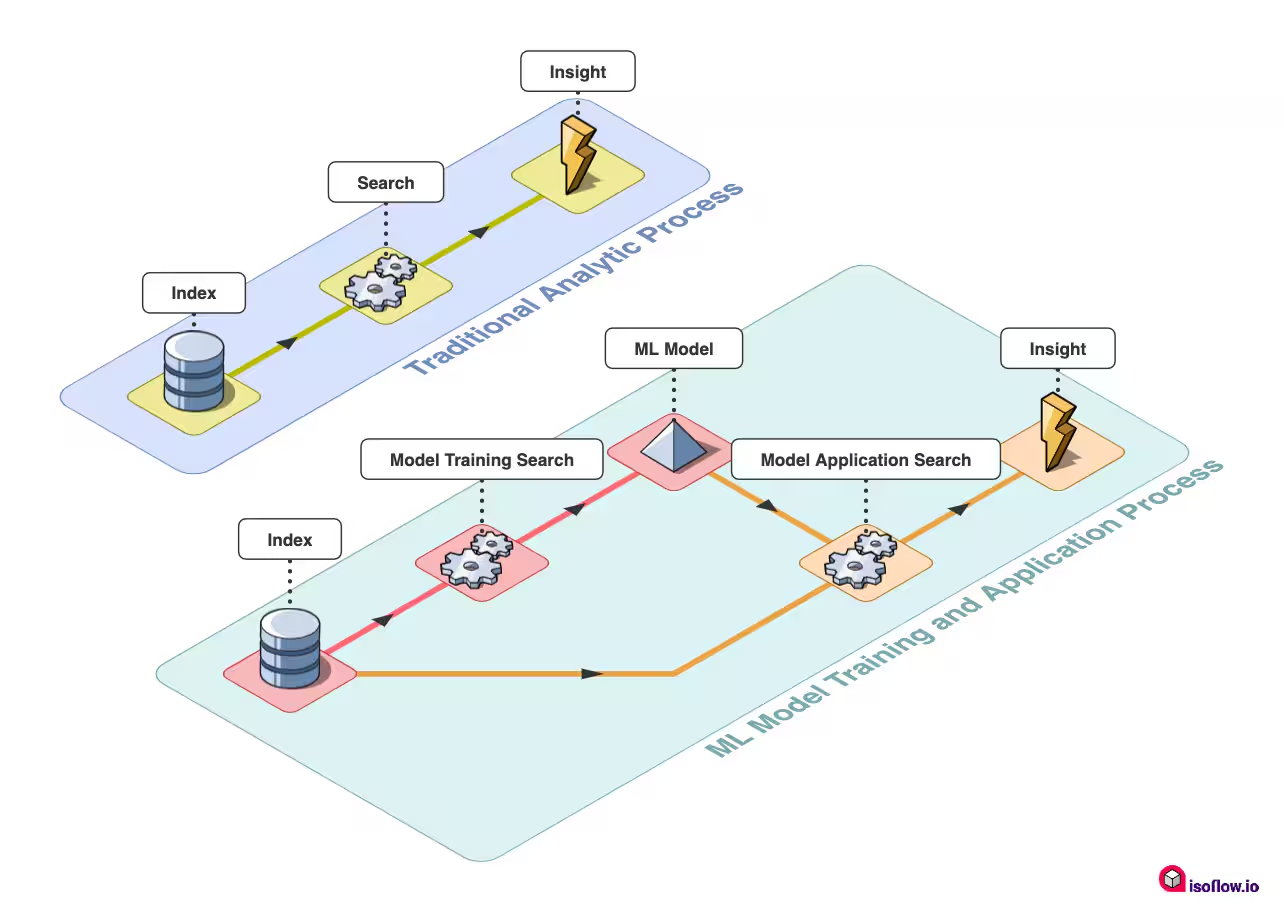
Announcing the General Availability of Data Manager

Learn how Splunk is making 'getting data in' (GDI) easier by allowing customers to easily access and take action on their growing cloud data sources.
Getting Started with Machine Learning at Splunk

Platform
3 Minute Read

Getting Started with Machine Learning at Splunk

Dive into the concepts and resources to help get familiar with using the Splunk Machine Learning Toolkit, and get a look at some of the new content we’re working on to help you get more insight from your data using machine learning.
Is the Cloud an Experience or a Destination?
Platform
3 Minute Read

Is the Cloud an Experience or a Destination?

Splunker Irshad Raihan dives into how modern enterprises can benefit from their cloud journey to solve the most gnarly data challenges to unlock innovation, enhance security, and drive resilience.
New Year, New Dashboard Studio Features: What's New in 8.2.2201

Platform
3 Minute Read

New Year, New Dashboard Studio Features: What's New in 8.2.2201

New year, new Dashboard Studio tokens and visualizations updates — we're kicking off the year with improvements in Splunk Cloud Platform 8.2.2201.
Introducing New Storage Dashboards in the Cloud Monitoring Console (CMC)
Platform
3 Minute Read

Introducing New Storage Dashboards in the Cloud Monitoring Console (CMC)

Splunk released three new dashboards (March 2022) in the CMC app that provide a more comprehensive snapshot of data entitlement, usage, and restoration; these dashboards will help Splunk Cloud Platform administrators more effectively manage their organizations’ license limits.
Splunk UI and the Dashboard Framework: More Visual Control Than Ever
Platform
4 Minute Read

Splunk UI and the Dashboard Framework: More Visual Control Than Ever

This blog covers the dashboard framework, a collection of packages designed to help users render Splunk Dashboards directly into their app using ReactJS.