Cisco builds a unified observability experience between AppDynamics and Splunk
The importance of seamlessly integrated, contextual-rich workflows between observability solutions is critical to operational efficiency. Now Cisco extends the full-stack observability portfolio through a unified observability experience starting with single sign-on (SSO) and deep linking that maintains the context for troubleshooting across AppDynamics and Splunk.
SREs and DevOps engineers often use multiple observability tools for development and troubleshooting. When issues are detected within back-end services, these triaging workflows often require separate logins to switch between solutions in order to zero in on the root cause of an issue, causing friction and user frustration.
Additionally, if multiple tools are used to identify issues, engineers and developers will often have to duplicate their work within these disjointed tools to identify a root cause. This disjointed process is overly complicated, distracting, and downright annoying. Worse, it results in lost productivity and disrupted resource allocation.
Cisco is introducing integrations that enable unified observability experiences that not only simplify user navigation with secure, instant access via SSO, but that also accelerate performance troubleshooting through new deep-linking functionality between AppDynamics and Splunk.
Simplified workflows start with a secure single sign-on
As an engineer, you should not have to log into multiple tools to complete everyday work. A unified and simplified log-in experience streamlines workflows and ensures consistency and usability. SSO authentication improves the productivity of operations and business teams, who can instantly transition between services and products without multiple log-ins.
Using SSO, AppDynamics and Splunk users can log in once and move seamlessly and securely between the two products. To provide industry-leading security, shared credentials across AppDynamics and Splunk, you can use an industry-standard Identity Provider (IdP) platform that supports SAML 2.0 compliance standards such as Okta, DUO, etc.
Deep linking helps maintain context across observability tools
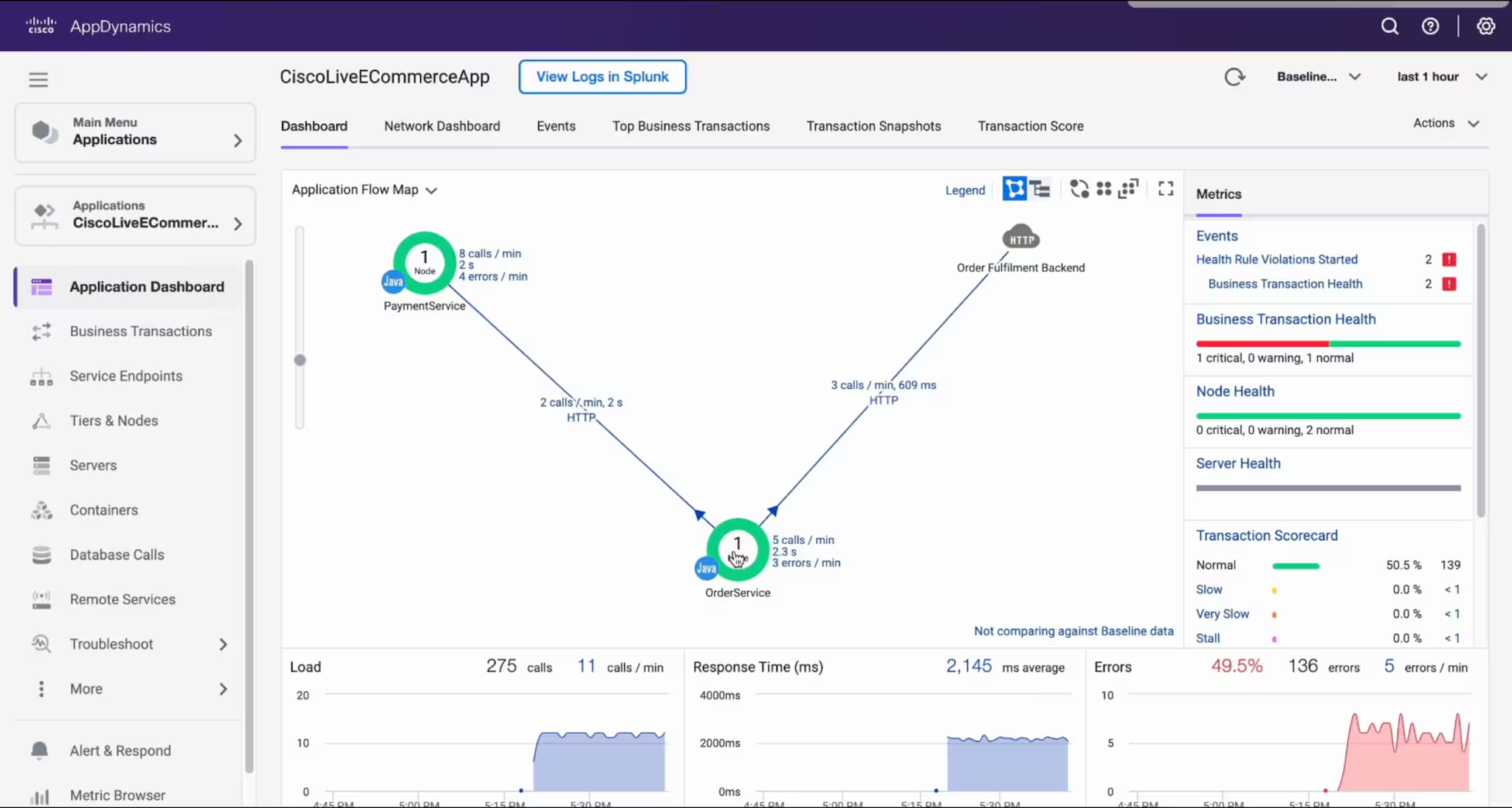
A disjointed workflow can dramatically slow troubleshooting and resolution times. When analyzing performance issues, there is often the need to hand the context and details over from one tool to another for further review. This deep-linking process (i.e., deep linking with Log Observer Connect) provides troubleshooting context between AppDynamics and Splunk. For example, if you identify a performance issue within AppDynamics business transaction, with one click you can quickly jump to the relevant log information associated with that business transaction directly within Splunk without needing search for it and starting your troubleshooting research over again.
Maintaining workflow context during this investigation process can dramatically improve mean time to detect (MTTD) and reduce the mean time to remediate (MTTR), freeing up operations and developer resources while improving application performance and uptime.
Cisco AppDynamics + Splunk = Better Together for Full-Stack Observability
Disjointed tool sprawl is inefficient. Logging into multiple products extends troubleshooting times and consumes additional resources. And maintaining that troubleshooting context is potentially error-prone when traversing tools.
Cisco focuses on three core items:
- Unifying the troubleshooting experience.
- Improving workflow efficiency.
- Maintaining the data context across tools.
The unified observability experience between AppDynamics and Splunk benefits SREs and DevOps by streamlining workflows between two leading full-stack observability products. IT leaders see the immediate benefits of faster ticket resolution, operational productivity, and improved back-end user experience. CIOs can better optimize strategic objectives and enhance overall performance that supports business objectives.
Ensuring a seamless, unified observability experience between AppDynamics and Splunk via SSO and troubleshooting context between tools with deep links that maintain the context of the investigation, enables positive user experiences. Integration and context sharing means that work can be completed more efficiently providing one solution that is best suited for the task.
Learn more:
Register now for the Better Together: Introducing new Splunk integrations and AI innovations for Cisco AppDynamics webinar, where you will learn about new observability and operational efficiency enhancements—from AI innovations to Splunk log analysis solutions for AppDynamics.
In his latest blog, “Bringing the Cisco AppDynamics + Splunk Better Together story to Cisco Live,” Ronak Desai, SVP, GM Cisco AppDynamics and Full-Stack Observability, shares his thoughts on Cisco Live and the AppDynamics + Splunk – Better Together story.
Lastly, these blogs provide additional insights into these recent announcements:
Related Articles
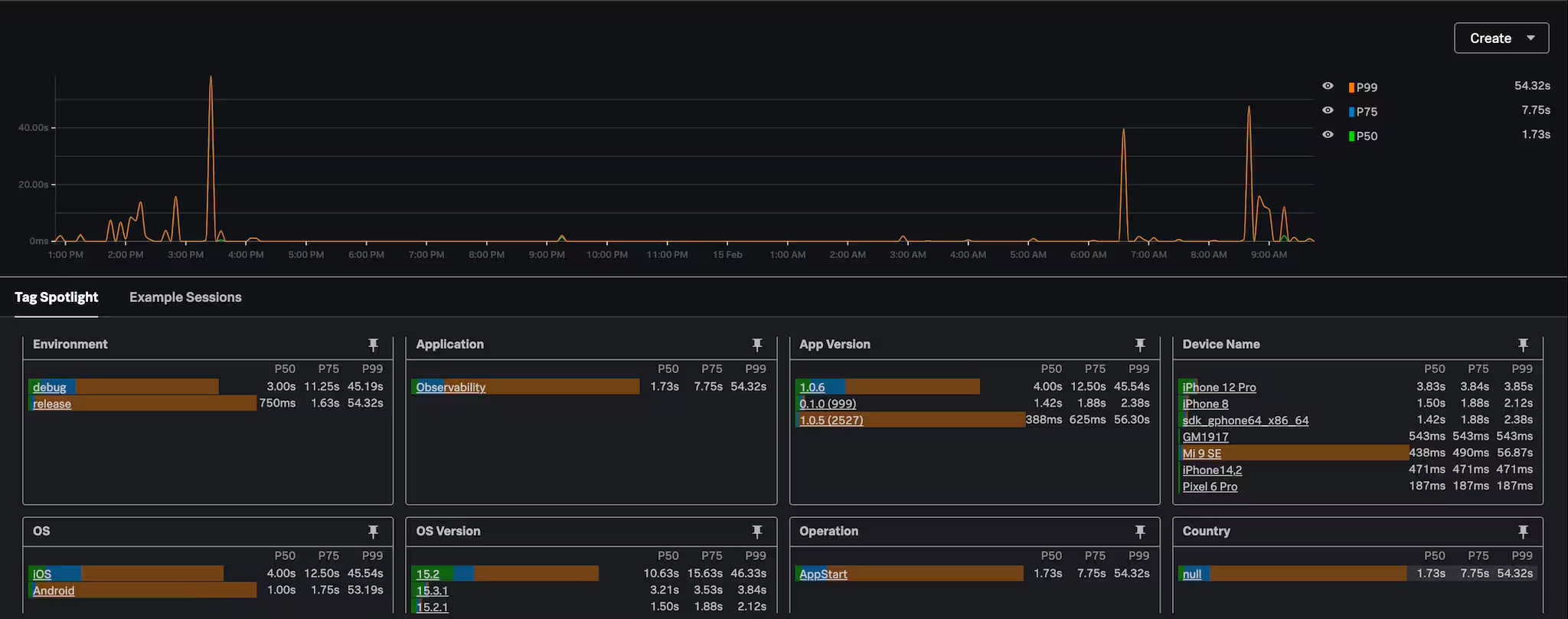
Deep Dive into the App Start Experience

Leverage contact center monitoring for world-class customer experiences
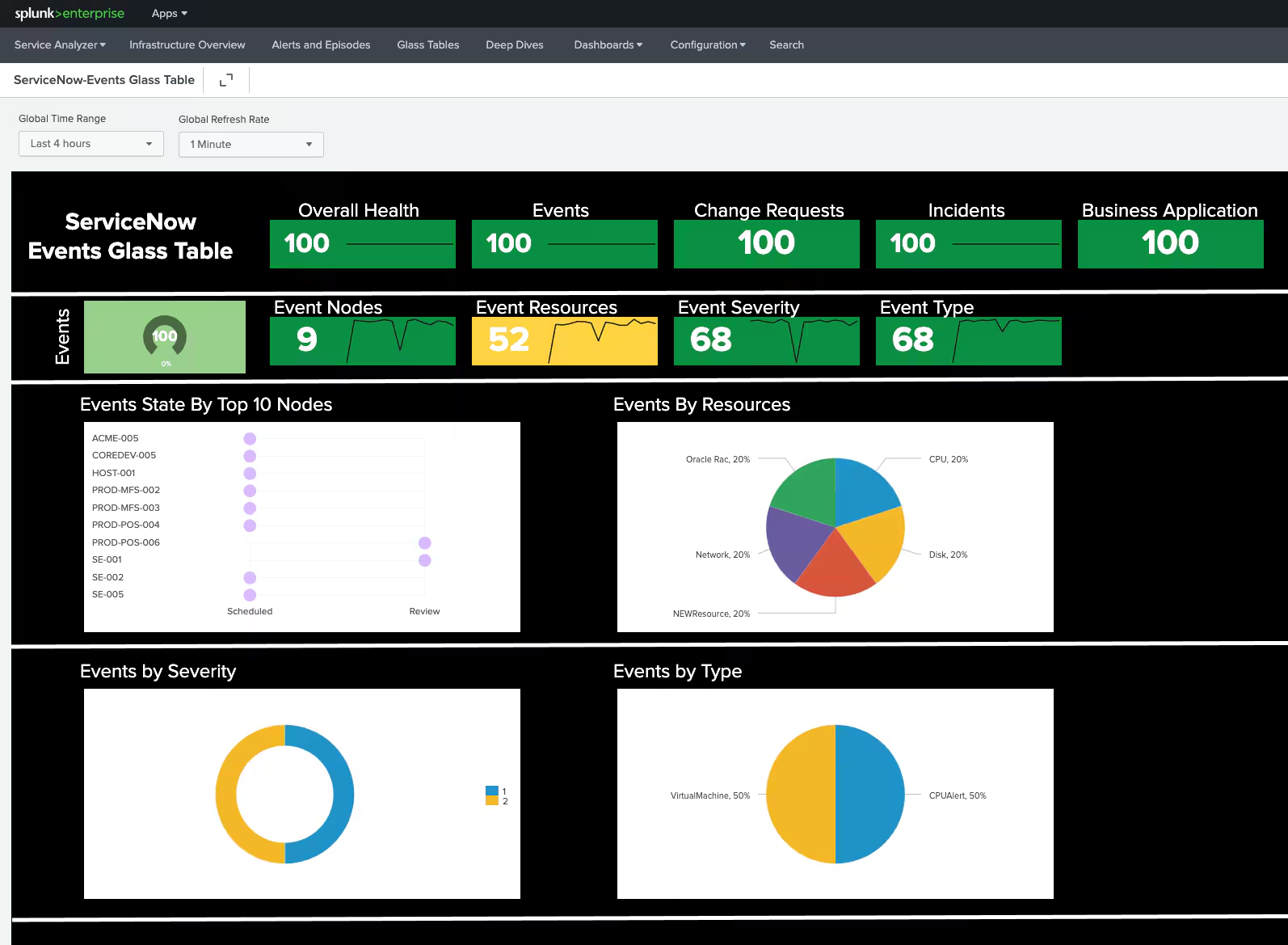
ServiceNow Is Available in Splunk Enterprise!

Optimizing Mobile App Startup with Splunk Real User Monitoring
IT Service Intelligence (ITSI) Comes to Splunk Mobile and TV
Splunk Remains the Leader in APM and Observability — GigaOm Report Confirms It
NEW: Splunk Synthetic Monitoring Adds Single Sign-On (SSO) and Security Improvements
How to Configure the Opentelemetry Collector to Begin Collecting Metrics