Your Guide to the Observability Track for Engineering Teams at .conf25
Splunk’s largest event of the year — .conf25 — is right around the corner, and the energy is building. Whether you’re coming to sharpen your skills, explore the latest in observability, or simply connect with peers who “get it,” there’s something here for everyone. Out of 250+ sessions, 60+ are dedicated to observability! What a huge opportunity for IT Engineering pros looking to elevate reliability, minimize toil, and showcase measurable impact.
Whether you’re a software engineer building and deploying services or an SRE ensuring they run reliably in production, this guide cuts through the noise and surfaces key sessions, especially those centered on OTel, Kubernetes, and Splunk Observability Cloud.
Pro tip: This guide matches the official IT Engineering learning path, so your custom agenda link is already aligned and ready to go. Just smash the “Add to schedule” button on that page, and you’re off!
What’s a Learning Path?
Learning paths help you enhance your skills and explore sessions tailored to your career. Choose a role, follow the curated path to find relevant content and resources, and access the session catalog to plan your perfect schedule. Learn more about learning paths here.
Session Recommendations
The session ID and title for each recommendation are linked directly to the session catalog, which includes:
Full session descriptions
Learning objectives
Product references
Speaker information
Session Levels Simplified
Novice: Big-picture foundations and simple workflows
Intermediate: Practical guidance building on prior exposure
Advanced: Deep dives for experienced pros ready to go under the hood
Keynotes
KEY2053 – Welcome Keynote: Official .conf25 kickoff with exciting announcements and the latest Splunk news.
KEY2054 – Product Keynote: The biggest announcements, boldest roadmaps, and brightest trends for .conf25. Explore platform, security, and observability innovations with Splunk leaders.
Interactive Workshop Sessions
Hands-on labs where you bring your own laptop for guided product use cases and demos.
OBS1420 – From 0 to 60: Kubernetes Observability at Full Speed with AI (Intermediate) Kubernetes is powerful, but without proper monitoring, it’s a black box. In this hands-on interactive workshop, you’ll go from 0 to 60 in Kubernetes observability, instrumenting a live K8s environment with Splunk Observability Cloud agents at full speed. No slides, just real-world monitoring. You’ll detect anomalies, uncover performance issues, and put the AI Assistant in the driver’s seat for faster troubleshooting. Why it matters: Get production-grade Kubernetes observability running quickly, so you can spot and fix issues before they impact users.
OBS1091 – Hands-on with Code Profiling: Blaming the Right Line of Code for Performance Problems the First Time (Intermediate) Performance problems are easy to identify with metrics and traces, but those can’t get you to the root cause. In this workshop, you’ll take a Java application, deploy automatic OpenTelemetry instrumentation, enable Splunk APM’s AlwaysOn Profiling, and see exactly how user interactions affect memory and CPU usage. You’ll pinpoint the problematic line of code and fix the performance issue yourself. Why it matters: Pinpoint and fix performance bottlenecks at the code level without guesswork. Get hands-on and see it for yourself.
OBS1088 – OpenTelemetry Mastery: Advanced Configuration Including Resilience, Routing, and Data Transformation (Advanced) Master OpenTelemetry configurations and optimize your observability pipelines. Learn to create and modify configurations, from basic setups to advanced scenarios, including metadata configuration, debug, file exporters, and local telemetry storage. You’ll explore routing traffic, collecting logs, boosting agent resilience, and applying data transformations like span filtering and OpenTelemetry Transformation Language. Why it matters: Fine-tune your telemetry pipeline to maximize performance, control costs, and improve reliability.
OBS1069 – Splunk Observability Digital Experience Monitoring: Install and Configure Splunk RUM and Splunk Synthetics (Intermediate) Explore Digital Experience Monitoring with Splunk Real User Monitoring (RUM) and Splunk Synthetic Monitoring. Learn to install and configure these tools, troubleshoot proactively, and detect issues before they impact users. You’ll also see how to leverage Observability Cloud data to improve operational success. transformations like span filtering and OpenTelemetry Transformation Language. Why it matters: Maintain high-quality digital experiences by detecting and fixing issues before users notice.
Technical Sessions
OBS1315 – Build a Self-Serve, Scalable Observability Practice with Splunk (Intermediate) Learn how Splunk can help you build an observability practice that scales. From observability-as-code to RBAC, token management, metrics pipeline optimization, and OpenTelemetry, you’ll discover strategies to improve metrics usage, control data costs, and streamline troubleshooting. Why it matters: Build an observability platform that scales with your systems and teams.
Theater Session
Theater sessions are concise 20-minute presentations offering rapid insights and proven strategies.
OBS1432 – Best Practices for Mastering Synthetic Monitoring (Intermediate) Synthetic monitoring helps teams detect and fix issues before they impact customers. This session covers how to design meaningful synthetic tests, optimize performance, and integrate synthetic data into your broader observability strategy. Why it matters: Stay ahead of issues by simulating real-user journeys and spotting problems early.
OBS1235 – Best Practices for a More Personalized Experience with Splunk Observability (Novice) Learn how to get started with Splunk Observability by curating relevant content, using global search effectively, and creating personalized dashboards, services, and alerts to speed up troubleshooting. Why it matters: Save time by surfacing the right data, right when you need it.
OBS1281 – Proactively Troubleshoot Kubernetes Environments with Splunk Cloud Observability (Intermediate) Kubernetes is complex and fast-moving, but Splunk Cloud Observability can help reduce MTTR by over 90%. This session covers proactive troubleshooting workflows, cluster maps, entity health tracking, and custom dashboards to keep services healthy at scale. Why it matters: Keep your Kubernetes clusters performant and resilient—even in massive, dynamic environments.
Don’t Miss the Social Scene
.conf25 blends learning with connection. Here’s where to plug into the energy:
Welcome Reception – Monday, September 8
Happy Hour – Tuesday, September 9
Search Party! – Wednesday, September 10
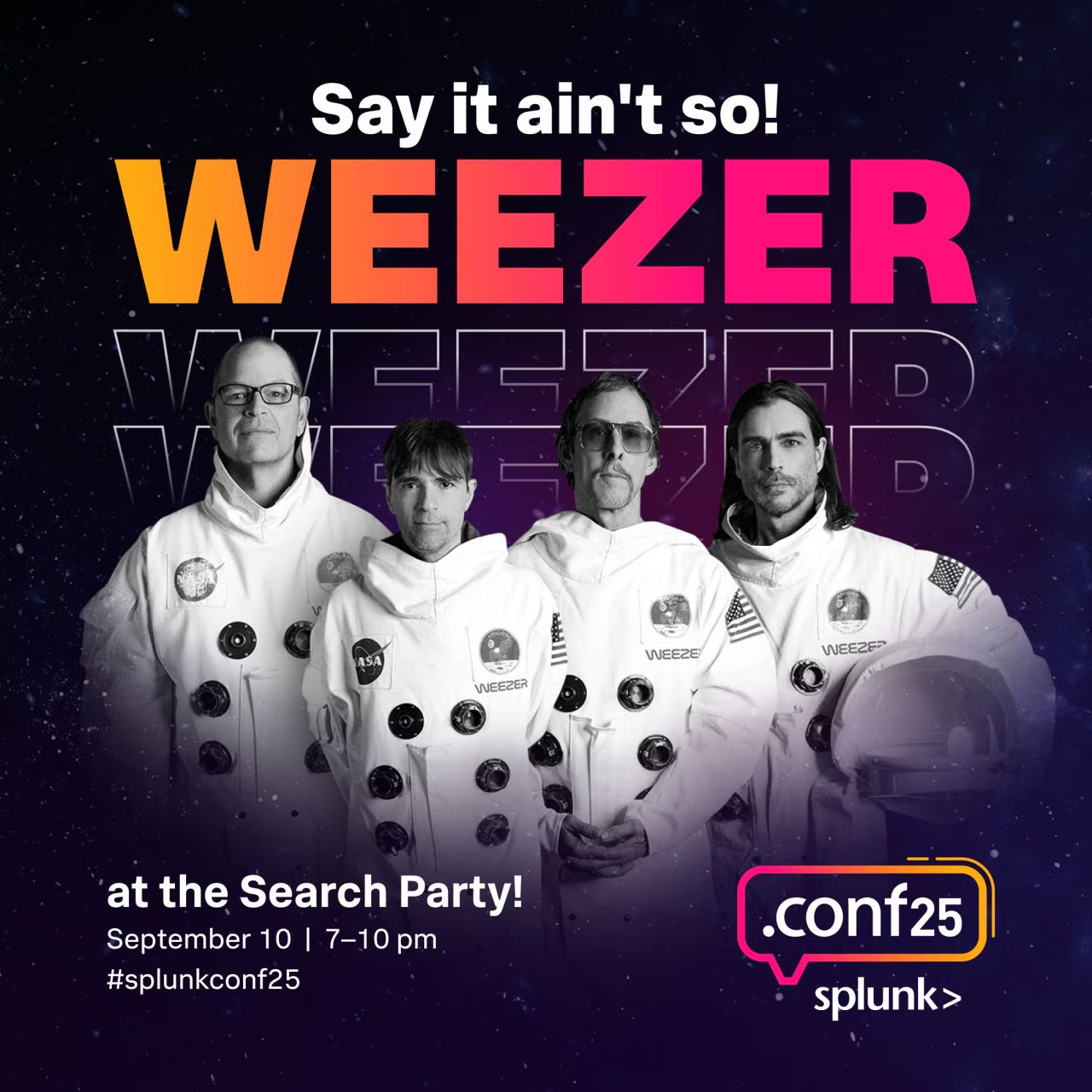
Weezer Concert at .conf25 – Wednesday, September 10
You’ve got the sessions, the learning path, and the social scene. Now it’s time to make it yours. Use this guide to plan your week, make connections, and bring back ideas that will make a real difference for your team.
Explore more sessions: .conf25 Session Catalog (here’s a quick link to all of the Observability Sessions)
Build in some social time: Don’t miss the Welcome Reception, Happy Hour, or the Weezer concert!
Bring it home: Commit to at least three practical takeaways to share and implement with your team after the event
Have colleagues attending .conf with different roles, or looking to boost their OpenTelemetry know-how? We’ve got them covered. Check out the Learning Paths for IT Operations and OpenTelemetry so they can get the most out of their week at .conf25.
See you in Boston for .conf25!
Follow all the conversations coming out of #splunkconf25!